guides
How to Evaluate AI Low-Code Internal App Builders Before You Pilot
A documentation-based pilot guide for AI low-code internal apps: follow data ownership, identity, permissions, ALM, and licensing without assuming a tenant test. Security and production deployment not tested; prices not verified.
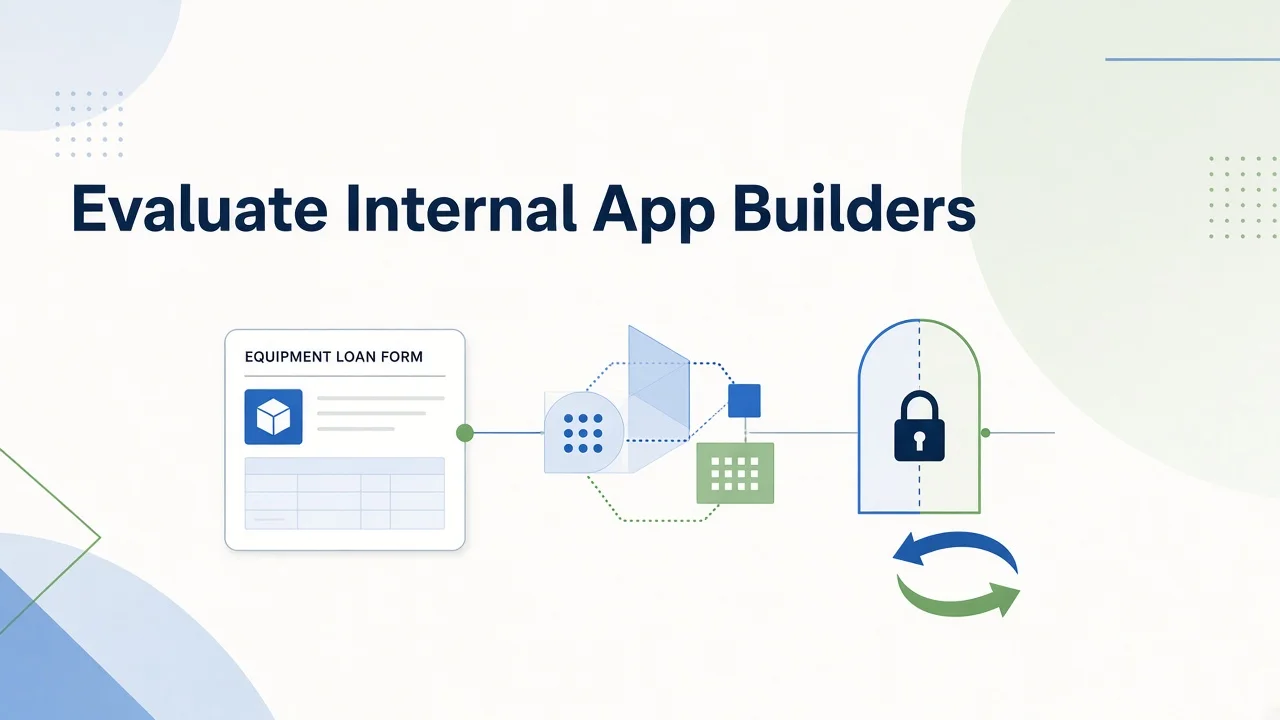
An internal application is a promise about who can see data, who can change it, and who will maintain the process after launch. Generating a form is only one part of that promise. Before piloting an AI low-code builder, identify the system that owns the records and the people responsible for access, review, and recovery.
This documentation-based guide was reviewed on November 10, 2026. We did not access administrator tenants, build applications, connect databases, or deploy software. No permission model, security control, mobile behavior, or production release was tested. The proposed acceptance checks below help define a future authorized evaluation; they are not reported product results.
Route the decision through your data environment
Microsoft Power Apps warrants investigation when Microsoft identity, Dataverse, and Power Platform administration are already part of the operating environment. Microsoft's official overview describes AI-assisted planning and app building alongside governance. Familiarity with Microsoft tools is a starting condition, not proof that existing licenses cover every user, connector, or AI function in a proposed application.
Google AppSheet is a candidate for teams organizing business processes around Google Workspace and structured data. Its official overview describes app creation, data connections, forms, and automation. AppSheet is not limited to a spreadsheet-shaped front end, but the exact source, sharing model, and administration requirements still need to be specified for the intended process.
Airtable AI is relevant when the team already uses Airtable bases as an operational record system and needs interfaces and logic around them. Airtable's current AI page describes conversational app creation, interfaces, and agents. Do not treat those capabilities as identical to a relational application built around Dataverse or a mobile workflow connected to Google data. Compare the resulting data and operating model.
SAP Build is an ecosystem boundary in this guide, rather than a fourth general-purpose small-business recommendation. SAP's official product page emphasizes creating and extending business applications. Investigate that route when an existing SAP process and extension architecture define the problem. Without that context, adding another enterprise platform may create more operating questions than it resolves.
Inventory identity, records, and three workflows
Write down the identity provider, employee and guest user types, record owners, and data classifications. Identify fields that must never be copied to an AI prompt or external service. Separate data that may be available offline from data that must remain online or outside the app. A requirement to work offline is not permission to cache every field on a device.
Describe three internal workflows before choosing one for a pilot. Equipment checkout, leave requests, and inventory adjustments might share a form but differ in approvals, sensitivity, and record ownership. Note whether each workflow needs attachments, audit history, mobile capture, exception handling, or external participants. Do not assume a successful form design settles those requirements.
Choose a synthetic equipment-loan register as the common evaluation brief. Use fictional assets, invented role labels, and dummy dates. The requester submits an item and intended return date; an approver accepts or rejects; an inventory steward records return status. Define separate views and permitted actions for each role. This article specifies that brief without building it or writing records to any service.
Separate the AI building assistant from runtime AI
Ask what the AI does while the maker creates an app and what it does after users begin working. Generating a data structure, suggesting an expression, summarizing a record, and taking an action are different functions. Each needs its own entitlement, data boundary, and review path. A builder's conversational interface does not establish the behavior of an AI agent inside the finished app.
Google's Gemini for App Creation documentation describes a suggested app structure that the maker can review and edit. That is a useful evaluation boundary: require a human-readable schema and inspect it before accepting it. Availability in a particular organization's account, and entitlement to other Gemini features, must be checked separately rather than inferred from the shared name.
For every candidate, request a list of generated tables, relationships, formulas, actions, and integrations. Ask which can be inspected and changed using supported tools. Do not assume the entire application can be exported as portable source code. Distinguish exporting business data, moving an application between environments, and reproducing it outside the vendor platform. Those are separate exit capabilities.
Make permissions an acceptance gate
The equipment-loan brief should specify that requesters see the appropriate requests, approvers see the relevant queue, and inventory stewards have the agreed maintenance rights. Include a rejected request and a record owned by another fictional role. A future evaluation must check both visible screens and access through the relevant data route. Hiding a button alone does not prove access is denied.
Ask where authorization is enforced, whose credentials a connector uses, and how sharing affects access to the underlying source. Record the expected behavior when someone changes teams or loses access. Require the administrator to explain guest access and public-sharing controls before a pilot expands. We did not inspect or attempt to defeat any platform's authorization controls.
Audit requirements should be concrete: which changes must be attributable, what prior values must remain available, and who can retrieve the history? Ask whether AI-generated changes can be distinguished from human changes. Do not assume every plan provides the same audit scope or retention. If the required evidence cannot be produced, keep the requirement unresolved.
Review connectors and application lifecycle management
List every dependency, including storage, notifications, approvals, scheduled work, and external APIs. Mark each as native, separately licensed, integration-dependent, or not verified. A connector catalog entry does not prove that the connector supports the needed operation, authentication method, or data volume in the intended edition. Keep credentials and production systems outside this documentation review.
Application lifecycle management means having a controlled route for changes between development, review, and deployment. Microsoft's Power Apps solutions documentation describes transporting apps and components between environments. That establishes a documented mechanism, not a completed release process for your tenant. Ask what dependencies, configuration, privileges, and data remain outside the transported package.
For each candidate, request a change-review and recovery demonstration in a separately authorized environment. Define who may approve a schema change, how failed automation is detected, and how a previous version would be restored. Keep data recovery separate from app-version recovery: restoring an interface does not necessarily undo records already changed by its actions.
Include mobile and operational exceptions
If the workflow will be used on a phone, specify device types, connection conditions, required inputs, accessibility needs, and what happens during interrupted submission. Ask about duplicate submissions and conflicting edits. Offline functionality, synchronization, camera capture, and notification behavior remain not verified here; none should be accepted from a generic “mobile-ready” claim alone.
Assign a continuing owner. Someone must review access, update rules, handle failed jobs, and respond when the original maker leaves. Estimate maintenance effort alongside initial construction. AI assistance does not remove responsibility for data modeling, testing, security review, or operating support, and this guide makes no claim that a platform replaces an engineering team.
Keep neighboring categories in their proper scope
Marketing website builders primarily address public pages, brand presentation, and conversion journeys—see How to Evaluate AI Website Builders Before You Subscribe. Product-prototype generators such as Bolt, Lovable, and v0 address another development route; compare that lane in Bolt vs Lovable vs v0 for AI App Builders. Workflow automation tools connect events and actions across services. An internal business application may interact with those categories, but its evaluation begins with records, identity, permissions, and lifecycle ownership. This guide does not rank or retest those adjacent tools.
Verify the full license before a pilot expands
The full cost and entitlement of each proposed configuration are not verified as of November 10, 2026. No monetary price or free-production allowance is claimed here. Request country, currency, billing period, maker and user licensing, external-user treatment, connector requirements, storage, AI usage, overages, environments, and support scope in one documented proposal.
Existing Microsoft 365 or Google Workspace access should trigger an entitlement check, not an assumption that the finished app is already licensed. Similarly, Airtable AI capabilities should be matched to the proposed plan and workload. Resolve required AI additions and connector dependencies before comparing totals. A development or prototype entry point does not establish production rights.
Frequently asked questions
What should a pilot prove? That the synthetic workflow meets its agreed role, data, review, exception, and recovery requirements. A polished screen is insufficient evidence on its own.
When should we stop? Stop if required authorization cannot be demonstrated, dependencies remain unexplained, or nobody owns ongoing maintenance. Preserve the original brief and data model so the evaluation remains reviewable.
Can we proceed without an administrator? You can compare documentation and prepare requirements. Tenant permissions, deployment, and security behavior remain untested until qualified owners authorize and perform the relevant checks.