
Free prototype
$0USD / month
Build and test app prototypes at no cost with up to 10 test users.
- Basic app and automation features
- Up to 10 test users
- Use the app editor and process designer
AI App & Low-Code Builders Tools
PRODUCT OVERVIEW
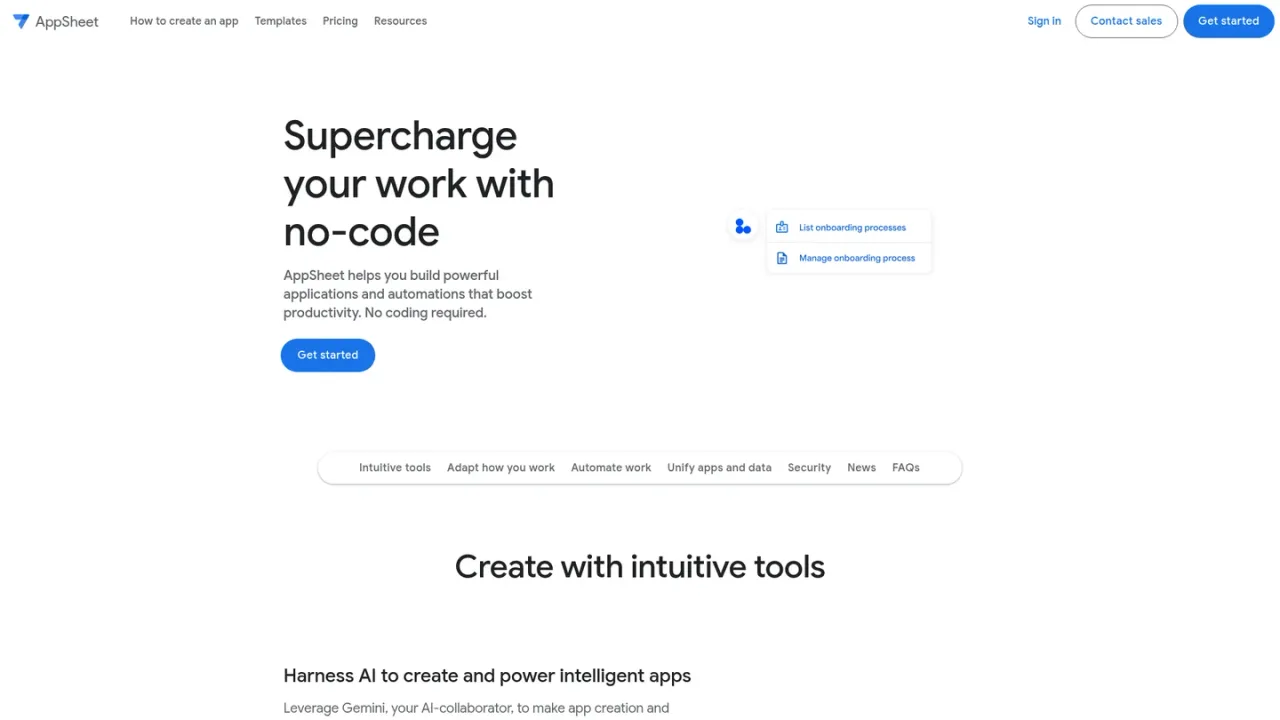
Google AppSheet is a no-code development platform for building business applications and automations without writing code. It uses Gemini as an AI collaborator to turn described ideas into apps and to add AI features, while the editor generates prototypes and supports spreadsheet-like expressions for logic. Users can capture rich data with forms, barcodes, locations, signatures, and photos; run apps offline with background sync; and automate email, SMS, and push notifications with triggers, conditions, and branches. AppSheet connects to Google Workspace, Office 365, Dropbox, Salesforce, SQL databases, REST APIs, and more. It is aimed at business teams, field workers, and citizen developers, with governance and security controls for organizations. A no-cost prototype tier supports up to 10 test users, and paid plans add advanced features and support.
Connect AppSheet to a cloud data storage provider such as Google Drive, Office 365, Dropbox, or Salesforce to begin.
Use the AppSheet editor or describe what you want the app to do and let Gemini assist in creating it.
Add forms, views, branding, security settings, and workflow automations with triggers, conditions, and branches.
Invite up to 10 test users at no cost to use your app prototypes and share feedback.
Choose a subscription plan to deploy apps to your team and manage licenses.
Build custom business apps for project management, operations, and field work
Automate manual workflows and notifications
Create apps that integrate with existing data sources and Google Workspace
You need to connect AppSheet to a cloud data storage provider such as Google Drive, Office 365, Dropbox, or Salesforce.
No, AppSheet is a no-code platform that lets anyone build apps and automated processes without writing code.
You can use basic app and automation features to build prototypes and invite up to 10 test users at no cost.
Some Google Workspace subscriptions include AppSheet Core licenses; larger deployments may require an AppSheet subscription.
AppSheet counts unique signed-in individuals across all apps as signed-in users, and users who are not signed in are counted as guest users, typically by device.
Yes, individual accounts can sign up for Starter, Core, or Publisher Pro without a Google Workspace account.
Publisher Pro is for publicly accessible apps without sensitive data or user sign-in, offering unlimited users for $50 per app per month.
AI-assisted app creation is available to AppSheet users with paid Google Workspace licenses.
Prices are in USD per user per month. A no-cost prototype tier allows up to 10 test users. AppSheet Core is included in some Google Workspace plans. Publisher Pro is available at $50/mo/app for public apps without sign-in.
Build and test app prototypes at no cost with up to 10 test users.
Entry-level paid plan for deploying apps with basic features.
Most popular plan with advanced features and security controls; included in most paid Google Workspace plans.
Enterprise plan with enhanced governance, data services, and priority support; requires a Google Workspace Administrator to sign up.
For publicly accessible apps without sensitive data or user sign-in; includes Core feature set but no sign-in or security filters.
COMMUNITY REVIEWS
No reviews yet.