
Starter mode
0/ free with Adobe account
AI Animation Tools
PRODUCT OVERVIEW
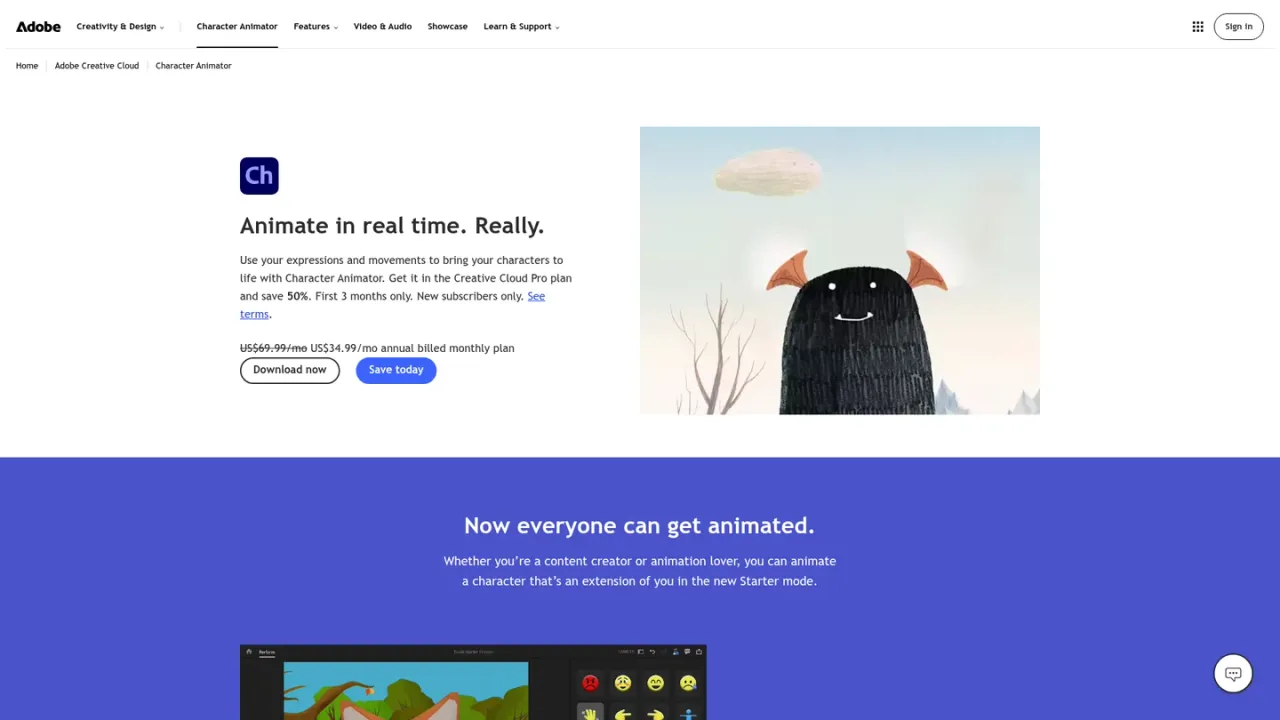
Adobe Character Animator is a real-time performance animation application from Adobe that brings characters to life using your own expressions and movements. With a webcam and microphone, it provides automatic lip sync plus face and body tracking, so puppets mirror your performance live. Puppet Maker lets you customize characters from built-in templates or artwork created in Adobe Illustrator or Photoshop, and triggers can be mapped to keyboard shortcuts to fire off saved expressions and gestures. Starter mode lets newcomers pick a predesigned puppet, record audio, add motion and export an animation in minutes, while pro features support custom rigged characters, multiple characters and livestreaming. Quick Export prepares animations for social channels, messaging or email, and Auto-swap blends frame-by-frame artwork with performance capture. It is available as a free Starter mode or through the Creative Cloud Pro plan.
Download Character Animator from Adobe and start in the free Starter mode or with a Creative Cloud Pro membership for pro features.
Select a predesigned puppet in Starter mode, or create and customize original characters with Puppet Maker using templates or Illustrator and Photoshop artwork.
Use your camera and mic so automatic lip sync and face and body tracking animate the puppet as you perform.
Build timesaving triggers and map movements or expressions to keyboard shortcuts for control during a performance.
Use Quick Export to prepare animations for social channels, messaging or email, or livestream your characters with pro features.
Creating animated characters driven by live performance
Producing social media animations quickly with Quick Export
Livestreaming as an animated character
Building custom rigged puppets from Illustrator or Photoshop art
Adding expressive gestures and expressions with triggers
Yes. Character Animator Starter mode is free and lets you choose predesigned puppets, record audio, add motion and export animations using basic features.
Starter mode offers basic features, predesigned puppets and select gestures. Pro features add custom characters, original puppets with Puppet Maker, custom movements, body tracking and livestreaming.
Creative Cloud Pro is regularly US$69.99/mo. New subscribers can pay US$34.99/mo for the first 3 months under the current offer.
Using your webcam and microphone, it provides automatic lip sync and face and body tracking so the puppet follows your expressions and movements.
Yes. Puppet Maker lets you start with built-in templates or with art from Adobe Illustrator or Photoshop.
Triggers let you save desired movements to keyboard shortcuts so you can make your character change expressions or gesture during a performance.
Yes. Quick Export prepares your animations in a click for sharing on social channels, texting to friends or sending by email.
Livestreaming your characters is listed among the pro features available with the Creative Cloud Pro plan.
Official pricing rechecked 2026-11-10. Official Adobe documentation confirms Starter is free without a Creative Cloud subscription. Pro requires a Creative Cloud subscription; current regional Pro bundle price remains unverified. Browser returned access denial; the official documentation was independently readable through web retrieval.
COMMUNITY REVIEWS
No reviews yet.

AI creative platform for generating and editing video, images and audio, with an agent, workflows, MCP access and mobile apps.

Wan is an AI video creation platform for generating and editing cinematic videos from multimodal inputs, with native 30-second storytelling and precise editing.

Google DeepMind's video generation model that creates cinematic video with native audio from text prompts, built for filmmakers and storytellers.