
Illustrator
$22.99USD / per month, annual contract billed monthly
AI Branding & Graphic Design Tools
PRODUCT OVERVIEW
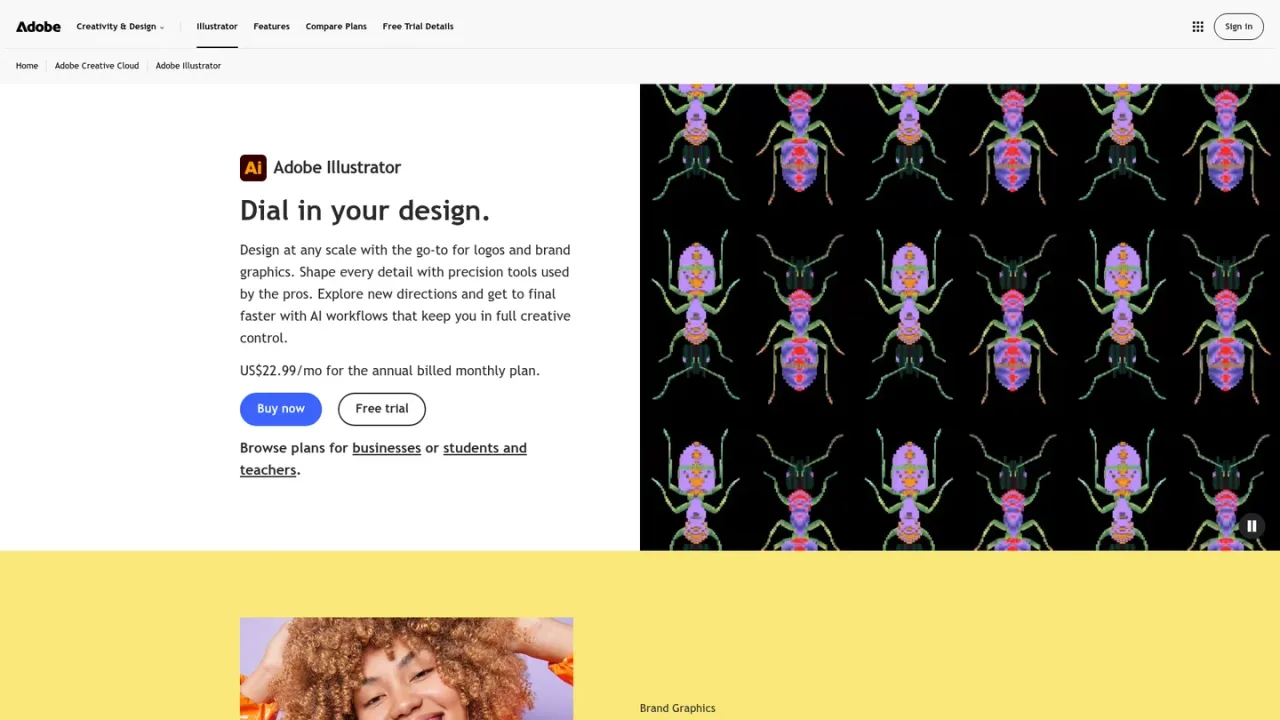
Adobe Illustrator is a graphic design application for creating vector artwork such as logos, icons, illustrations, patterns, and brand graphics. It provides precision drawing tools, smart snapping, Shape Builder, and color controls, plus AI-assisted workflows like Concept to Vector, Generative Shape Fill, Text to Vector Graphic, Text to Pattern, Generative Expand, and Turntable. Designs scale cleanly for print and digital use, from business cards to billboards. It is intended for designers, illustrators, marketers, and students, and is available through an Illustrator subscription or the Creative Cloud Pro plan, with a free trial and an iPad app.
Choose an Illustrator plan or begin the free seven-day trial to access the full application.
Set up an artboard for your intended output, such as a logo, icon, or print layout.
Use shapes, lines, curves, Smart Snapping, and Shape Builder to construct and refine vector artwork.
Use features such as Concept to Vector, Generative Shape Fill, Text to Vector Graphic, or Generative Expand to explore and edit vector designs.
Resize graphics for digital or print formats while keeping vector edges sharp.
Designing logos and brand graphics
Creating icons and illustrations
Building patterns and repeating motifs
Preparing scalable marketing and advertising graphics
Producing print-ready artwork from business cards to billboards
Refining sketches into editable vector artwork
Exploring design variations with AI-assisted vector tools
It is a graphic design tool for creating vector artwork such as logos, icons, graphics, and illustrations that can scale for digital or print formats.
Illustrator creates vector graphics made of points, lines, and curves that scale without losing sharpness, while Photoshop is intended for pixel-based photo editing and raster graphics.
No. You can use shapes, lines, curves, and tools like Shape Builder, or start from customizable templates, and keep modifying colors, fonts, and shapes.
Yes. Illustrator on the iPad is available in the App Store and is included in an Illustrator or Creative Cloud Pro subscription.
The Illustrator plan is US$22.99 per month for the annual billed monthly plan. Illustrator is also included in the Creative Cloud Pro plan.
Illustrator is a paid subscription, but a free seven-day trial is available.
Yes. Students and teachers can save over 71% on the Adobe Creative Cloud Pro plan.
AI-assisted features include Concept to Vector, Generative Shape Fill, Text to Vector Graphic, Text to Pattern, and Generative Expand, with selectable Adobe or partner models.
Official US individual pricing checked 2026-11-09. Creative Cloud Pro has a new-subscriber promotion of $34.99/month for the first 3 months, then $69.99/month; eligibility and annual-contract terms apply. Trial is 7 days, not a free plan.
COMMUNITY REVIEWS
No reviews yet.

Generative media platform for image and video creation, editing, and agent-driven visual workflows.

AI-powered design platform for creating branding, product visuals, mockups, and social ads with templates, text effects, and generative image and video tools.

Canva AI 2.0 is a conversational creative partner inside Canva that helps you generate, edit, and refine designs from first idea to final output.