Personal
$0USD / month
Free forever plan for one or two people managing personal projects and to-dos.
- 2 users
- Unlimited tasks and projects
- List, board, and calendar views
- Unlimited storage, 100MB max per file
- 100+ free integrations
AI Task Management Tools
PRODUCT OVERVIEW
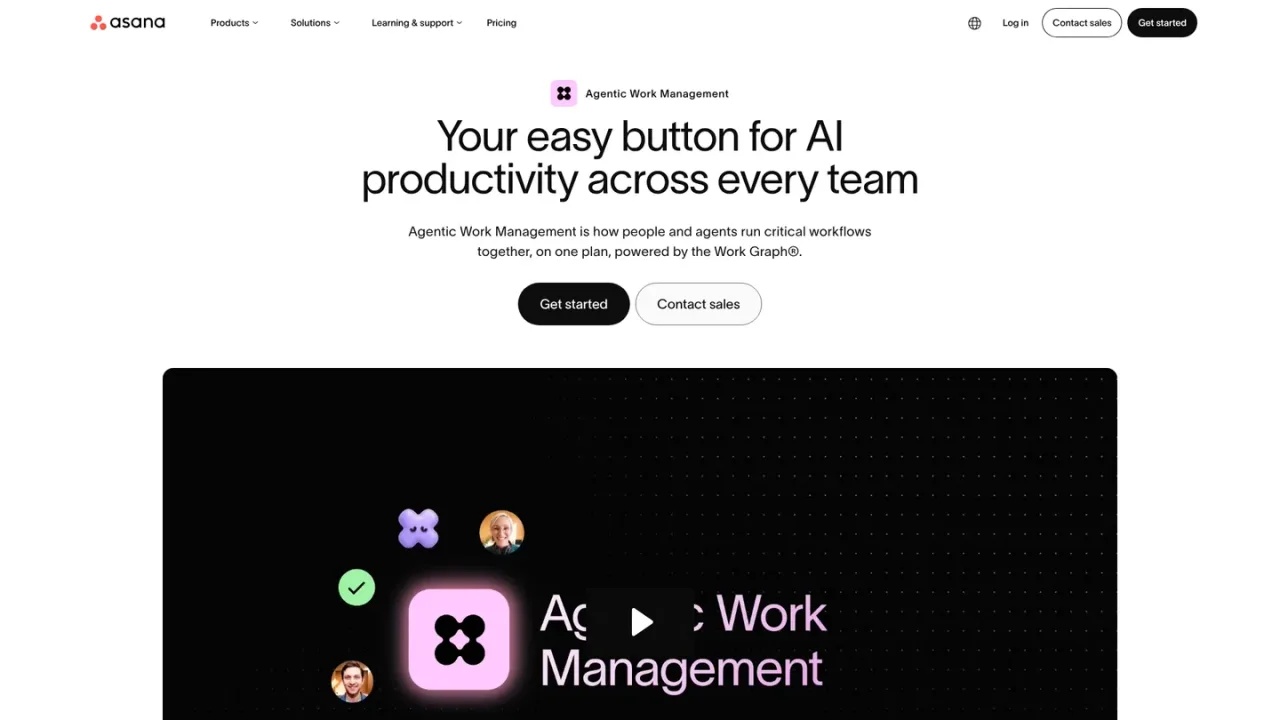
Asana AI is the AI layer built into Asana's Agentic Work Management platform, where people and AI agents run critical workflows together on one plan powered by the Work Graph. It includes more than 30 prebuilt AI Teammates for marketing, operations, IT, and industry teams; Asana Dash, an AI chief of staff that surfaces priorities and routes work; AI Studio, a no-code builder for intake, classification, routing, and alerts; and AI Connectors and MCP that let teams work from ChatGPT, Claude, Gemini, and Copilot. It is designed for cross-functional teams automating routine tasks, summarizing updates, managing resources, and surfacing priorities. AI Studio Basic, AI Teammates, and Asana Dash are included in all paid plans, with AI requests and credits metered by plan.
Sign up at asana.com/create-account or log in to an existing Asana workspace to access Asana AI features.
AI Studio Basic, AI Teammates, and Asana Dash are included in all paid plans; review asana.com/pricing for request and credit allowances per tier.
Browse the AI Teammates gallery and assign prebuilt agents to take on work alongside your team.
Use the no-code builder to intake requests, classify and route tasks, and send alerts without writing code.
Use AI Connectors and MCP to work with Asana's Work Graph from ChatGPT, Claude, Gemini, and Copilot.
Automating routine tasks and project updates across cross-functional teams
Summarizing project status and surfacing priorities for marketing, operations, and IT
Building no-code intake and routing automations with AI Studio
Assigning work to AI Teammates alongside human team members
Working with Asana's Work Graph from external AI tools via connectors
Yes. Asana AI is built into the platform, automating routine tasks, summarizing updates, and surfacing priorities so teams and AI agents can run workflows together.
It is Asana's flagship agentic application for cross-functional teams, including AI Teammates, Asana Dash, AI Studio, and AI Connectors and MCP.
AI Teammates are prebuilt agents that take on work alongside your team; AI Studio is a no-code builder for automating structured steps like intake and routing; Asana Dash is an AI chief of staff that surfaces priorities and routes work.
Yes. Through AI Connectors and MCP, you can connect outside AI tools to Asana's Work Graph and work from ChatGPT, Claude, Gemini, and Copilot without leaving the conversation.
Asana AI is powered by leading large language models from partners including OpenAI and Anthropic, and automatically selects the right model for each task.
Asana AI runs on your existing permissions, so it can only access what a user is already allowed to see. Asana's AI partners do not use customer data to train their models and are required to delete it after each query.
AI Studio Basic, AI Teammates, and Asana Dash are included in all paid plans. AI Teammates and Asana Dash run on AI requests with per-plan allowances, and AI Studio uses monthly credits.
It is designed for teams that need AI tied directly to their work, and is most commonly used by marketing, operations, and IT teams managing goals and cross-functional projects.
Prices shown in USD. Starter and Advanced list annual-billed per-user monthly rates; monthly billing rates are higher. AI Teammates and Asana Dash run on AI requests with per-plan allowances; AI Studio uses monthly credits. Enterprise pricing is available via sales.
Free forever plan for one or two people managing personal projects and to-dos.
For small teams tracking project progress and deadlines, with Asana AI included.
For growing teams planning capacity and connecting goals to projects, with higher AI Studio credits.
For organizations scaling work across departments with advanced security and higher AI allowances. Pricing is available by contacting sales.
COMMUNITY REVIEWS
No reviews yet.