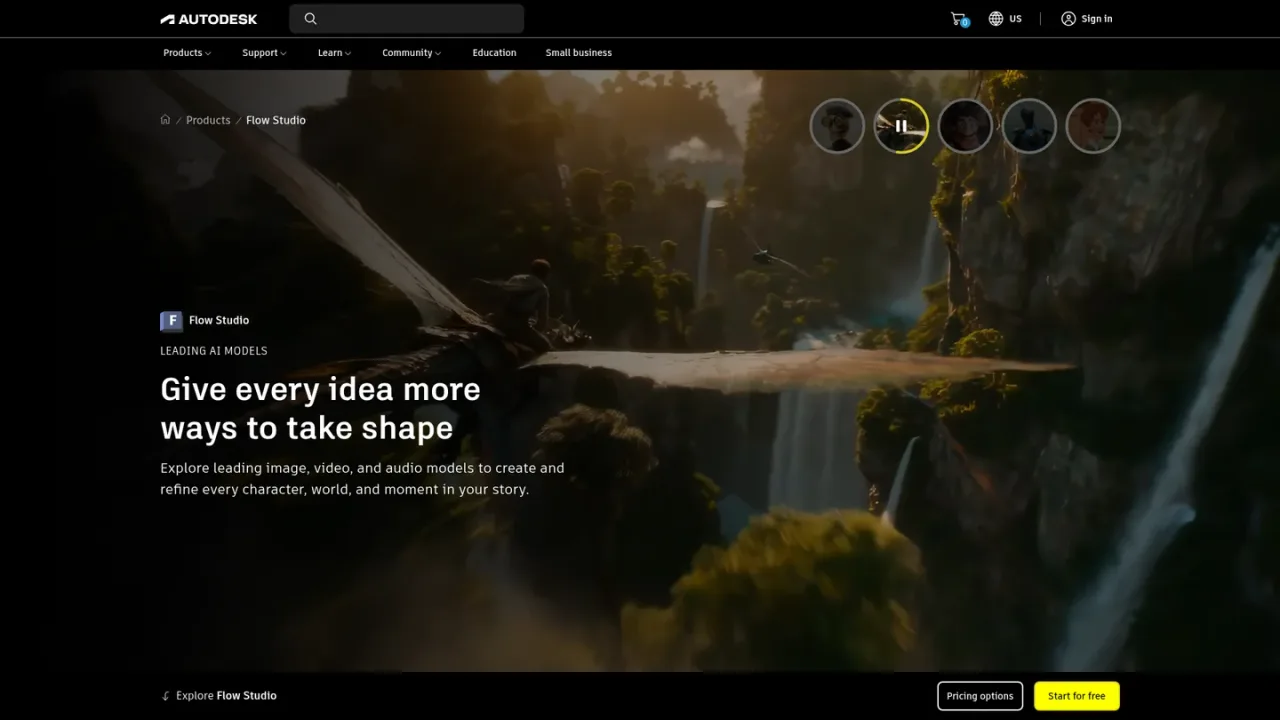
Autodesk Flow Studio, formerly Wonder Studio, is a cloud-based AI VFX and animation tool from Autodesk. It lets creators stage a scene in 3D with characters, cameras, and worlds, capture motion from live-action footage, and refine the shot with leading image, video, audio, and language models. The 3D Editor + Canvas combines a keyframeable 3D stage with a canvas where image and video models paint the frame. A text prompt or image becomes a fully textured, rigged 3D character ready to animate, and markerless AI motion capture pulls face, body, and hand motion from any camera without a suit or markers. Live action to CG tracks the actor, places a CG character in their place, and lights it to match the plate. Flow Studio automatically generates motion capture data, camera tracking, alpha masks, clean plates, and character passes, which export as editable pieces to Maya, Blender, Unreal Engine, 3ds Max, or any USD tool. Flow Studio MCP connects the tool to ChatGPT so ideas can become 3D models and edits requested in the same thread.
How to use Autodesk Flow Studio
1
Stage the scene in 3D
Use the 3D Editor + Canvas to place rigged characters, generated worlds, and cameras on one 3D stage and block the shot before a model paints a frame.
2
Capture motion from footage
Use markerless AI motion capture to pull face, body, and hand motion from any camera footage without a suit or markers.
Autodesk Flow Studio Features
3D Editor + Canvas: a keyframeable 3D stage for characters, worlds, and cameras, plus a canvas where image and video models paint the staged frame
3D model generation and AI rigging: a text prompt or image becomes a fully textured, rigged 3D character ready to animate
Markerless AI motion capture: face, body, and hand motion captured from any camera with no suit or markers
Live action to CG: tracks the actor in footage, places a CG character in their place, and lights it to match the plate
Automatic generation of camera tracking, alpha masks, clean plates, and character passes, exportable through USD to Maya, Blender, Unreal, or 3ds Max
Autodesk Flow Studio Use Cases
Turning live-action footage into editable CG scenes with CG characters in the frame
Creating animation-ready 3D characters from text prompts or images
Capturing performances without motion capture suits or markers
Compositing CG characters into live-action shots with matched lighting
Autodesk Flow Studio FAQs
Flow Studio (formerly Wonder Studio) is a cloud-based AI VFX and animation tool that lets you stage a scene in 3D with characters, cameras, and worlds, and refine the shot with leading image, video, audio, and language models.
Flow Studio exports to Maya, Blender, Unreal Engine, and 3ds Max through USD, and any other tool that reads USD opens the scene too.
Selected public plans from Autodesk's official Flow Studio pricing guide, all in USD. Free is $0 with 300 monthly credits. Lite, Standard, and Pro are shown at monthly paid-monthly rates; the same guide lists annual-term rates of $7, $30, and $64 per month on a one-year term paid annually. Enterprise pricing is available by contacting sales. Credits reset monthly and do not carry over.
Free
$0USD / per month
Free tier with 300 monthly credits, 3D Editor + Canvas, AI Motion Capture, Live Action Easy, and 720p watermarked exports.
300 credits per month
3D Editor + Canvas
AI Motion Capture for up to 1 performer
Up to 720p export resolution (watermarked)
1GB storage
Lite
$10USD / per month, paid monthly
Entry paid tier with 2,100 monthly credits, 1080p unwatermarked exports, Neural Layer, and Unreal Engine exports.
2,100 credits per month
Up to 1080p export resolution
Neural Layer
AI Motion Capture for up to 2 performers
5GB storage
Standard
$45USD / per month, paid monthly
Mid tier with 6,000 monthly credits, Live Action Advanced, MetaHuman animation support, USD scene exports, and up to 4K export.
6,000 credits per month
Live Action Advanced
AI Motion Capture with MetaHuman animation support