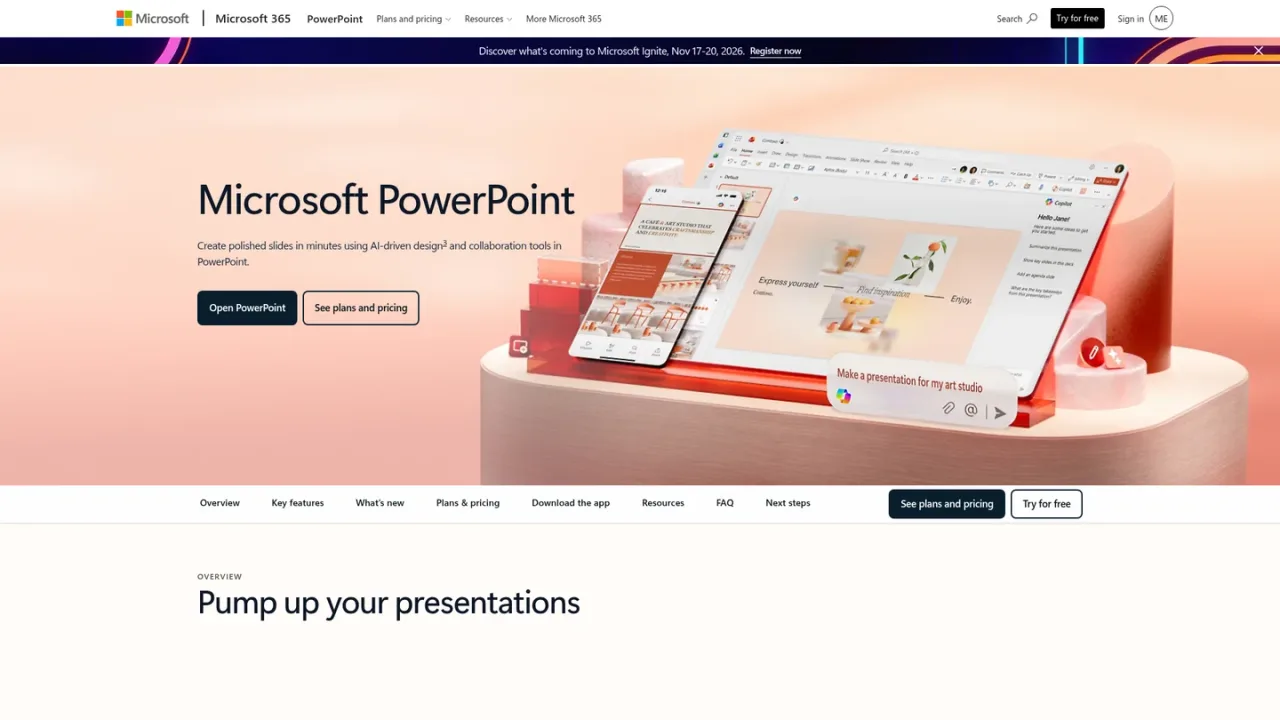
Copilot in PowerPoint is an AI assistant embedded in Microsoft PowerPoint that helps create and refine presentations. Users describe what they need and Copilot makes edits directly in the presentation, rewrites and reorganizes content, and adds new slides on a topic. It also supports expanding ideas, using templates, digitizing handwriting, adding video explainers with Cameo, rehearsing with Speaker Coach, and improving accessibility. PowerPoint works on desktop, mobile, tablets, and the web, with real-time collaboration and sharing. A free version is available through PowerPoint for the web, while Copilot AI features require a qualifying Microsoft 365 Personal or Family subscription, with usage limits and availability varying by device and language.
How to use Copilot in PowerPoint
1
Open PowerPoint
Launch PowerPoint on desktop, mobile, tablet, or the web, and sign in with a Microsoft account.
2
Access Copilot
Use the Copilot option in PowerPoint to describe the edits or new slides you want.
3
Review changes
Copilot rewrites, reorganizes, or adds slides; review the changes and stay in control.
4
Rehearse and share
Practice with Speaker Coach, then share the presentation for real-time collaboration.
Copilot in PowerPoint Features
Edit presentations with Copilot by describing needed changes
Rewrite, reorganize, and add slides automatically
Expand ideas or request new slides on a topic
Rehearse with AI-driven Speaker Coach feedback
Improve accessibility with AI-assisted recommendations
Digitize handwriting into text or shapes
Add video explainers with Cameo
Real-time collaboration and sharing
Copilot in PowerPoint Use Cases
Drafting and refining business presentations
Quickly updating slide content and structure
Practicing delivery with pacing and vocabulary feedback
Collaborating on decks in real time
Copilot in PowerPoint FAQs
Yes, PowerPoint for the web is free for anyone to use online with any email address.
Yes, Copilot AI features require a Microsoft 365 Personal or Family subscription, and usage limits apply.
No, AI features are available only to the subscription owner and cannot be shared.
PowerPoint works on desktop (Windows and macOS), mobile and tablets (iOS and Android), and online.
Copilot can make edits directly in your presentation, rewrite and reorganize content, and add new slides based on your description.
A one-month free trial is available; after it ends, the subscription automatically converts to a paid subscription unless canceled.
Yes, real-time collaboration lets multiple people work together, and documents must be saved in and shared from OneDrive.
Yes, Speaker Coach provides AI-driven feedback on pace, vocabulary, and other aspects of your presentation.
Copilot AI features require a Microsoft 365 Personal or Family subscription; usage limits apply and AI features are available only to the subscription owner and cannot be shared. A one-month free trial converts to a paid subscription unless canceled.
Microsoft PowerPoint (Free)
$0USD / month
Free PowerPoint for the web with basic editing and collaboration for one person.
Sharing and real-time collaboration
PowerPoint for the web
Basic spelling and grammar
Basic templates, fonts, icons, and stickers
5 GB of cloud storage
Microsoft 365 Personal
$99.99USD / year
Annual subscription for one person that includes Copilot AI features in PowerPoint, subject to usage limits.
Copilot AI features in PowerPoint
Subscription automatically renews unless canceled
AI features available only to the subscription owner