
Write Pro add-on
€6.99EUR / per user/month, billed annually; Germany
AI Paraphrasing & Editing Tools
PRODUCT OVERVIEW
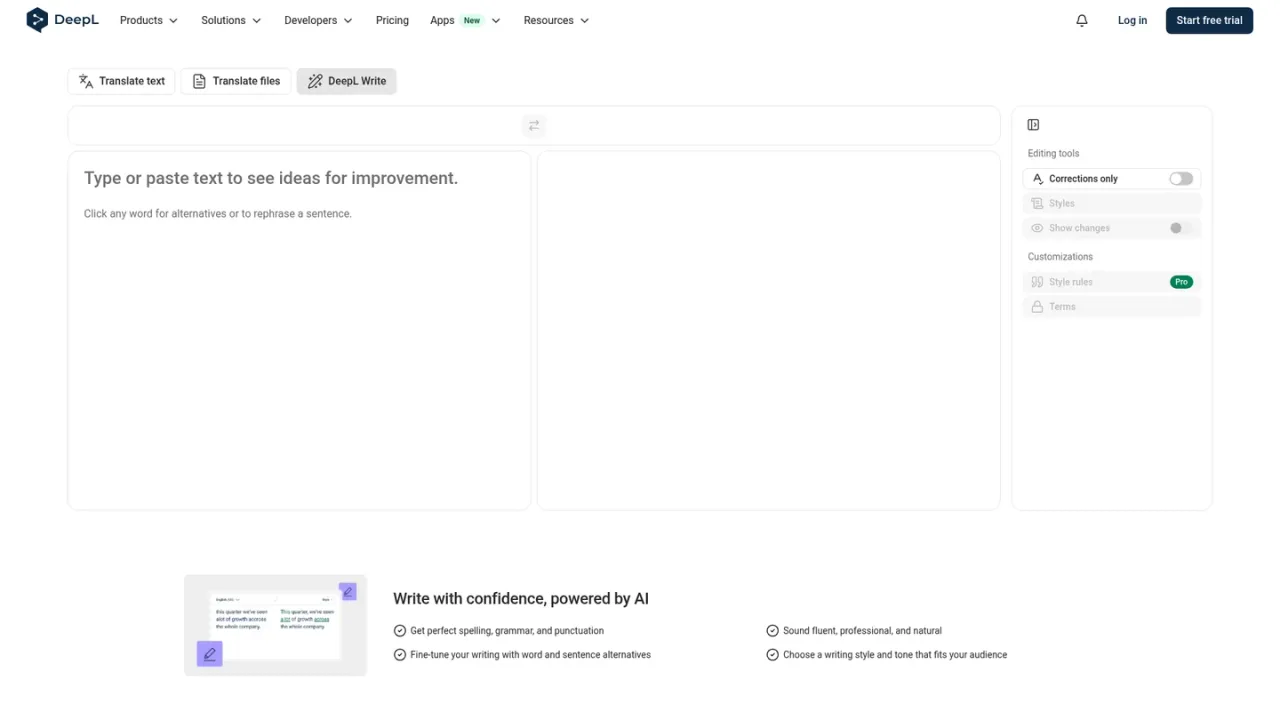
DeepL Write is an AI-powered writing assistant from DeepL that helps you improve texts directly in your browser. It corrects spelling, grammar, and punctuation, suggests alternatives for individual words and whole sentences, and lets you choose a writing style and tone that fits your audience. A "show changes" view makes edits easy to review, and style rules are available with Write Pro. It suits professionals, teams, and anyone who wants clearer, more fluent communication in emails, documents, and everyday writing. You can use it on the web and through DeepL browser extensions for Chrome, Firefox, and Edge, including inside Gmail, Google Docs, and Google Slides. Write Pro is offered as an add-on to DeepL Pro plans, and a free trial is available for eligible Individual and Team plans.
Go to the DeepL Write web page and log in with your DeepL account if you have one.
Enter the text you want to improve in the source field to see suggestions.
Click any word for alternatives or to rephrase a sentence, and use the show changes option to track edits.
Choose a writing style and tone that matches your audience before finalizing the text.
Install DeepL for Chrome, Firefox, or Edge to improve writing while browsing, including in Gmail, Google Docs, and Google Slides.
Polishing professional emails
Improving clarity and fluency of documents
Adapting tone for different audiences
Reviewing edits with tracked changes
Writing directly in Gmail, Google Docs, and Google Slides via browser extension
It improves spelling, grammar, and punctuation, suggests word and sentence alternatives, and lets you choose a writing style and tone.
Yes, you can toggle on the show changes feature to track and review edits.
Yes, DeepL browser extensions for Chrome, Firefox, and Edge let you improve writing while browsing, including in Gmail, Google Docs, and Google Slides.
Write Pro is available as an add-on to DeepL Pro Individual, Team, and Business plans.
A 30-day free trial is available for Individual and Team plans; trials are not available to users who have previously received a DeepL trial.
Yes, you can cancel in your DeepL account under the Subscription tab; cancellation takes effect at the end of the current billing cycle.
Credit or debit card, SEPA Direct Debit, and bank transfer (invoice) are accepted; PayPal is not currently accepted.
Style rules are listed as a Pro customization feature on the DeepL Write page.
Official pricing checked 2026-11-10. German EUR price includes VAT. This is a Write Pro add-on to an eligible DeepL plan, not a standalone Translator subscription; base plan may cost extra.
COMMUNITY REVIEWS
No reviews yet.

AI writing partner that proofreads, rewrites, adjusts tone, detects AI text and plagiarism, and offers AI agents and a document editor.

AI assistant inside the WordPress editor for generating and editing text and images, with optional ChatGPT, Claude or MCP agent connections.

Anthropic's AI assistant for chat, web search, file creation, code execution, and task hand-off across web, desktop, and mobile.