
Business
$22USD / per user per month, paid annually
AI Knowledge Base Q&A Tools
PRODUCT OVERVIEW
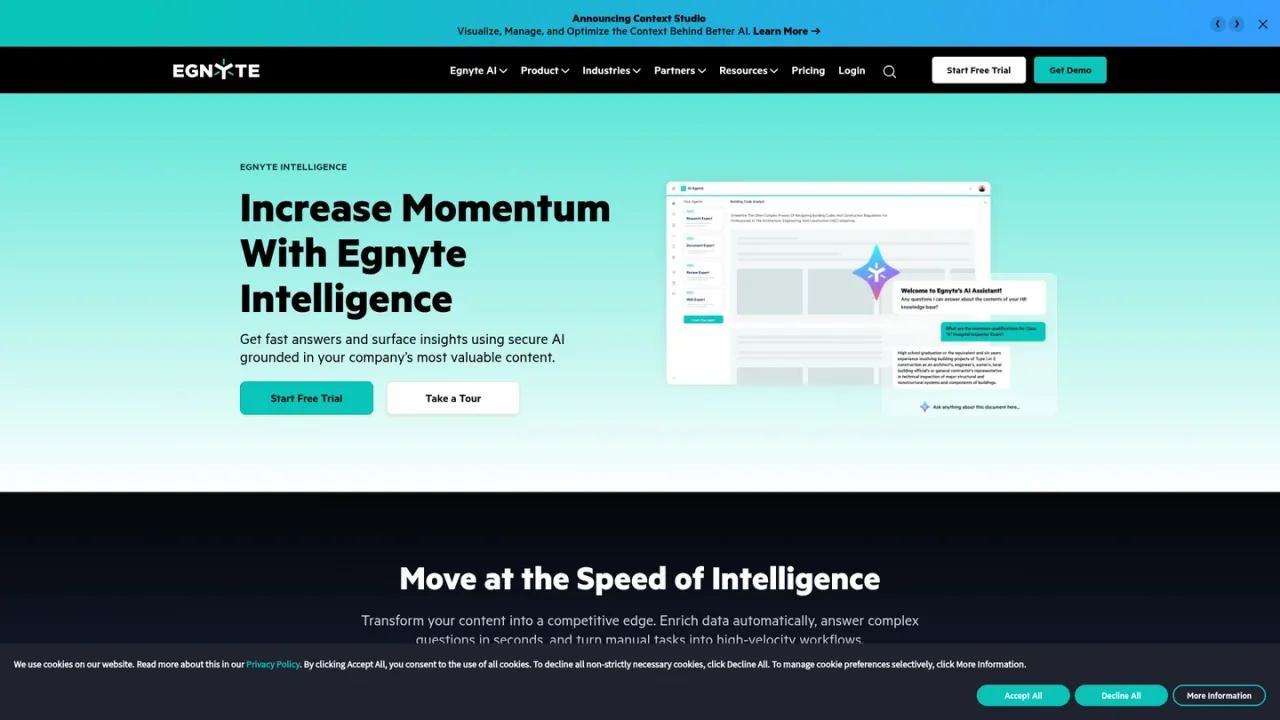
Egnyte AI is the intelligence layer of the Egnyte Content Cloud, applying generative AI to an organization's mission-critical content. Teams can ask natural-language questions and receive answers grounded in their own files, with document summaries, traceable insights, and guided prompts. AI Search supports metadata-based search, image finding, and audio/video transcription. Smart Tags and Extractors turn files into structured, searchable metadata, while AI Agents and Workflow Orchestration review documents, extract data, route files, and trigger downstream actions under the same access controls as human users. AI Safeguards and the AI Control Center let IT restrict which content AI can access, and the MCP Server gives external LLMs governed, real-time access without copying files. It is built for regulated and content-heavy organizations in AEC, financial services, life sciences, and media. Access is sold through Egnyte plans, with a free trial available.
Use the Start Free Trial or Request Demo options on the Egnyte AI page to begin evaluating the platform.
Use the AI Assistant to ask natural-language questions and receive answers grounded in your organization's files, with summaries and traceable insights.
Use AI Search to find content by metadata, locate images, and transcribe audio and video through natural-language queries.
Apply Smart Tags and Extractors to automatically tag structured metadata such as project names, dates, contract terms, and client identifiers.
Deploy AI Agents and Workflow Orchestration to review documents, extract data, route files, and trigger approvals or notifications.
Configure AI Safeguards and the AI Control Center to restrict which files, folders, or content categories AI tools and agents can access.
Use the Egnyte MCP Server to let compatible external LLMs and agents query Egnyte content in real time under existing access controls.
Answering questions about enterprise documents without manual research
Summarizing contracts and extracting key terms
Finding files by metadata, image content, or transcribed audio
Automating document review and data extraction
Routing files and triggering approvals based on content signals
Giving external AI tools governed access to enterprise content
Restricting which content AI agents can access in regulated industries
It lets teams ask questions and get answers grounded in their organization's content, with document summaries, traceable insights, and guided prompts. It also supports metadata search, image finding, and audio/video transcription.
Agents review documents, extract structured data, route files, and trigger downstream actions based on content signals. They operate within Egnyte's governed environment, so actions are traceable and subject to the same access controls as human users.
They use AI to analyze files and extract structured metadata such as project names, dates, contract terms, client identifiers, or custom fields, making content searchable at scale.
It connects AI-generated content signals to downstream actions, automatically routing files, triggering approvals, updating records, or notifying team members based on what is in a document.
It lets AI applications and agents, including external LLMs, securely access and query Egnyte content in real time without copying or moving files, while maintaining access controls and audit visibility.
AI Safeguards give IT administrators policy-level controls to restrict which files, folders, or content categories AI agents and external applications can access.
Yes. Egnyte integrates natively with ChatGPT, Gemini, Claude, and Microsoft Copilot, and the MCP Server extends governed access to any compatible AI agent.
AI is included in every plan, with single-document AI Q&A on Business and Advanced AI on Enterprise Lite, Elite, and Ultimate. The AI Assistant, AI Search, and AI Workflow are listed in the Elite plan.
Official pricing checked 2026-11-09. AI is included in each tier with different capabilities; optional industry add-ons are charged separately.
COMMUNITY REVIEWS
No reviews yet.

Enterprise AI platform that grounds assistants and agents in company knowledge, with enterprise search, content creation, and agent building.

AI workflow automation platform that turns documents into trusted data, orchestrates processes, and surfaces insights for enterprise decisions.

Tencent ima is an AI assistant with a knowledge base, discovery square, and one-click generation of reports, PPTs, and podcasts.