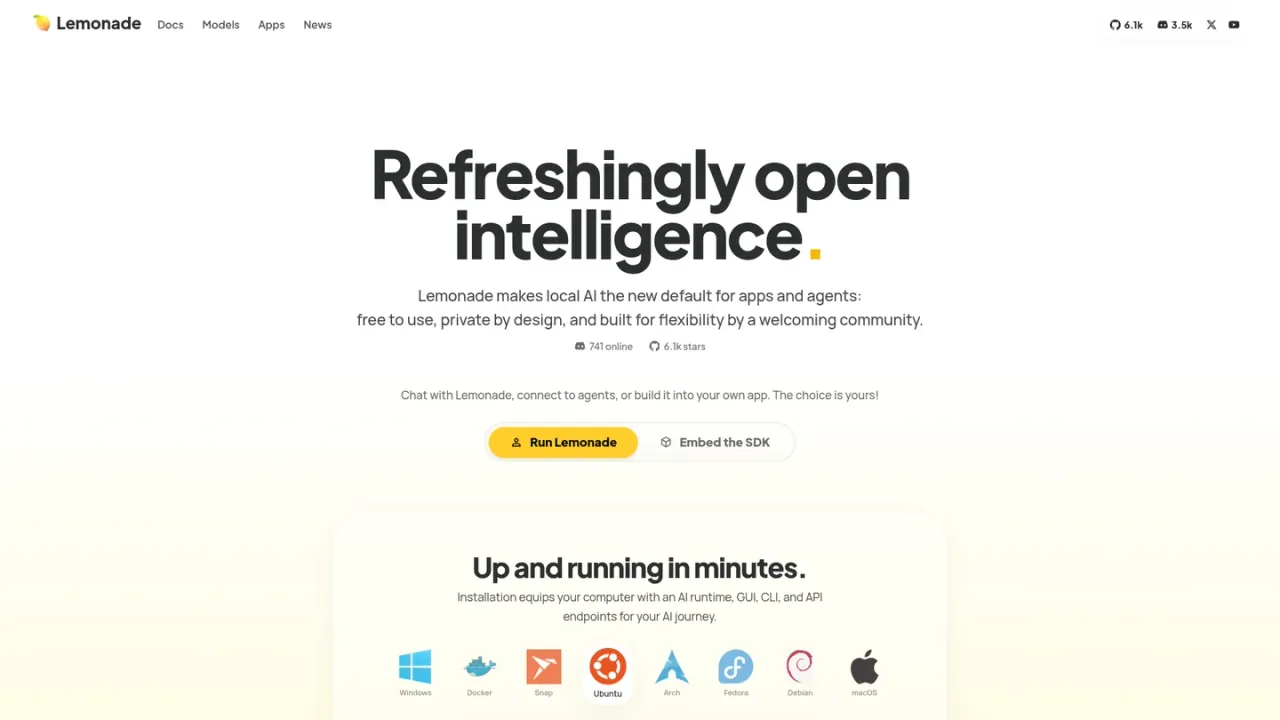
Lemonade is an open-source local AI server from AMD that makes running models on your own hardware simple. Installation equips your computer with an AI runtime, a GUI, a CLI, and HTTP API endpoints, and auto-configures optimized inference engines such as llama.cpp, vLLM, FastFlowLM, and Ryzen AI. It serves chat, vision, image generation, speech, transcription, and embeddings, and exposes them through OpenAI-, Ollama-, and Anthropic-compatible APIs plus an MCP gateway, so apps like Claude Code, Open WebUI, and n8n can connect without device-specific code. Developers can embed the portable runtime in their own apps, self-host a secured server across a LAN, benchmark backends, and import GGUF models already on disk. Lemonade is free to use, private by design with zero telemetry, and built with a community around local AI.
How to use Lemonade
1
Install Lemonade
Use the one-click installer for Windows or macOS, or the package instructions for Ubuntu, Arch, Fedora, Debian, or Docker, to set up the runtime, GUI, CLI, and API endpoints.
2
Explore and pull models
Browse the model manager or use the lemonade pull command to download models from the Lemonade registry or Hugging Face, and import GGUF files already on your PC.
3
Chat in the app or terminal
Open the built-in GUI to chat with text, images, code, or speech, or run lemonade chat in your terminal to talk to any loaded model.
4
Connect your apps
Point any OpenAI-compatible app at http://localhost:13305, or add Lemonade as an MCP server at /mcp so compatible clients can call local models as tools.
5
Self-host securely
Set LEMONADE_API_KEY to require authentication, then bind the host to 0.0.0.0 to serve private AI to devices across your network.
Lemonade Features
Runs LLMs, vision, image generation, speech, transcription, and embeddings locally
OpenAI-, Ollama-, and Anthropic-compatible APIs plus an MCP gateway
Built-in GUI, CLI, and HTTP server endpoints
Auto-configures inference engines including llama.cpp, vLLM, FastFlowLM, and Ryzen AI
Imports GGUF models already on your PC and pulls from Hugging Face
Embeddable portable runtime for bundling into your own app
Self-hosted server with API key authentication and LAN access
Backend benchmarking with lemonade bench
Zero telemetry and private-by-design local inference
Lemonade Use Cases
Running private chat, coding, and image generation on your own hardware
Connecting local models to apps like Claude Code, Open WebUI, or n8n
Serving a secured local AI server to devices across a household network
Embedding a portable AI runtime into a desktop application
Benchmarking inference backends and models for performance
Exposing local models as MCP tools for compatible clients
Lemonade FAQs
Lemonade is an open-source local LLM solution that provides one-click installers, auto-configured inference engines, a GUI to set up and test models, and LLMs served through the OpenAI API standard.
Installers and packages are documented for Windows, macOS, Ubuntu, Arch, Fedora, Debian, and Docker. Linux and macOS are both supported, with macOS using the llama.cpp backend with Metal acceleration.
Point any OpenAI-compatible app at http://localhost:13305, or add Lemonade as an MCP server at http://localhost:13305/mcp so compatible clients can call local models as tools.
Yes. Lemonade can discover GGUF models from a secondary directory using the extra_models_dir option, so an existing library works without downloading again.
Set LEMONADE_API_KEY to require a Bearer token on requests, then bind the host to 0.0.0.0 to make the server reachable across your LAN.
Yes. Embeddable Lemonade is a portable build of the lemond service that you can bundle into your app, customize with your own models and backends, and keep private from the rest of the system.
The lemonade bench command compares backends head-to-head and can sweep real-world scenarios such as coding, reporting metrics like time to first token and tokens per second.
The documentation includes an FAQ, and the Lemonade Discord server is the place to meet developers, get support, and propose contributions.
Lemonade is described as free to use and is licensed under Apache 2.0. No paid plans or pricing tiers are listed on the official page. Checked 2026-11-19.
Lemonade (Open Source)
$0USD / forever
Free, open-source local AI server licensed under Apache 2.0.
Free to use
Private by design
OpenAI-compatible API
Runs LLMs, image, speech, and transcription models locally