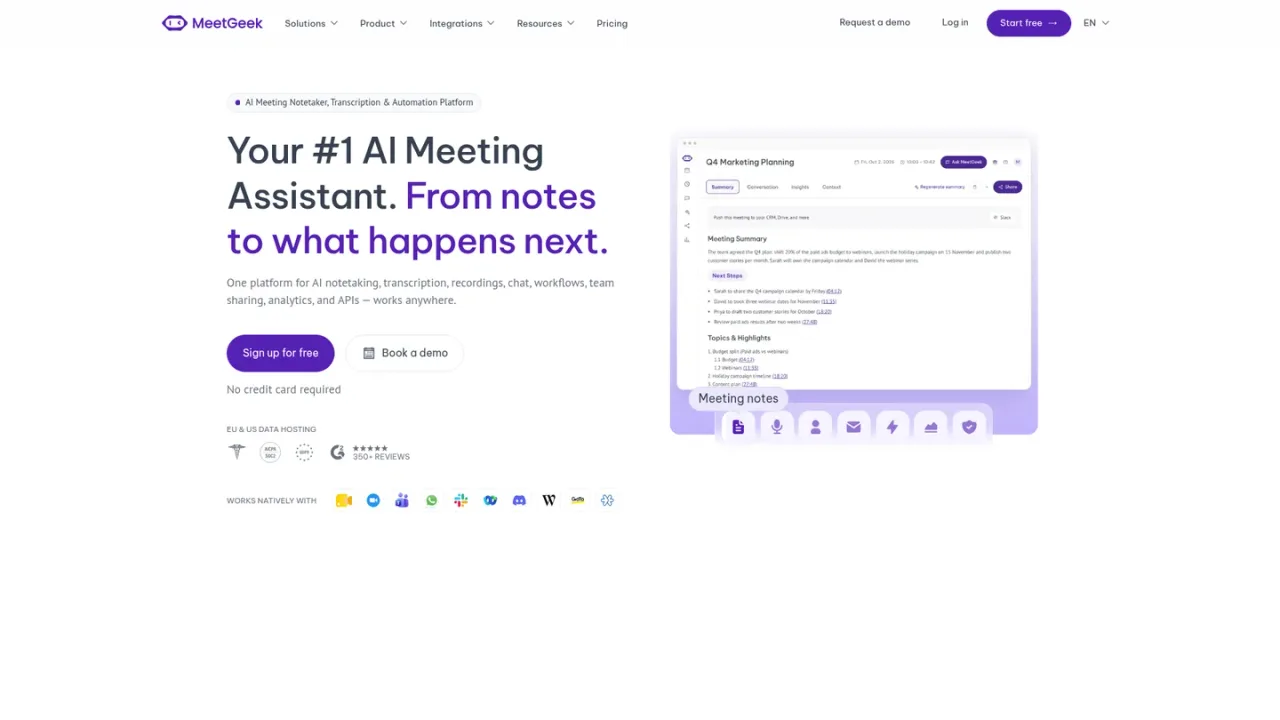
MeetGeek is an AI meeting assistant and meeting intelligence platform for teams. It automatically records and transcribes meetings on Google Meet, Zoom, Microsoft Teams and other platforms, supports transcription and summarization in 100+ languages, and turns conversations into AI meeting notes, summaries, action items and analytics. Users can search a meeting library, run AI Chat over past conversations, apply meeting templates, and route insights to CRMs, Slack, Notion, Asana, Confluence and Google Drive, with workflows and a public API. It serves sales, marketing, customer success, HR, product, finance and executive teams. A free Basic plan offers 3 hours of transcription per month, and paid tiers are available.
How to use MeetGeek
1
Sign up and connect your calendar
Create a MeetGeek account from the website and connect the calendar or conferencing tools you use, such as Google Meet, Zoom or Microsoft Teams.
2
Record or upload a meeting
Let MeetGeek join and record scheduled calls, use the desktop app, mobile app or Chrome extension, or upload your own audio or video.
3
Review transcript and AI notes
Open the meeting to read the transcript, AI summary, action items and key moments generated from the conversation.
4
Search and ask with AI Chat
Use the meeting library and AI Chat to find answers and insights across past conversations.
5
Automate sharing and follow-ups
Send summaries and highlights to tools such as Slack, Notion, CRM systems or Google Drive, or build workflows through integrations and the API.
MeetGeek Features
Automatic meeting recording and transcription on Google Meet, Zoom, Microsoft Teams and other platforms
AI meeting notes, summaries, action items and key decisions
Transcription and summarization in 100+ languages with automatic language detection
AI Chat and a searchable meeting library for past conversations
Meeting analytics and meeting templates
Workflows and automations that sync notes to CRMs and collaboration tools
Integrations with Salesforce, HubSpot, Pipedrive, Slack, Notion, Asana, Confluence and Google Drive
Public API, MCP Server, Zapier, Make and n8n integrations
Desktop app, mobile app for iOS and Android, and Chrome extension
EU and US data hosting with SOC 2 Type II, HIPAA and GDPR compliance
MeetGeek Use Cases
Sales teams recording customer calls and syncing notes to CRM
Product teams analyzing user research interviews for pain points and feature requests
HR teams documenting interviews and screening calls
Customer success teams searching past conversations for account context
Team meetings turned into shared summaries and action items
Online classes and workshops captured as searchable transcripts
Marketing and executive teams reviewing meeting insights and analytics
MeetGeek FAQs
MeetGeek is an AI meeting assistant that records and transcribes meetings, generates AI notes and insights, and automates sharing them to tools such as CRMs and collaboration apps.
MeetGeek records meetings on Google Meet, Zoom, Microsoft Teams and other conferencing platforms, and also supports uploading your own audio or video.
Yes. MeetGeek supports transcription and summarization in over 100 languages and automatically detects the spoken language.
Yes. The Basic plan is free forever and includes 3 hours of transcription per month, 3 months of transcript storage and 1 month of audio storage.
The pricing page offers monthly and yearly billing and advertises savings of up to 40% with yearly billing.
Yes. MeetGeek integrates with CRMs including Salesforce, HubSpot, Pipedrive, Zoho CRM and Attio to sync meeting notes and transcripts.
MeetGeek offers a desktop app, a mobile app for iOS and Android, and a Chrome extension, in addition to the web platform.
MeetGeek states it offers 30% off for startups, non-profits and education, and lifetime discounts for non-profit and educational organizations; contact the team for details.
Prices are in USD per user per month on the monthly billing view. A Black Friday promotion (code BLACKFRIDAY2026, 30% off Pro and Business for 12 months) was active on the page at the time checked; the standard list prices ($9.99 Pro, $17 Business) are shown here. Annual billing is advertised as saving up to 40%. Enterprise is custom-priced. Checked 2026-11-19.
Basic
$0USD / month
Free forever plan ideal for occasional meetings.
3 hours of transcription / month
3 months of transcript storage
1 month of audio storage
Recordings of up to 2 hours each
AI meeting summaries, AI Chat and search
Transcription in 100+ languages
API & MCP access (100 requests/day)
Pro
$9.99USD / per user per month
For regular meetings with automation and smart workflows.