M3.1-Flash (Free)
0
Default free model available on the MiniMax Agent site for everyday tasks.
- Default model on the site
- Free to use
- Multimodal coding model
AI Assistant
PRODUCT OVERVIEW
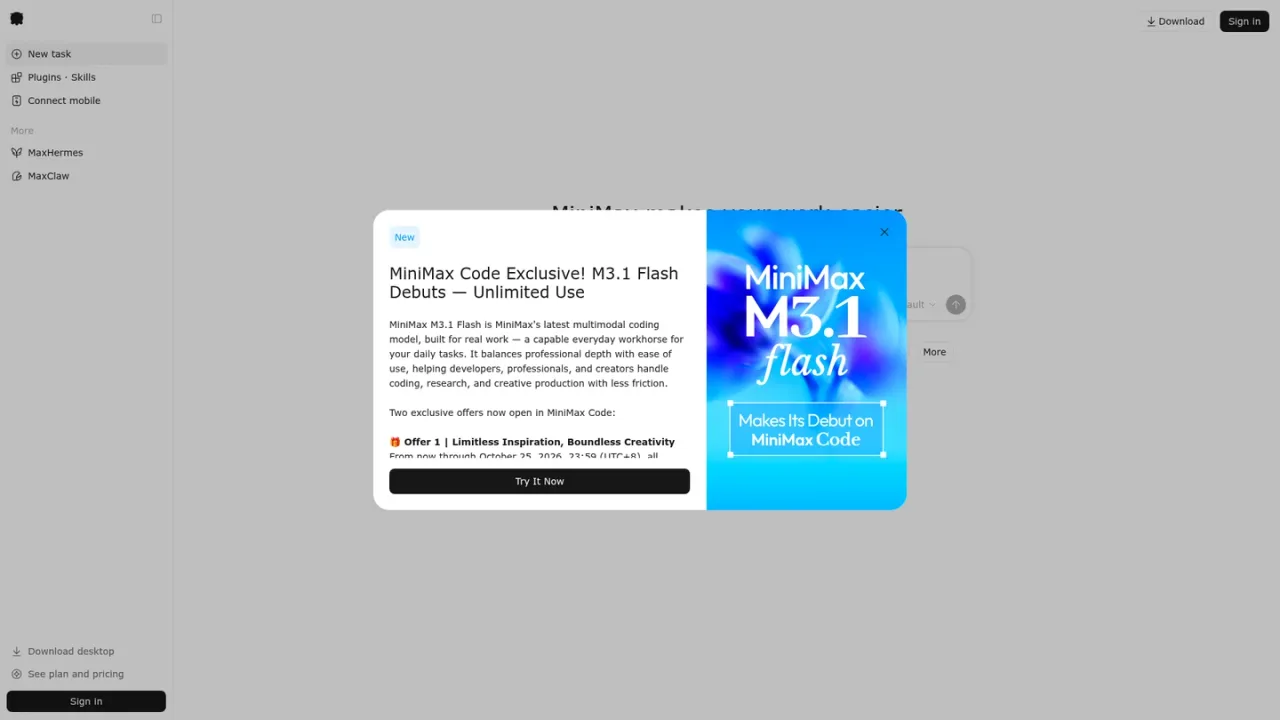
MiniMax Agent is an AI workspace from MiniMax that helps developers, professionals, and creators handle coding, research, and creative production. It centers on the M3.1 Flash multimodal coding model, described as a capable everyday workhorse that balances professional depth with ease of use. Users can start tasks, invoke skills with a slash command, and extend the agent through plugins, custom agents, MCP connections, and memory. A desktop app adds browser and computer-use capabilities, an infinite canvas, and panels, while scheduled automation, remote control, and IM automation support recurring workflows. Mini apps can be built and published, and a CLI covers configuration, integrations, and workflows. M3.1-Flash is available free by default, and paid plans are offered.
Open agent.minimax.io, sign in, and create a new task; M3.1-Flash is the default free model.
Type / in the task input to use a Skill.
Add plugins, custom agents, MCP connections, and memory from the documentation.
Use schedules, remote control, and IM automation for recurring workflows.
Install the desktop app for browser, computer-use, infinite canvas, and panel features.
Coding and code review workflows
Research and creative production
Building and publishing mini apps
Automating recurring tasks with schedules
Running agent tasks from the desktop app
M3.1-Flash is listed as the default free model on the site. Paid plans are also offered.
It is MiniMax's latest multimodal coding model, described as a capable everyday workhorse for coding, research, and creative production.
Type / in the task input to use a Skill.
Yes. The documentation covers plugins, custom agents, MCP connections, and agent memory.
Yes. The desktop app adds browser and computer-use features, an infinite canvas, and panels.
Yes. The documentation covers schedules, remote control, and IM automation for recurring workflows.
Yes. Documentation covers mini app authoring, packaging, publishing, and sharing.
New subscribers and upgraders get 50% off the first month through October 31, 2026 (UTC+8), then renew at the standard rate from month two.
M3.1-Flash is listed as free by default. A 50% first-month discount on the M Plan is documented for new subscribers and upgraders through October 31, 2026, renewing at the standard rate from month two; standard plan amounts are not shown on the supplied pages.
Default free model available on the MiniMax Agent site for everyday tasks.
Paid subscription; new subscribers and upgraders get 50% off the first month, then renew at the standard rate.
COMMUNITY REVIEWS
No reviews yet.

Skywork is an AI workspace agent that handles multi-step tasks and creates documents, slides, sheets, websites, images, and videos.

Coze is an AI agent platform where you delegate work to AI teammates that use files, tools, and scheduled cloud tasks.

SAP's enterprise AI offering with Joule assistants and agents embedded across SAP cloud applications, grounded in SAP business data and processes.