Free
$0USD / free tier, 3 editable murals
AI Assistant
PRODUCT OVERVIEW
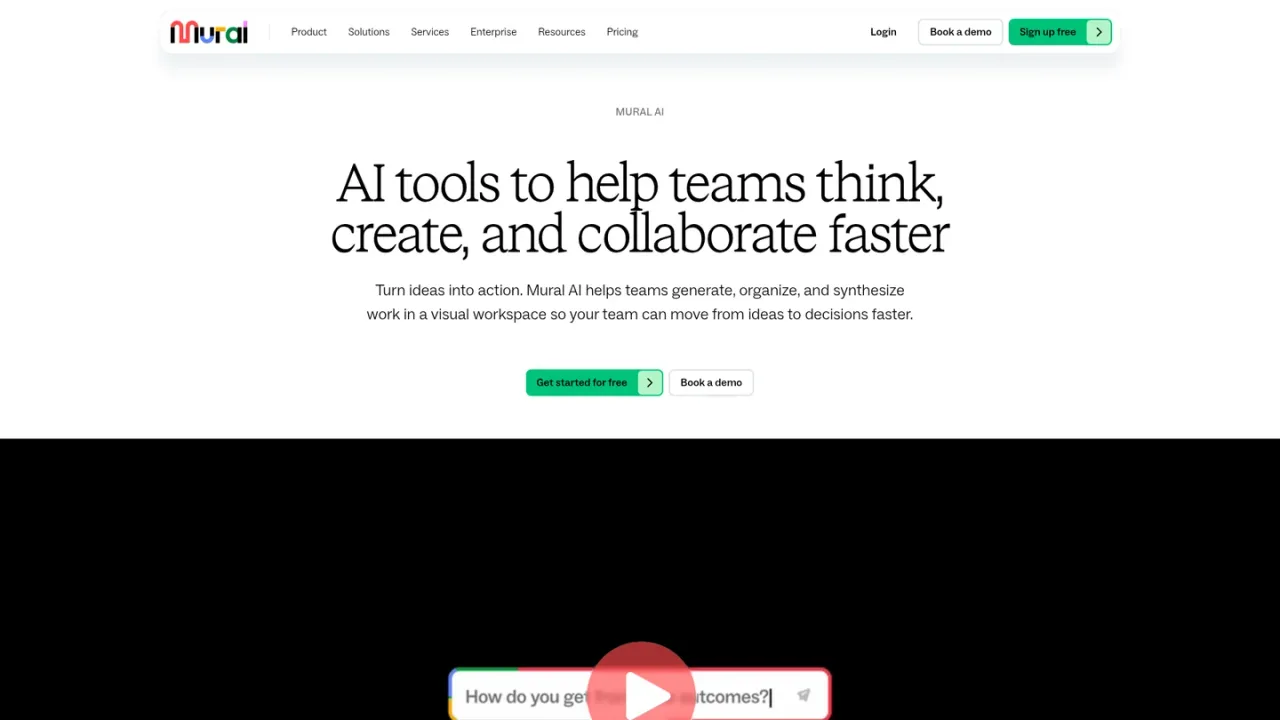
Mural AI is a set of AI capabilities built into Mural's visual collaboration workspace. It helps teams generate ideas, questions, hypotheses, and opportunity statements; create and expand mind maps; cluster and organize sticky notes by topic; classify feedback by sentiment; and summarize canvas content into shared takeaways. Work happens on a shared canvas, so teams can review and refine AI outputs together. Mural AI is included with Team+, Business, and Enterprise plans, and a free plan is available for getting started. Mural MCP lets compatible AI assistants such as ChatGPT, Claude, and Cursor create and organize content on Mural canvases, and Microsoft 365 Copilot integration supports finding murals and summarizing canvas text.
Sign in to Mural and open a canvas where your team is collaborating.
Generate ideas, create mind maps, cluster sticky notes, classify sentiment, or summarize canvas content from the canvas.
Because AI outputs appear on the shared canvas, team members can review, refine, and build on them collaboratively.
Use Mural MCP with compatible AI assistants to create and organize content such as sticky notes, shapes, text, diagrams, and flowcharts on the canvas.
Brainstorming and ideation sessions
Organizing large volumes of sticky note input
Summarizing workshop or meeting canvas content
Classifying customer feedback by sentiment
Exploring new directions with AI-generated mind maps
Bringing research and documents into a shared visual starting point via MCP
Mural AI is a set of AI capabilities built into Mural to help teams generate ideas, organize information, synthesize content, and turn collaborative work into shared understanding and action.
It can help teams brainstorm, create visual frameworks, organize and classify ideas, summarize content, identify patterns, and explore new directions on a shared canvas.
Mural AI is currently included with Team+, Business, and Enterprise plans. Availability may vary by feature or account settings.
Mural states that it does not use customer content, or permit others to use it, to train or develop machine-learning models. It may use anonymized and de-identified AI feature inputs to analyze usage patterns and improve the product.
Yes. Mural integrates with Microsoft 365 Copilot, including capabilities for finding murals and templates and summarizing mural content.
Yes. Mural MCP lets compatible AI assistants, including ChatGPT, Claude, and Cursor, create and organize content such as sticky notes, shapes, text, diagrams, and flowcharts on Mural canvases.
Open a Mural canvas and use the available AI capabilities to generate, organize, or synthesize work. Check Mural's help center for setup instructions and current feature availability.
Official USD pricing checked 2026-11-09. Team+ is $12/member/month with monthly billing. Mural AI is listed from Team+; the Free tier does not establish free access to all AI capabilities.
COMMUNITY REVIEWS
No reviews yet.

Quark is an AI flagship app with Qwen-powered chat, AI search, creation, summarization, cloud storage, and scanning tools.

Canva AI 2.0 is a conversational creative partner inside Canva that helps you generate, edit, and refine designs from first idea to final output.