
Free
$0USD
Basics at no cost with a free preview and one trial credit to spend on AI edits, upgradeable when needed.
- Free preview of background removal
- 1 trial credit for AI edits
- API and integrations included
- Upgrade available when needed
AI Photo Editing Tools
PRODUCT OVERVIEW
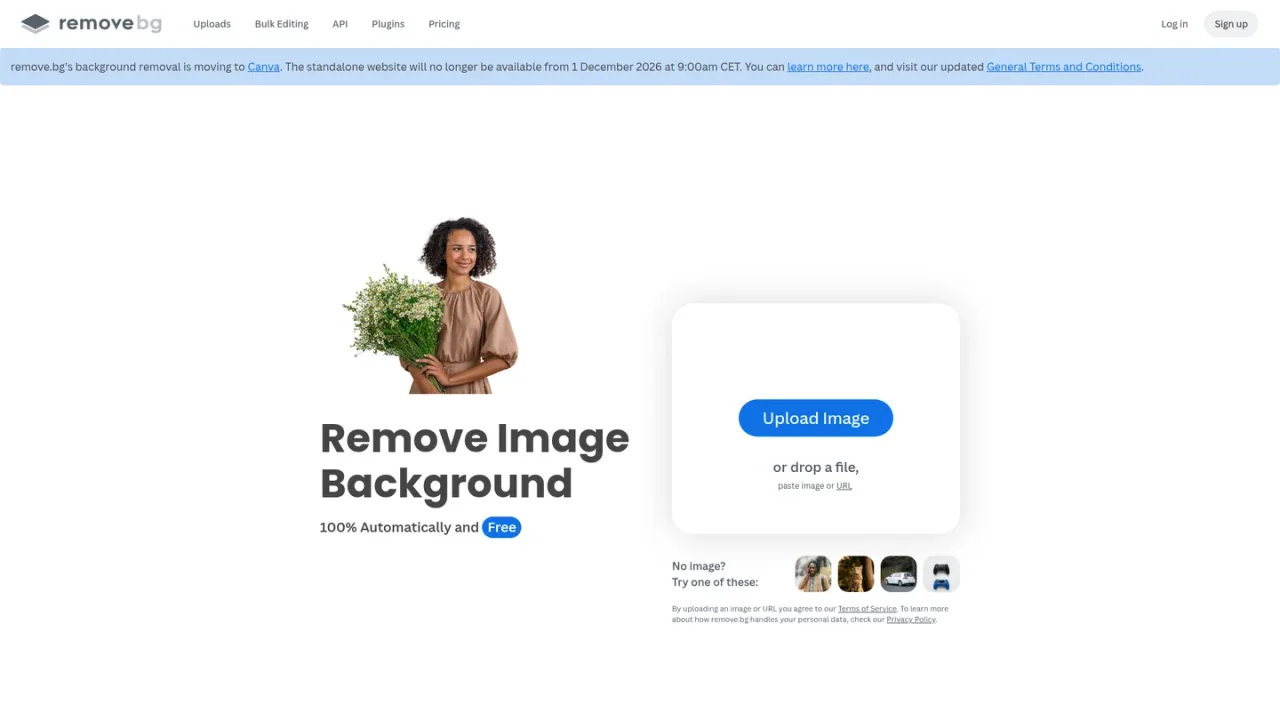
remove.bg is an AI-powered background remover that automatically cuts out the subject of a photo and isolates the background with high accuracy, producing transparent PNGs or clean white backgrounds. Beyond removal, it includes an AI background generator for creating custom backdrops without writing prompts, plus a Magic Brush and erase-and-restore tools. It serves individuals, photographers, marketers, e-commerce and car-listing teams, and developers through bulk editing that can process up to 500 images per minute, integrations with Figma, Photoshop and Zapier, a desktop app for Windows, Mac and Linux, an Android app, and an API. Access ranges from a free preview and a trial credit to pay-as-you-go credits and monthly subscriptions. The standalone website is scheduled to move into Canva from 1 December 2026.
Open the remove.bg website and upload an image file, drop a file, or paste an image or URL into the uploader.
The AI cuts out the subject and returns a transparent background; you can then export a transparent PNG or a white background.
Use the AI background generator to create custom backdrops for the cut-out subject without writing a prompt.
Use Bulk Editing to process many images at once, with documented throughput of up to 500 images per minute.
Install plugins or integrations such as Figma, Photoshop and Zapier, use the desktop app, or call the API for automated removal.
Creating white-background e-commerce product shots
Producing professional headshots with clean backgrounds
Preparing car listing photos with isolated vehicles
Designing logos and graphics with transparent backgrounds
Batch-processing large image sets for marketing teams
Embedding background removal into design and automation workflows
remove.bg is an AI background remover that automatically cuts out the subject of an image and isolates the background, and it also includes an AI background generator for creating custom backdrops.
The pricing page lists basics at no cost with a free preview and one trial credit for AI edits, alongside paid pay-as-you-go credits and monthly subscriptions.
Credits are the unit used for paid usage; the pricing page lists a 3-credit pay-as-you-go purchase and a 40-credit-per-month subscription.
Pay-as-you-go is a one-off credit purchase for starting small, while a subscription provides monthly credits and unlocks the AI photo editor, automation, API, integrations and bulk editing.
Yes, Bulk Editing lets you process up to 500 images per minute according to the site.
Yes, remove.bg provides an API and integrations with tools such as Figma, Photoshop and Zapier, and API documentation is available on the site.
remove.bg offers a desktop app for Windows, Mac and Linux and an Android app for removing backgrounds on the go.
The standalone website will no longer be available from 1 December 2026 at 9:00am CET, as background removal moves into Canva; details are covered in the FAQ.
Prices are shown in USD as listed on the pricing page. Pay-as-you-go credits expire December 1, 2026 9:00 AM CET. The standalone website will no longer be available from 1 December 2026 at 9:00am CET.
Basics at no cost with a free preview and one trial credit to spend on AI edits, upgradeable when needed.
A one-off purchase of 3 credits for starting small, with the option to upgrade and scale later.
A monthly subscription with 40 credits per month that unlocks the full AI photo editor and automation features.
Custom volume solutions starting at 100,000 images per year for scale, speed and flexibility, with contact-based pricing.
COMMUNITY REVIEWS
No reviews yet.

Generative media platform for image and video creation, editing, and agent-driven visual workflows.

AI image generator and editor that turns text prompts or uploaded images into new visuals, with free daily fast creations and slower unlimited standard mode.