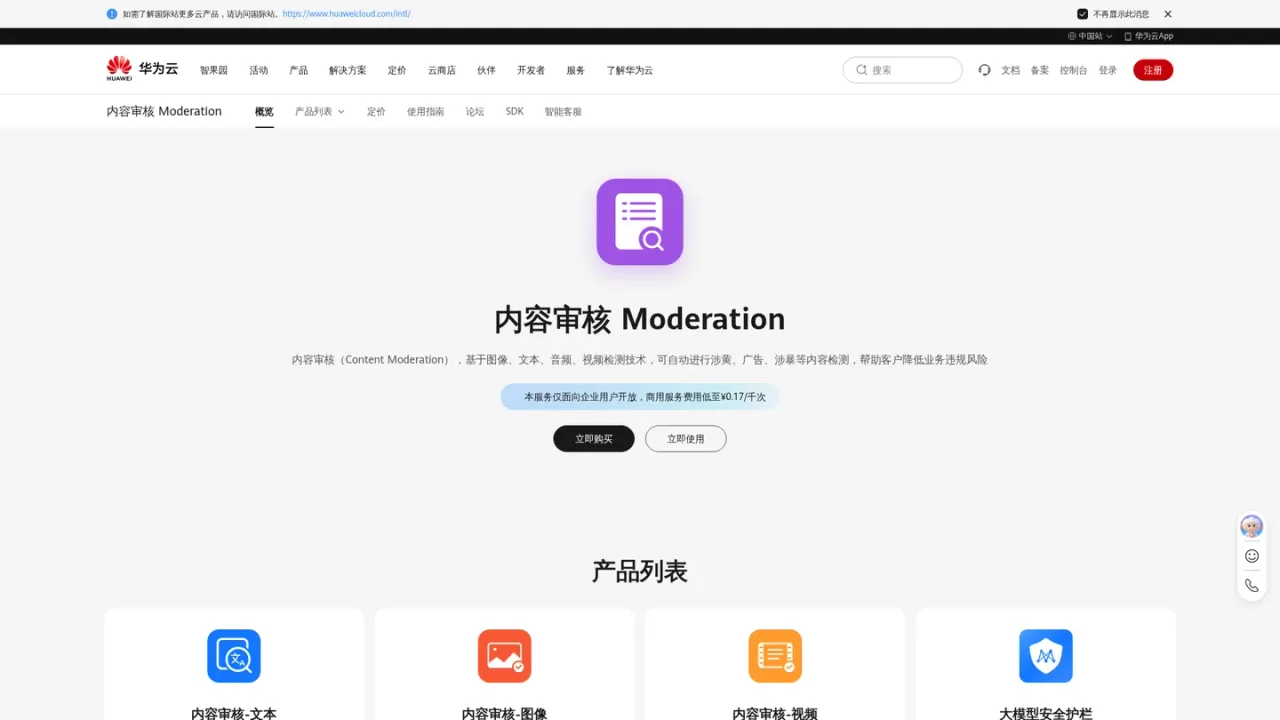
Huawei Cloud content moderation service that automatically detects pornographic, advertising, violent and other risky content in text, images, audio and video.
Huawei Cloud Moderation is a cloud content moderation service from Huawei Cloud that uses image, text, audio and video detection technologies to automatically identify pornographic, advertising, violent and other non-compliant content. It is aimed at enterprise users such as UGC websites, news platforms and interactive live-streaming services that need to screen user uploads or monitor many concurrent rooms. The service offers text, image and video moderation products plus a large-model security guardrail, and provides RESTful APIs and SDKs for integration. Commercial service fees start from CNY 0.17 per thousand calls, and the service is available only to enterprise users.
How to use Huawei Cloud Moderation
1
Open the service
Purchase the Moderation service from the Huawei Cloud console, then open it for use in the Moderation console.
2
Create access keys
Create access keys as shown in the official video tutorial so your application can call the service.
3
Integrate via API or SDK
Use the RESTful API or the provided SDK to send text, image or video content for moderation.
Huawei Cloud Moderation Features
Text moderation for pornographic, advertising and spam content
Image moderation for pornographic, violent, advertising and undesirable scenes
Video moderation for pornographic, terror-related and advertising content
Large-model security guardrail
RESTful API and SDK integration
Detection of image clarity and composition quality
Huawei Cloud Moderation Use Cases
UGC website content review to identify and warn about non-compliant user uploads
Interactive live-streaming monitoring to flag suspicious rooms in real time
News platform screening for advertising, violent and pornographic content
Huawei Cloud Moderation FAQs
The product page states that the service is open only to enterprise users.
The service provides moderation for text, images, audio and video, with separate text, image and video moderation products.
It can automatically detect pornographic, advertising, violent and other non-compliant content, and image moderation also covers undesirable scenes.
The product page states that commercial service fees start from CNY 0.17 per thousand calls; detailed estimates are available through the official price calculator.
Huawei Cloud provides RESTful API interfaces and service SDKs for integration.
Yes, the product list includes a large-model security guardrail described as a content safety defense for large models.
Documented scenarios include UGC website content review, interactive live-streaming monitoring and news platform content screening.
The official product introduction document is available at the Huawei Cloud support site linked from the product page.
The product page states that the service is open only to enterprise users and that commercial service fees start from CNY 0.17 per thousand calls. Detailed prices are estimated with the official price calculator.
Commercial pay-as-you-go
¥0.17CNY / per thousand calls (starting price)
Commercial service billed for enterprise users, with fees starting from CNY 0.17 per thousand calls according to the product page.