Free
$0USD / month
A free starting plan to try VEED's video editing and AI tools before upgrading.
- Access to browser-based video editing tools
- Start for free without a paid subscription
AI Video Editing Tools
PRODUCT OVERVIEW
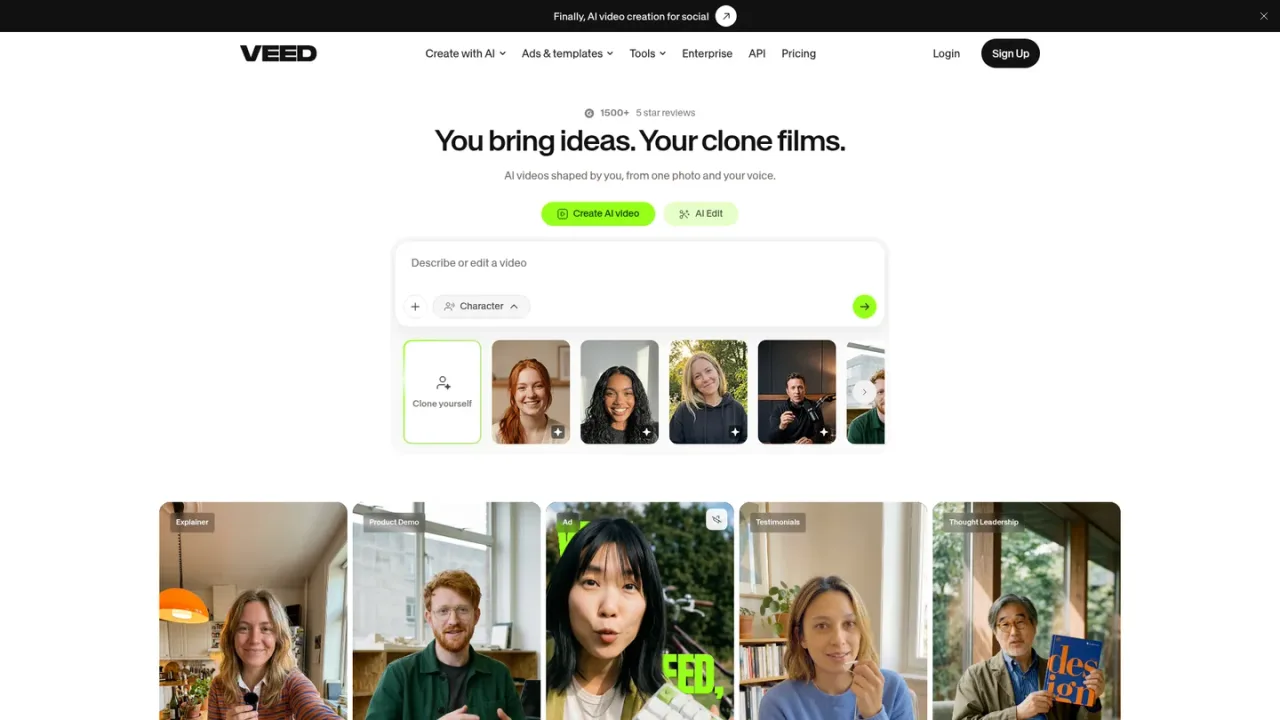
VEED is a browser-based video creation platform that combines AI generation with a full editing suite. Users can generate videos, voices, avatars and images from prompts, clone themselves from a photo and voice, and edit footage with tools for cutting, compressing, adding text and audio, removing backgrounds and enhancing quality. It also supports automatic subtitles, video translation, AI dubbing, transcription, screen and webcam recording, and templates for social ads and platform-specific videos. Intended for creators, marketers and teams producing social content, ads and localized video, VEED offers a free starting plan with paid upgrades, AI credits, per-seat team billing and API access.
Use the AI video generator, text-to-video or image-to-video tools, or pick a template for ads and social platforms.
Trim, join, compress, add text and audio, remove backgrounds and enhance video using the online editor.
Generate automatic subtitles, translate videos and use AI dubbing to localize content.
Generate videos from a photo and voice using AI avatars, lip sync and talking photo tools.
Choose a paid plan to increase monthly or yearly AI credits and unlock advanced subtitle styles.
Creating social media videos and reels from prompts or templates
Producing video ads and UGC-style content
Adding subtitles and translating videos for global audiences
Generating AI avatar or clone videos from a photo and voice
Editing, compressing and converting video in the browser
Transcribing audio and video to text
A free trial is available for enterprise customers with a minimum of 3 users, set up through Contact Sales.
Yes. You can turn off auto-renewal from the dashboard under Team Billing and keep premium access until the end of the billing cycle.
Prices are listed in your local currency if available, otherwise in USD. Major debit and credit cards are accepted, plus PayPal and Google/Apple Pay in specific countries.
Each plan includes a set amount of AI credits per month or year for AI generations. Credits refresh on renewal, do not carry over, and you can upgrade to a higher allowance.
All paid plans include unlimited subtitle generation subject to a fair use limit of 50 hours per month. Translations are minute-based and count toward your plan's allowance.
Plans are charged per seat, so the plan amount is multiplied by the number of editors in your workspace. You are charged when inviting new users.
Yes, bespoke education plans for faculty-wide use are available through Contact Sales.
The refund policy is available on the Terms of Sale page.
Prices are listed in local currency when available, otherwise USD. Paid plans are billed per seat and include a set amount of AI credits that refresh each billing period and do not carry over. Subtitle generation on paid plans is subject to a fair use limit of 50 hours per month. A free trial for enterprise customers requires a minimum of 3 users.
A free starting plan to try VEED's video editing and AI tools before upgrading.
COMMUNITY REVIEWS
No reviews yet.

Browser-based AI photo and video editor with templates, auto captions, text-to-speech, background removal, and AI generation tools.

AI video platform that turns PDFs, decks, documents, URLs and scripts into presenter-led training videos and courses with AI avatars, voiceovers, interactivity and translation.

AI video and audio editor that lets you edit by editing text, with an AI co-editor, transcription, recording, and AI tools.