
Plus
$20USD / month
A ChatGPT plan that includes Codex usage for focused coding sessions each week.
- Includes Codex usage for focused coding sessions each week
- Access Codex across ChatGPT, IDE and CLI
- Use cloud tasks and code review
AI Coding Assistant
PRODUCT OVERVIEW
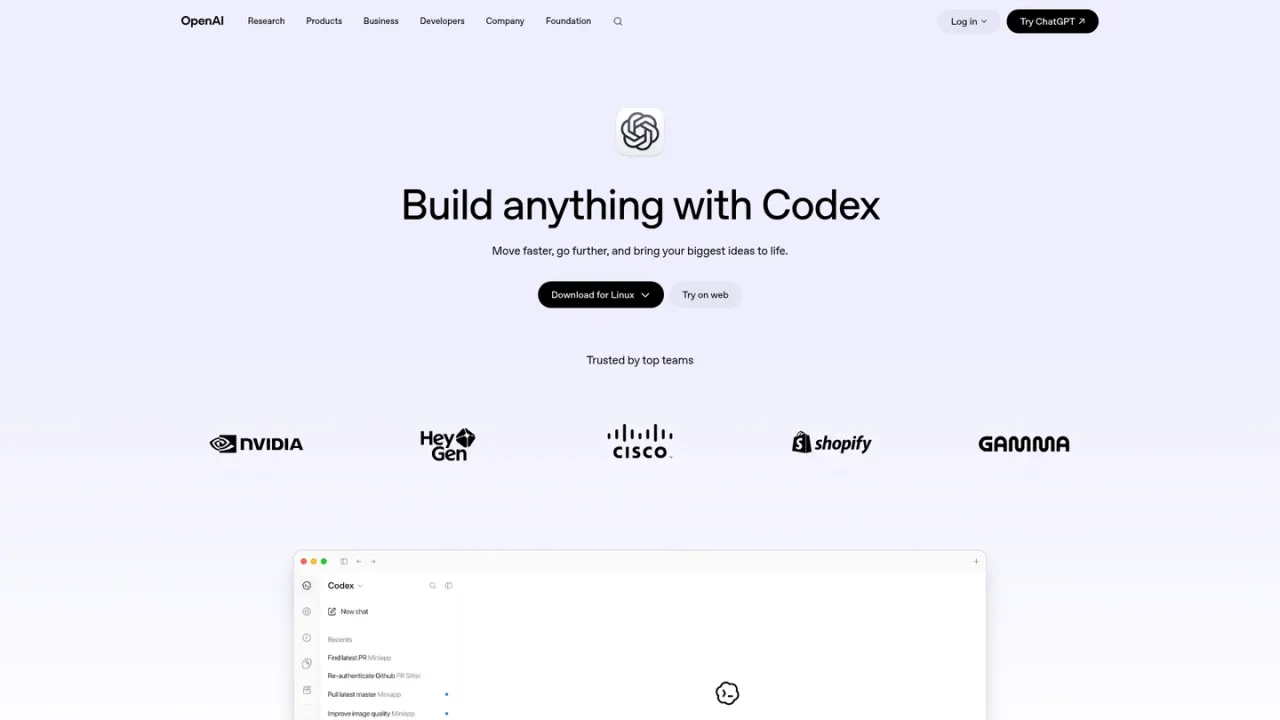
Codex is OpenAI's AI coding partner, built to take on real engineering work such as hard-to-find bugs, complex refactors and new features. It runs many agents in parallel, using computer and browser tools to verify work until requirements are met, while you follow progress, steer agents and review results in one place. Codex works across ChatGPT, an IDE extension, a command-line interface and reusable cloud environments, so tasks keep moving when you close your laptop and can be resumed from another device. It also automatically reviews pull requests, surfaces findings and answers questions, and plugins connect tools such as GitHub, Slack, Gmail, Google Drive, Figma, Notion and Supabase. Codex is included in ChatGPT Plus, Pro and Business plans, with Business adding a shared workspace and admin controls.
Use Codex in ChatGPT, install the IDE extension, run the CLI via npm i -g @openai/codex, or start cloud tasks from the web.
Give Codex a problem such as a bug, refactor or new feature, then follow agent progress and steer the work.
Inspect changed files and agent output in one place, and use automatic pull request reviews to surface findings.
Browse plugins to give Codex context and access across apps such as GitHub, Slack, Gmail, Google Drive, Figma, Notion and Supabase.
Fixing hard-to-find bugs and performing complex refactors
Building new features with agents that verify their own work
Scaling code review across pull requests for fast-moving teams
Running long coding tasks in the cloud and resuming from another device
Codex is available in ChatGPT, as an IDE extension, as a command-line interface, and as cloud tasks on the web.
Yes. Codex is included in ChatGPT Plus, Pro and Business plans, with usage limits varying by plan.
Codex is included in ChatGPT plans: Plus is $20 per month, Pro is $100 per month, and Business is $20 per user per month for 2+ seats billed annually.
Plus includes Codex usage for focused coding sessions each week, while Pro offers higher usage limits to power full workdays across multiple projects.
Yes. Codex cloud tasks use reusable environments for each repository and keep going when you close your laptop, so you can pick up from another device.
Yes. Codex automatically reviews pull requests, surfaces findings and answers questions so teams can keep code changes moving.
Install it with the npm command npm i -g @openai/codex.
Yes. Plugins let Codex connect tools such as GitHub, Slack, Gmail, Google Drive, Figma, Notion and Supabase for added context and actions.
Codex is included in ChatGPT plans. Business pricing shown is for 2+ seats billed annually.
A ChatGPT plan that includes Codex usage for focused coding sessions each week.
A higher-usage ChatGPT plan for powering full workdays across multiple projects with Codex.
A secure, shared ChatGPT workspace with admin controls for teams using Codex across repositories. Price applies for 2+ seats billed annually.
COMMUNITY REVIEWS
No reviews yet.