
Free
0TRY / month
Free account with limited daily tool uses and watermarked downloads.
- Sign up for 5 credits
- Save images with watermark
- No credit card needed
- Limited daily uses for selected tools
AI Photo Editing Tools
PRODUCT OVERVIEW
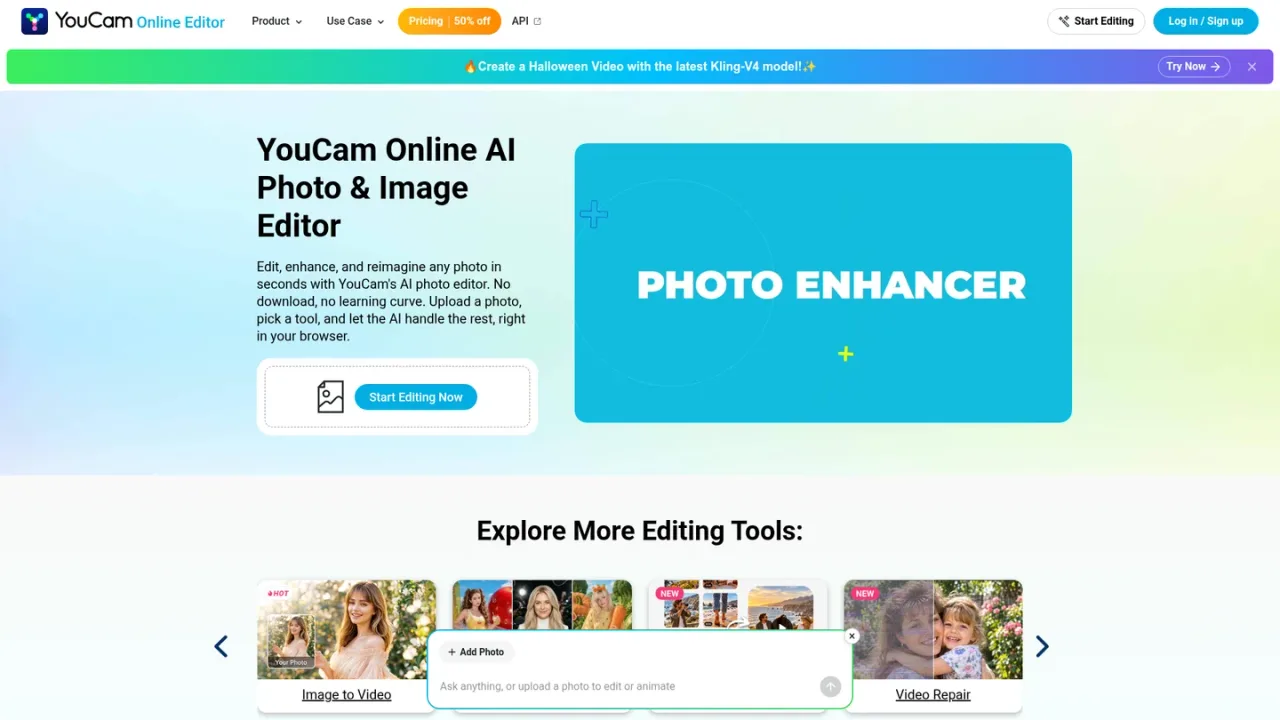
YouCam AI is a browser-based AI photo and video editing platform from Perfect Corp. It combines one-click tools for photo enhancement, upscaling to 4K, object and background removal, photo repair, colorization, portrait retouching, hairstyle and outfit try-on, and AI image generation with an AI Agent that edits photos and videos through chat. Users can also turn a single photo into a short video, enhance or restyle video, and swap faces or motion. The service targets casual creators, social media users, and small teams who want quick visual results without desktop software. A free tier provides limited daily uses and watermarked downloads; Plus and Pro subscriptions add monthly credits, watermark-free output, batch editing, and, on Pro, commercial use. A separate API offers pay-as-you-go and subscription units for developers.
Go to yce.perfectcorp.com and sign up or log in to receive free credits.
Choose a tool such as Photo Enhancer, Object Removal, or AI Image Generator, then upload your file.
Pick a preset or describe the change; the AI processes the image or clip in your browser.
Open the AI Agent to request multi-step image or video edits conversationally.
Save results with a watermark on the free tier, or subscribe to Plus or Pro for watermark-free downloads.
Restoring and colorizing old family photos
Removing unwanted objects or people from pictures
Creating social media visuals from a single photo
Trying on hairstyles, makeup, or outfits before committing
Upscaling low-resolution images and videos to 4K
Generating short videos from still images
Batch-enhancing product or event photos
Adding AI editing to apps via the API
Yes, there is a free tier with 5 sign-up credits and limited daily uses, but downloads include a watermark. Watermark-free output requires a Plus or Pro subscription.
No. YouCam AI runs in your browser; you upload a photo or video, choose a tool, and the AI processes it online.
The AI Agent lets you edit photos and videos by chatting, including single- and multi-request image edits, advanced generation, and video generation.
Free accounts get 5 credits; Plus includes 100 credits per month and Pro includes 300. Different tools consume different numbers of credits, and unused subscription credits roll over according to the pricing page.
Commercial use is listed only on the Pro plan. The free and Plus plans do not include commercial-use rights.
YouCam AI offers image-to-video and text-to-video generation, video enhancement, repair, face swap, style transfer, object removal, and auto edit.
Yes. The YouCam Enhance API offers a free account, a monthly subscription starting at $24 for 500 units, and pay-as-you-go units starting at $27.50.
The site lists English, Traditional and Simplified Chinese, Japanese, Korean, German, French, Spanish, Portuguese, Italian, Turkish, Thai, Indonesian, Russian, Dutch, Polish, and Vietnamese.
Consumer subscription prices shown in TRY on the supplied pricing page; currency selector lists USD, EUR, CNY and others. API pricing is separate and billed in USD.
Free account with limited daily tool uses and watermarked downloads.
Monthly subscription for regular photo editing with credits and watermark-free output.
Higher-tier subscription for heavier use, full enhancer access, and commercial output.
Developer account with free units to test the YouCam Enhance API.
Recurring API plan starting at 500 units per month; unit price decreases at higher volumes.
Prepaid API units starting at 500 units, valid for one year.
COMMUNITY REVIEWS
No reviews yet.

Online photo editor and AI creative suite for editing images, generating AI visuals and videos, and designing graphics.

All-in-one desktop photo editor with RAW development, layers, portrait retouching, and built-in generative AI tools.