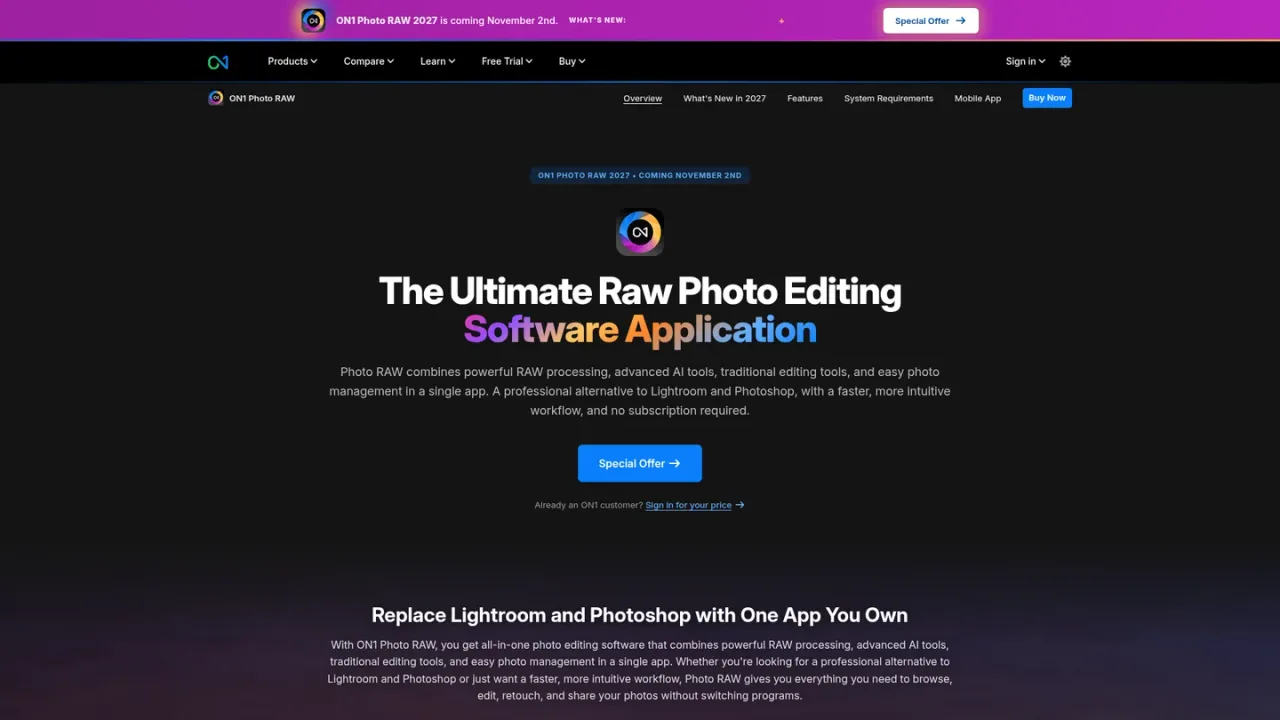
ON1 Photo RAW is a photographer-focused all-in-one editing application for Mac and Windows that combines RAW processing, layers, masking, effects, and photo management in a single non-destructive workflow. Built-in AI tools include Super Select AI masking, NoNoise AI noise reduction, Resize AI upscaling, Generative Erase, Sky Swap AI, and Brilliance AI, alongside hundreds of stackable presets, LUTs, and textures. It browses files where they live, supports AI keywording and albums, and exports finished images without switching apps. The MAX edition adds Restore AI cloud restoration, plugin use inside Adobe and other editors, and AI Culling Assistant. A perpetual license is available, with subscription options through Photo RAW MAX or Photo Studio; a free trial is offered.
How to use ON1 Photo RAW
1
Download and install
Get the free trial or purchased installer from the official download page and install on a supported Mac or Windows computer.
2
Browse your library
Point Photo RAW at folders where your photos live; it browses files in place without a slow import step and supports tags, albums, and AI keywording.
3
Edit with AI and manual tools
Use Super Select AI or depth masks to isolate subjects, then apply RAW adjustments, NoNoise AI, Resize AI, Generative Erase, Sky Swap AI, or stacked effects and presets.
4
Export finished photos
Complete the workflow by exporting polished images directly from the same app, with batch processing and printing options available.
ON1 Photo RAW Features
Non-destructive RAW processing with layers and masks
Super Select AI and depth masks for precise selections
NoNoise AI noise reduction and Resize AI upscaling
Generative Erase and Sky Swap AI
Restore AI photo restoration (MAX edition, cloud-processed)
AI keywording, albums, and in-place browsing
Hundreds of stackable presets, LUTs, textures, and borders
Plugin use inside Adobe and other editors (MAX edition)
Batch processing, exporting, and printing
ON1 Photo RAW Use Cases
Editing and retouching RAW photos in a single app
Replacing dull skies and removing distractions
Reducing noise in high-ISO shots
Upscaling images for large prints
Restoring old or damaged photos with Restore AI
Organizing and culling large photo libraries
Applying creative looks with presets and LUTs
ON1 Photo RAW FAQs
It is an all-in-one photo editing application for Mac and Windows that combines RAW processing, AI tools, layers, masking, effects, and photo management in a single app.
Photo RAW includes the full standalone editor. Photo RAW MAX adds Restore AI, plugin use inside Adobe Photoshop, Lightroom Classic, Apple Photos and more, and the AI Culling Assistant.
Yes. It works with RAW as well as JPEG, TIFF, PNG, PSD, and DNG files.
Yes. The perpetual license allows installation on 2 computers, while Photo RAW MAX subscriptions allow 3 and Photo Studio allows 5, for your own use.
No. Photo RAW is available as a one-time perpetual purchase, and subscription options exist through Photo RAW MAX and Photo Studio.
Restore AI is included exclusively with ON1 Photo RAW MAX. Perpetual MAX owners receive unlimited restorations for one year of cloud processing; subscribers receive continuous access while active.
No. Restore AI does not require credits, tokens, or per-image fees; access is based on your license or subscription.
Yes. ON1 offers a 30-day free trial of Photo RAW with no credit card required.
Prices shown are for general site visitors in USD; signed-in existing customers may see personalized pricing. Photo RAW is also sold as a one-time perpetual license, and a free trial is available.
Photo RAW 2027 (One-Time Purchase)
$79.99USD / one-time
Perpetual license for the complete all-in-one editor on Mac or Windows, including versions 2026 and 2027.
Complete all-in-one editor for Mac or Windows
Own versions 2026 and 2027 outright
Free updates for versions 2026 and 2027
Install on 2 computers
Photo RAW MAX (Annual)
$7.50USD / per month, billed annually
Subscription to the full RAW editor with Restore AI and plugin use, always up to date.
Full RAW editor plus Restore AI
Use Photo RAW as a plugin inside Adobe and other editors
Always up-to-date software
200 GB Cloud Sync
Install on 3 computers
Photo RAW MAX (Monthly)
$7.99USD / per month, billed monthly
Monthly subscription to the full RAW editor with Restore AI and plugin use, always up to date.
Full RAW editor plus Restore AI
Use Photo RAW as a plugin inside Adobe and other editors
Always up-to-date software
200 GB Cloud Sync
Install on 3 computers
Photo Studio (Annual)
$15.00USD / per month, billed annually
Subscription bundling every ON1 app, Photo RAW MAX, cloud sync, and ON1 Plus training.
Everything in Photo RAW MAX
All ON1 apps as standalone software
Full ON1 Plus training and community access
1 TB Cloud Sync
Install on 5 computers
Photo Studio (Monthly)
$17.99USD / per month, billed monthly
Monthly subscription bundling every ON1 app, Photo RAW MAX, cloud sync, and ON1 Plus training.