Nano AI
Nano AI is a web-based assistant that combines large-model chat, agents, a knowledge base, AI writing, image and video editing, and research tools.
AI Research & Data ToolsNot specified
AI Knowledge Base Q&A Tools
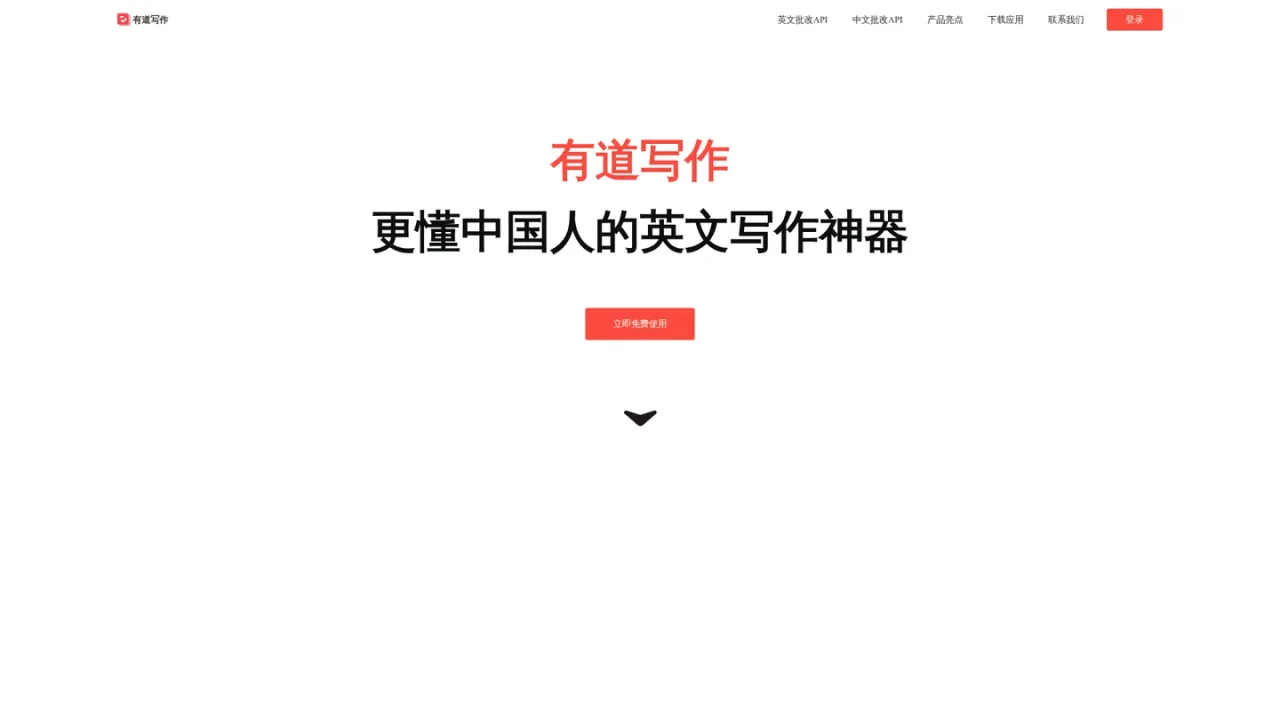
PRODUCT OVERVIEW
Youdao Writing is an AI-powered English writing assistant designed specifically for Chinese learners. It provides a comprehensive correction system that checks accuracy, language style, diversity, and clarity, helping users improve grammar, spelling, formatting, and expression. The tool supports bilingual writing, sentence polishing, and authoritative example sentences from multi-domain corpora. Users can photograph handwritten essays for quick correction via integration with the Youdao Dictionary app. It covers multiple writing scenarios including primary and secondary school, CET-4/6, postgraduate exams, IELTS, TOEFL, and academic papers. Access is available through web, macOS, Windows, iOS, and Android, as well as browser extensions and a Word plugin (trial version).
Open write.youdao.com in a modern browser (Edge or Chrome recommended) and log in to start using the writing assistant.
Paste or type your English text into the editor to receive AI-powered feedback on grammar, spelling, style, and clarity.
Use the Youdao Dictionary mobile app to photograph handwritten English essays, convert images to text, and submit for quick correction.
Download the extension for Edge, 360, or Chrome browsers to get writing assistance in emails, forms, and social media.
Download the Word plugin (trial version) to correct documents directly within Microsoft Word.
Students preparing for English exams (CET-4/6, IELTS, TOEFL, postgraduate exams) can submit essays for AI correction and feedback.
Academic writers can polish papers and improve clarity and style.
Professionals can use the browser extension to check grammar and spelling in emails, forms, and social media posts.
Teachers can use the tool to provide additional writing practice and correction for students.
Users can photograph handwritten essays for quick digitization and correction.
Youdao Writing is an AI-powered English writing correction and polishing tool designed specifically for Chinese learners, offering comprehensive feedback on grammar, style, and clarity.
It supports primary and secondary school, CET-4/6, postgraduate exams, IELTS, TOEFL, and academic papers, among other writing types.
Yes, you can use the Youdao Dictionary mobile app to photograph handwritten English essays, convert them to text, and submit for quick correction.
Youdao Writing is accessible via web, macOS, Windows, iOS, and Android, as well as through browser extensions for Edge, 360, and Chrome, and a Word plugin (trial version).
Yes, browser extensions are available for Edge, 360, and Chrome browsers to assist with writing in emails, forms, and social media.
Yes, a Word plugin (trial version) is available for download, allowing you to correct documents directly within Microsoft Word.
The correction system evaluates accuracy (grammar, spelling, formatting, coherence), language style, diversity of expression, and clarity of sentences.
You can reach the team via email at youdaowriting@rd.netease.com for business cooperation or product questions.
See the official website for current pricing.
COMMUNITY REVIEWS
No reviews yet.
Nano AI is a web-based assistant that combines large-model chat, agents, a knowledge base, AI writing, image and video editing, and research tools.
Notion AI is a built-in AI teammate inside Notion that chats, searches, writes, and automates work across your pages, databases, and connected apps.

AI-powered universal search and chat that finds files, links, and answers across your connected work apps.