Free
$0USD / month
A free plan that includes all essential note-taking features with no ads, hidden fees, or paywalls.
- Essential note-taking features
- 500MB of free cloud storage
- No ads
- Sync across devices
AI Meetings & Notes Tools
PRODUCT OVERVIEW
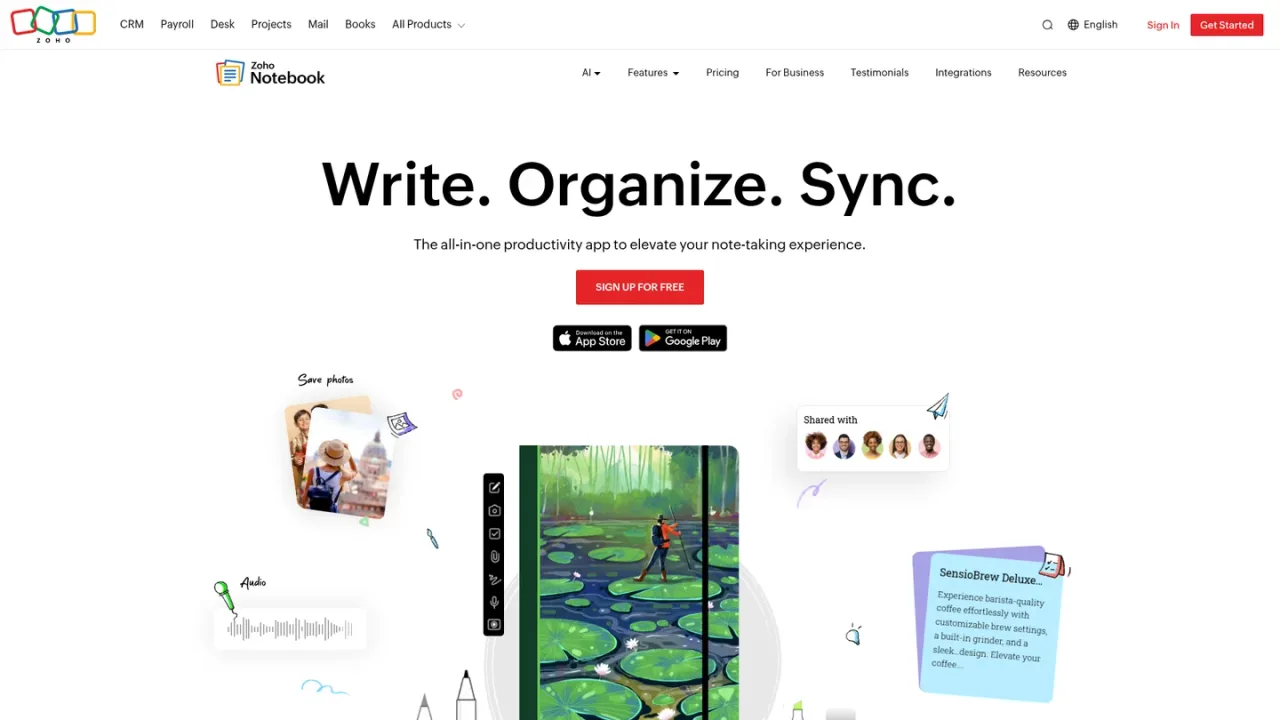
Zoho Notebook is a cross-platform note-taking app built around a card-based design for text, audio, photo, file, checklist, and smart cards. Notebook AI adds real-time transcription of recorded or uploaded audio and video, useful for meetings, lectures, interviews, and podcasts. Notes sync across web, iOS, Android, Mac, Windows, and Linux, and can be organized, searched, shared publicly or privately, and locked with a password or biometrics. A free plan includes essential note-taking with 500MB of cloud storage; a Pro plan adds advanced features. Migration tools help move notes from Evernote, Google Keep, and OneNote.
Sign up or sign in through the Zoho accounts page to access Notebook on the web or in the desktop and mobile apps.
Add text, audio, photo, file, checklist, or smart cards to keep different kinds of content organized in notebooks.
With Notebook AI, record or upload audio or video to get real-time transcriptions for meetings, lectures, interviews, or podcasts.
Group notes into notebooks, use search to find content, and share notes through public links or private collaboration with other Notebook users.
Use the dedicated migration tools to import notes from Evernote, Google Keep, or OneNote.
Transcribing meetings, lectures, interviews, and podcasts with Notebook AI
Capturing and organizing text, audio, photo, and file notes in one place
Taking notes offline and syncing them across devices
Sharing notes publicly or collaborating privately with other Notebook users
Migrating existing notes from Evernote, Google Keep, or OneNote
Yes, Zoho Notebook offers a free plan with essential note-taking features and 500MB of cloud storage. A Pro plan is also available for advanced features.
Yes. With Notebook AI, you can record or upload audio or video to get real-time transcriptions for meetings, lectures, interviews, or podcasts.
Notebook works on iOS, Android, Mac, Windows, Linux, and the web, with notes synced automatically across devices.
Yes, you can create, edit, and access notes offline, and they sync to the cloud once you reconnect.
Yes, Notebook offers dedicated migration tools for moving notes from Evernote, Google Keep, and OneNote.
Yes, you can share notes publicly through secure links or collaborate privately with other Notebook users.
Yes, you can lock individual notes or entire notebooks with a password or Touch ID/Face ID.
You can add photos, attachments, and images to notes, but handwritten notes are not supported yet.
USD annual billing. Pro: $19.99/year; Pro Plus with generative AI: $39.99/year. Regional and app-store prices may differ.
A free plan that includes all essential note-taking features with no ads, hidden fees, or paywalls.
Annual billing. Official monthly equivalent is US$1.67. Generative AI is listed under Pro Plus, not Pro.
Includes generative AI; official monthly equivalent US$3.34.
COMMUNITY REVIEWS
No reviews yet.

AI-powered second brain for notes, web clipping, scanning, and knowledge management with cross-device sync.
Notion AI is a built-in AI teammate inside Notion that chats, searches, writes, and automates work across your pages, databases, and connected apps.

AI meeting assistant that generates summaries, action items, and searchable insights from meetings, email, and messages.