
Free Tier
Entry-level access to Amazon Q Developer, referenced on the product and pricing pages.
- Get started in a few minutes
- Available for use in supported code editors
AI Coding Assistant
PRODUCT OVERVIEW
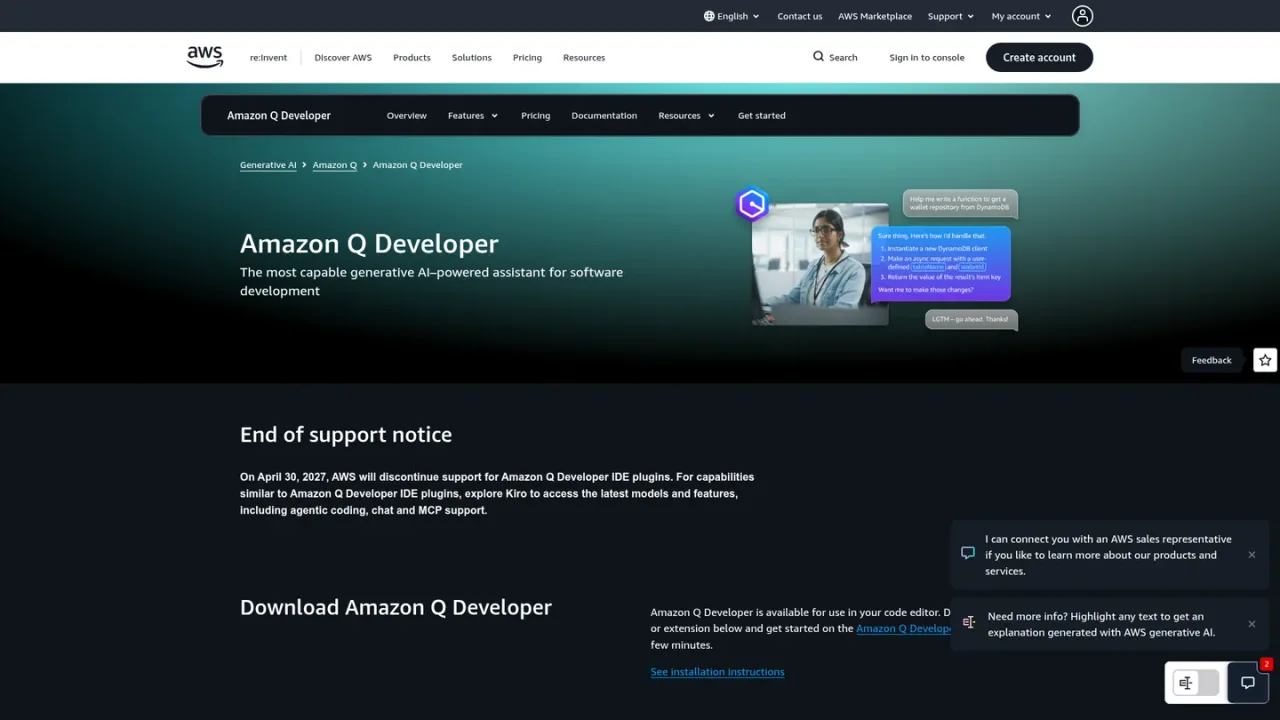
Amazon Q Developer is a generative AI-powered assistant for software development from AWS. It works in code editors such as JetBrains, VS Code, Visual Studio, and Eclipse, and from the command line. Its agentic capabilities can implement features, document, test, review, and refactor code, and perform software upgrades. It also helps operate on AWS inside the AWS Management Console and in Microsoft Teams and Slack, offering guidance on cloud costs, architecture best practices, incident investigation, and networking issues. Transformation agents accelerate .NET porting from Windows to Linux and Java upgrades. A Free Tier is available, and IDE plugin support is scheduled to end on April 30, 2027.
Download the Amazon Q Developer plugin for JetBrains, VS Code, Visual Studio, or Eclipse, or install the command line tool.
Get started on the Amazon Q Developer Free Tier to begin using the assistant in your editor.
Ask the agent to implement features, document, test, review, refactor code, or perform software upgrades.
Use Amazon Q Developer in the AWS Management Console, Microsoft Teams, or Slack for cost, architecture, incident, and networking guidance.
Accelerating software development across the lifecycle
Investigating operational incidents and networking issues on AWS
Optimizing cloud costs and following architectural best practices
Porting .NET applications from Windows to Linux
Upgrading Java applications
It is a generative AI-powered assistant for software development from AWS.
Plugins or extensions are available for JetBrains, VS Code, Visual Studio, and Eclipse, and a command line tool is also offered.
It can implement features, document, test, review, and refactor code, and perform software upgrades.
Yes. It is available in the AWS Management Console and in Microsoft Teams and Slack to help with cloud costs, architecture guidance, incident investigation, and networking issues.
Yes. Transformation agents accelerate .NET porting from Windows to Linux and Java upgrades.
Yes, an Amazon Q Developer Free Tier is referenced on the product and pricing pages.
AWS states that on April 30, 2027, it will discontinue support for Amazon Q Developer IDE plugins and points to Kiro for similar capabilities.
A Free Tier is available. Specific plan prices and billing periods are not listed on the supplied pages.
Entry-level access to Amazon Q Developer, referenced on the product and pricing pages.
COMMUNITY REVIEWS
No reviews yet.