
Jules
Entry plan for getting started with real coding tasks.
- 15 tasks per day
- 3 concurrent tasks
- Powered by Gemini 2.5 Pro
AI Coding Assistant
PRODUCT OVERVIEW
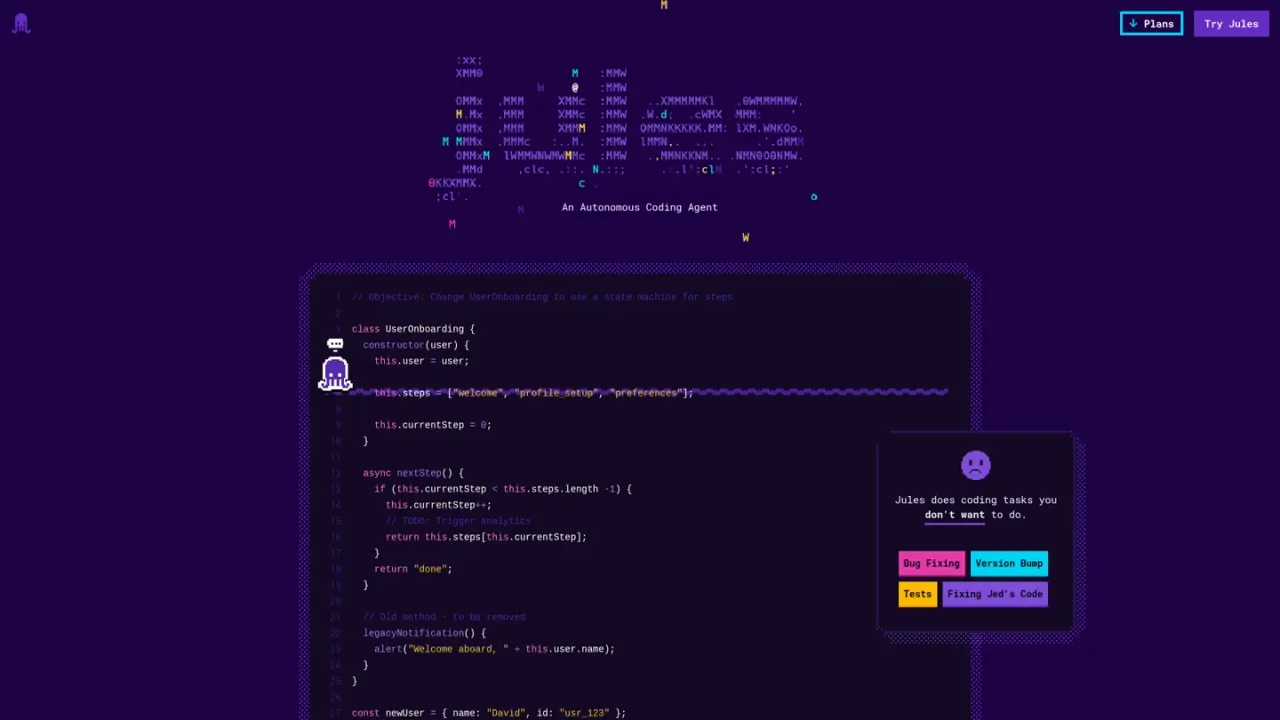
Jules is an experimental autonomous coding agent from Google Labs, built on Gemini models. It connects to your GitHub repositories, clones code into a cloud virtual machine, installs dependencies, and works through tasks such as bug fixing, version bumps, test creation, documentation, and feature building. Before writing code, Jules generates a plan you can review, discuss in chat, and approve; it then produces a diff for review and helps create a pull request. It can run existing tests or create new ones, reads an AGENTS.md file to better understand your repository, and supports scheduled and suggested tasks. Beyond the web app, Jules is available through a CLI and a REST API for custom workflows. Access requires a Google account and GitHub connection, with tiered plans offering different daily task and concurrency limits.
Visit jules.google.com, sign in with your Google account, accept the privacy notice, then connect your GitHub account and choose all or specific repositories.
Pick a repository and branch, write a clear prompt, optionally add environment setup scripts, and click Give me a plan.
Expand each step, give feedback in the chat box if needed, and click approve plan to let Jules begin writing code.
Browse the diff of changes, approve code edits, and let Jules create a pull request that you can merge on GitHub.
Install Jules Tools with npm, run jules login, and use commands such as remote new and remote pull, or build workflows with the REST API.
Fixing bugs in an existing repository
Bumping dependency versions and migrating project structure
Writing or expanding test suites
Adding documentation
Building new features asynchronously
Assigning tasks from GitHub issues using the jules label
Running parallel coding sessions from the CLI
Jules is an experimental autonomous coding agent from Google Labs that integrates with GitHub, understands your codebase, and works on tasks such as bug fixes, documentation, and new features.
You sign in with a Google account and connect your GitHub account, choosing all or specific repositories. Jules then clones your code into a cloud virtual machine to work on tasks.
Yes. Jules generates a plan before writing code, which you can review, discuss in chat, and approve. After execution it provides a diff of changes for you to browse and approve.
Yes. Jules branches changes and helps you create a pull request, which you can approve and merge on GitHub.
Yes. Jules will run existing tests or create new ones as part of its work.
Jules automatically looks for an AGENTS.md file in the root of your repository, which can describe agents or tools in your codebase so Jules can generate more relevant plans and completions.
Yes. Jules Tools is a CLI installed via npm that lets you manage sessions, inspect progress, and integrate Jules into scripts from your terminal.
The Jules plan offers 15 tasks per day and 3 concurrent tasks; Jules in Pro offers 100 tasks per day and 15 concurrent tasks; Jules in Ultra offers 300 tasks per day and 60 concurrent tasks.
The pricing page lists plan names and task/concurrency limits but does not display prices. Prices are therefore left empty rather than inferred.
Entry plan for getting started with real coding tasks.
For developers who ship daily and want to stay in the flow.
For builders who run agents at scale.
COMMUNITY REVIEWS
No reviews yet.