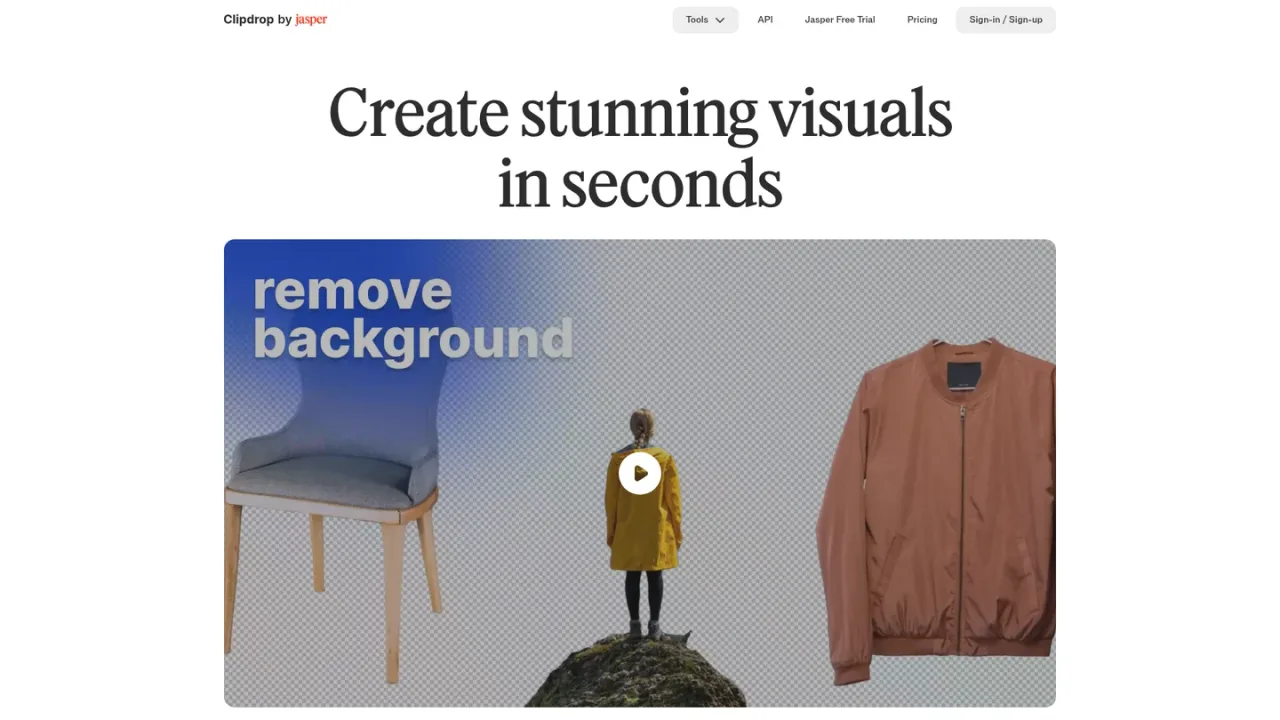
Clipdrop is a web-based suite of AI image tools from InitML, now part of Jasper.ai. It bundles practical editing utilities such as Remove background, Replace background, Cleanup for removing objects, people, text and defects, Text remover, Relight, Uncrop, and Image upscaler, alongside Text to image for generating high-resolution realistic images and Universal Resizer for social media formats. Designers, marketers, e-commerce sellers and developers can process photos quickly without advanced editing software, and the Jasper API lets teams embed the same image models into their own products. A free tier provides daily usage limits, while Pro raises limits and adds high-resolution output and queue skipping.
How to use Clipdrop
1
Choose a tool
Open the Clipdrop tools page and select the utility you need, such as Remove background, Cleanup, Image upscaler or Text to image.
2
Upload or describe
Upload your image for editing tools, or enter a prompt for Text to image to generate a new visual.
3
Process and download
Let Clipdrop process the image, then download the result. Free accounts have daily limits; Pro accounts get higher limits and high-resolution output.
4
Integrate via API
Developers can embed Clipdrop image models into their own products using the Jasper API, with usage-based API pricing.
Clipdrop Features
Remove background from images with high accuracy
Replace background to place subjects in new scenes
Cleanup removes objects, people, text and defects
Text remover erases text from any image
Image upscaler enlarges images 2x or 4x and reduces noise
Relight adjusts lighting in images
Uncrop extends photos to any image format
Text to image generates high-resolution realistic images
Universal Resizer resizes images for social media
Jasper API for embedding image models into products
Clipdrop Use Cases
E-commerce sellers removing backgrounds for product listings
Marketers resizing images for social media with Universal Resizer
Photographers removing unwanted objects or people with Cleanup
Designers upscaling low-resolution images for print or web
Content creators generating realistic images from text prompts
Developers embedding background removal or upscaling via API
Clipdrop FAQs
Go to clipdrop.co/remove-background, upload your image, and Clipdrop will remove the background so you can download the HD result for free.
Use the Cleanup tool: upload your image, select the object or person, and download the result with the element removed.
The free plan allows 20 uses per 24 hours for Background Removal, Image Upscaler x2, Cleanup and Relight, and 50 uses per 24 hours for Text Remover.
Pro costs 15 USD per month and provides 1000 uses per 24 hours for each tool, high-resolution output, and queue skipping for Text to image and Uncrop.
Yes. The Jasper API lets you embed Clipdrop image models into your product with usage-based pricing; documentation is at clipdrop.co/apis.
Clipdrop's terms do not limit your ability to use images generated on Clipdrop for commercial use.
The free plan offers Image Upscaler x2, while Pro offers Image Upscaler x16 with high-resolution output.
Clipdrop was created by InitML, which was acquired by Stability in February 2023 and later sold to Jasper.ai in February 2024.
Prices are shown in US dollars. The free tier has daily usage limits; Pro is a monthly subscription with higher limits and high-resolution output. API pricing is usage-based and separate from consumer plans.
Free
$0USD / per month
Entry tier for trying Clipdrop's image tools with daily usage limits.
Text to image and Uncrop included
Background Removal, Image Upscaler x2, Cleanup and Relight limited to 20/24h
Text Remover limited to 50/24h
Replace Background included
Pro
$15USD / per month
Paid subscription that raises daily limits and adds high-resolution output and queue skipping.
Skip Queue for Text to image and Uncrop, 1000/24h each
High Resolution Background Removal, Cleanup, Relight, Text Remover and Replace Background, 1000/24h each
High Resolution Image Upscaler x16, 1000/24h
Higher daily limits than the free tier
API
/ usage-based
Usage-based API access for embedding Clipdrop image models into your own product.