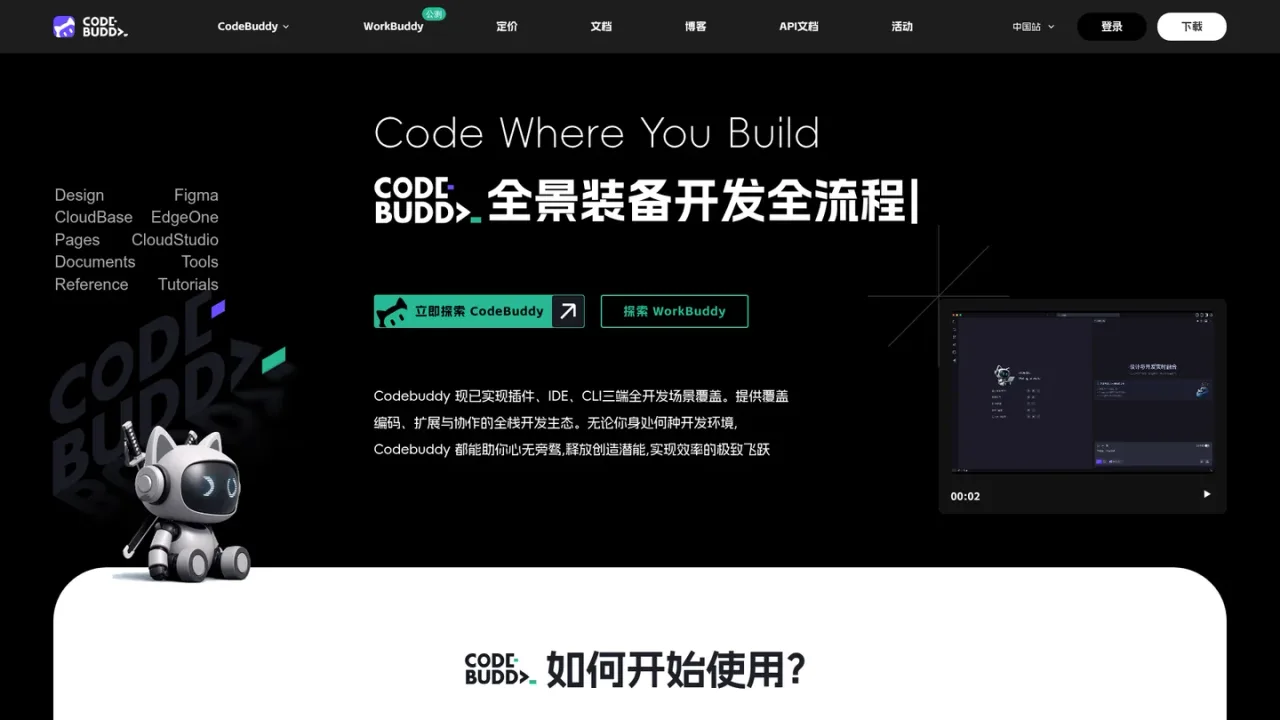
CodeBuddy is Tencent Cloud's AI-assisted programming tool that embeds AI across the full development workflow, from product ideation to release. It is available in three forms: an AI-native IDE for product, design, full-stack, and beginner users; plugins for VS Code and JetBrains IDEs; and a CLI for DevOps and senior engineers. Core capabilities include turning natural-language ideas into structured PRD documents, generating high-fidelity designs from text or sketches, converting Figma designs into maintainable front-end and back-end code, real-time code completion, inline chat, code explanation and review, and one-click deployment to sandbox environments with shareable links. It integrates BaaS services such as Supabase and Tencent CloudBase, component libraries like TDesign, MUI, and Shadcn, and multiple models including Hunyuan and DeepSeek. A limited-time free trial plan and paid personal plans are offered.
How to use CodeBuddy
1
Download and install CodeBuddy IDE
Visit the CodeBuddy IDE page to download and install the application on Windows or macOS, then sign in to start using it.
2
Install the plugin in your IDE
Search for the Tencent Cloud coding assistant in the plugin marketplace of VS Code or a JetBrains IDE and install it to add AI assistance to your existing workflow.
3
Install the CLI
With Node.js 18.0 or later, run npm install -g @tencent-ai/codebuddy-code to install CodeBuddy CLI and drive development from the command line.
4
Generate requirements and designs
Describe your product idea in natural language to generate a structured PRD, then create interactive prototypes or high-fidelity designs from text or sketches.
5
Convert designs to code and deploy
Import Figma designs to generate maintainable code, then deploy to a sandbox environment with one click and share the generated link for team validation.
CodeBuddy Features
AI-native IDE, IDE plugins, and CLI covering multiple development scenarios
Natural-language product ideas converted into structured PRD documents
Design generation from natural language or hand-drawn sketches
Figma design-to-code conversion producing maintainable front-end and back-end code
Real-time code completion, inline chat, and multi-file code generation
Code explanation, intelligent code review, and engineering structure analysis
Automatic unit test generation and error fixing
One-click deployment to sandbox environments with shareable links
Built-in BaaS integration with Supabase and Tencent CloudBase
Support for multiple models including Hunyuan and DeepSeek
CodeBuddy Use Cases
Product managers turning ideas into structured requirement documents
Designers generating high-fidelity designs from text or sketches
Full-stack developers converting Figma designs into maintainable code
Beginners building projects with a conversational coding workflow
DevOps and SRE engineers automating tasks through the command line
Teams validating MVPs via one-click sandbox deployment and shareable links
CodeBuddy FAQs
CodeBuddy is available as an AI-native IDE, as plugins for VS Code and JetBrains IDEs, and as a CLI tool for command-line workflows.
The IDE targets product managers, designers, full-stack developers, and programming beginners, emphasizing a conversational coding workflow.
Yes. The IDE has built-in Figma functionality that converts designs into maintainable front-end and back-end code.
CodeBuddy CLI requires Node.js 18.0 or later and is installed via npm install -g @tencent-ai/codebuddy-code.
CodeBuddy supports multiple conversational models, including Hunyuan and DeepSeek.
CodeBuddy supports one-click deployment to sandbox environments and generates a publicly accessible link so teams can validate and give feedback.
Yes. The pricing page lists a limited-time free Trial plan with 500 credits per month and capped project and task limits.
The pricing page offers monthly purchase, auto-renewing monthly billing, and annual billing options.
Prices are shown in CNY. The trial plan is described as limited-time free; paid plans offer monthly, auto-renewing monthly, and annual billing options.
Trial
¥0CNY / month
A limited-time free plan for trying CodeBuddy with capped monthly credits and project limits.
500 credits per month
Auto model scheduling (all models free for a limited time)
5,000 real-time code completions (unlimited for a limited time)