
Free
$0USD / free forever
AI Meetings & Notes Tools
PRODUCT OVERVIEW
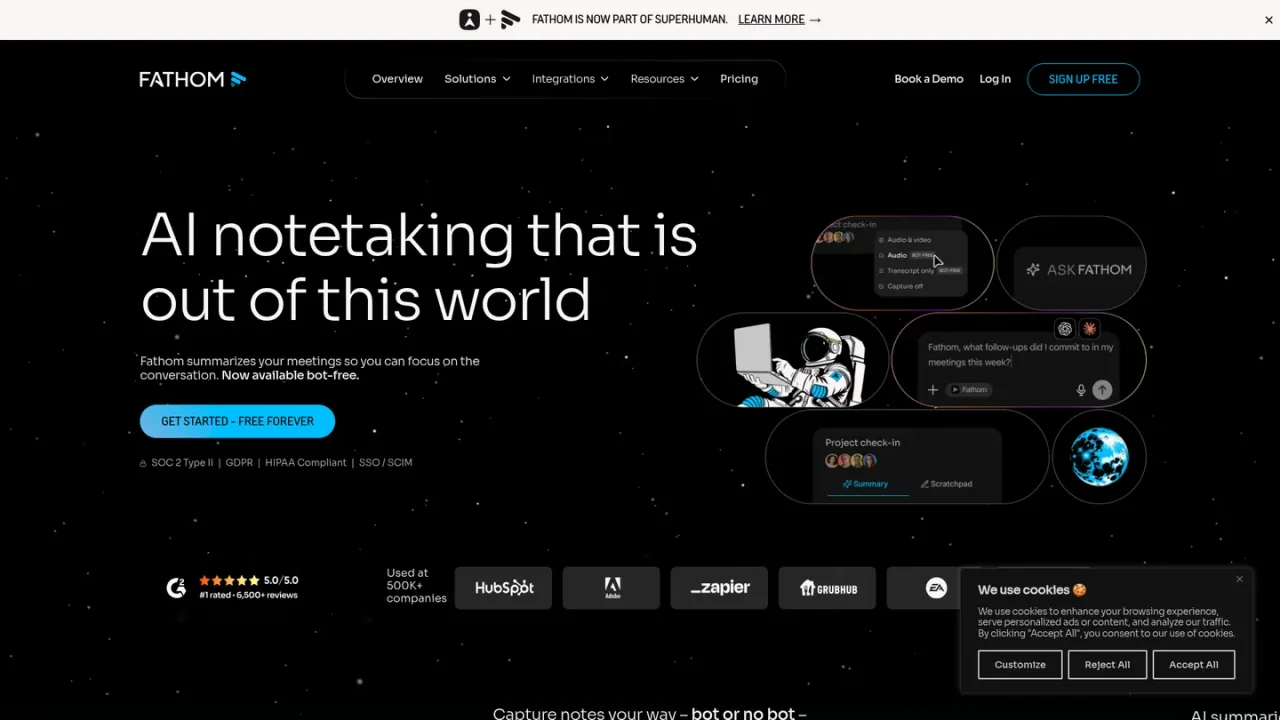
Fathom is an AI notetaking assistant for meetings that captures conversations bot-free or with a bot, then produces transcripts, instant summaries, and action items. It works across Google Meet, Zoom, Microsoft Teams, and other tools, and syncs notes and insights to Slack, Salesforce, HubSpot, Notion, Asana, and more. Individuals can stay present during calls and review searchable transcripts later, while teams gain shared visibility, keyword alerts, playlists, and coaching metrics. A conversational assistant lets users ask questions about a single call or across past meetings. Fathom offers a free plan with unlimited recordings and summaries, paid individual and team plans, and an enterprise tier with security and support options.
Create a Fathom account and connect the calendar or meeting tools you use so upcoming calls can be captured.
Select whether Fathom joins meetings with a bot or captures notes without a bot where supported.
After the meeting, open the generated transcript, summary, and action items to confirm details and next steps.
Use the conversational assistant to search and ask about a specific call or your past conversations.
Connect integrations such as Slack, Salesforce, HubSpot, Notion, or Asana to push meeting insights into your workflow.
Record and summarize sales calls
Capture team meetings and share action items
Search past conversations for decisions and commitments
Sync meeting notes to CRM records
Review coaching metrics for customer-facing teams
Yes. Fathom offers a choice of bot-free capture, currently a beta feature for Mac, or bot-based capture.
Fathom lists Google Meet, Zoom, Microsoft Teams, and Gmail among the tools it works with.
Yes. The Free plan includes unlimited recordings and transcriptions, instant AI call summaries, and clips, playlists, and search across calls.
Premium adds advanced call summaries, AI-generated action items, a conversational meeting assistant, and a custom meeting bot.
Yes. The Team and Business plans require a minimum of two users.
Yes. Business and higher plans include CRM field sync that updates records after meetings automatically.
Yes. Ask Fathom provides a conversational interface for a single call, and account-wide Ask Fathom covers all calls with lookback limits depending on plan.
Enterprise pricing is not listed; the pricing page directs users to contact sales.
Official pricing checked 2026-11-10. Annual rates shown; monthly billing costs more. Enterprise scope and minimum requirements should be confirmed with sales.
COMMUNITY REVIEWS
No reviews yet.

AI meeting assistant that generates summaries, action items, and searchable insights from meetings, email, and messages.
Notion AI is a built-in AI teammate inside Notion that chats, searches, writes, and automates work across your pages, databases, and connected apps.
AI-powered second brain for notes, web clipping, scanning, and knowledge management with cross-device sync.