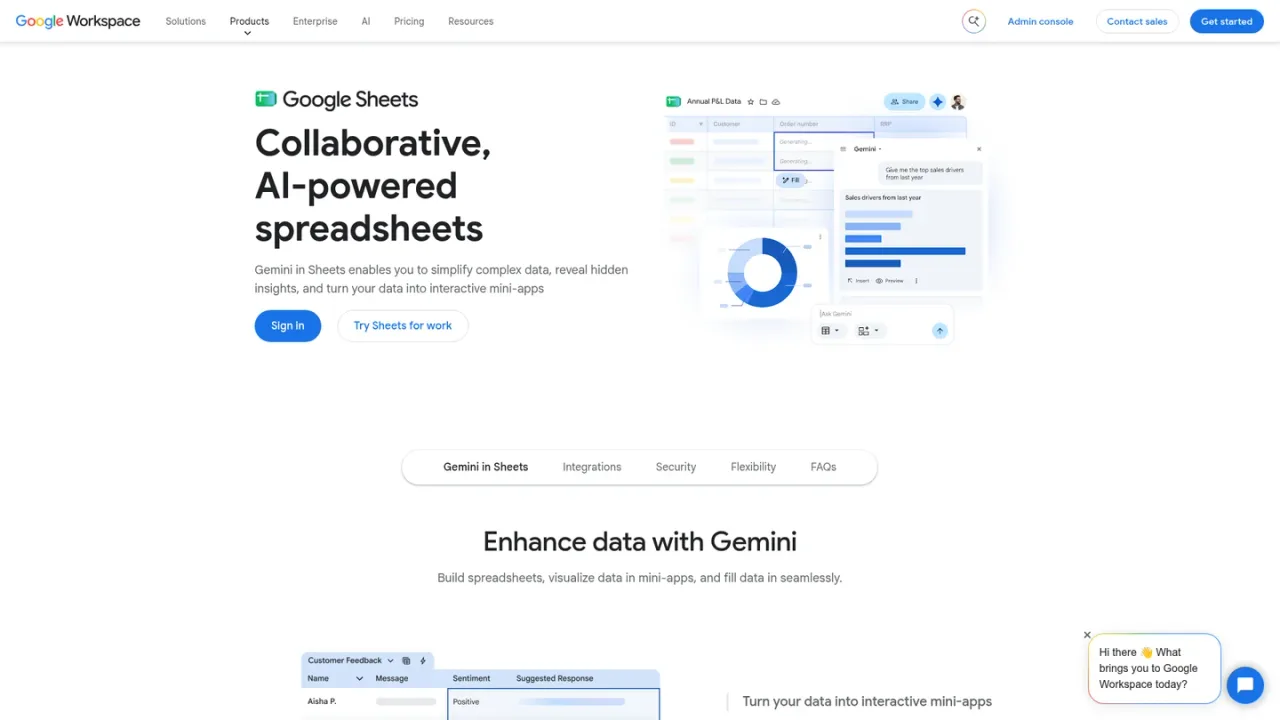
Gemini in Google Sheets is the AI assistant embedded in Google's cloud spreadsheet editor, part of Google Workspace. It brings Gemini into Sheets so you can work with your data conversationally: ask questions, generate and refine formulas, draft content, and get help understanding tables without leaving the spreadsheet. It is aimed at individuals, teams, and businesses that already use Sheets for reporting, planning, and analysis and want AI assistance inside their existing workflows. Access is tied to Google Workspace plans; Starter includes limited Gemini in Workspace apps, while Standard, Plus, and Enterprise provide fuller access. A 14-day trial is available for Workspace.
How to use Gemini in Google Sheets
1
Open Google Sheets
Go to Google Sheets in your browser and open or create a spreadsheet.
2
Access Gemini
Use the Gemini features available in Sheets through your Google Workspace plan.
3
Ask for help
Prompt Gemini to draft formulas, explain data, or generate content directly in the sheet.
Gemini in Google Sheets Features
Gemini AI assistant embedded in Google Sheets
Generate and refine formulas with AI
Ask questions about spreadsheet data
Draft content directly in sheets
Part of Google Workspace with enterprise-grade security
Gemini in Google Sheets Use Cases
Creating formulas without manual syntax
Analyzing spreadsheet data with natural language
Drafting reports and summaries in Sheets
Automating repetitive spreadsheet tasks
Gemini in Google Sheets FAQs
It is the AI assistant built into Google Sheets that helps you work with data, formulas, and content using Gemini.
No, it requires a paid Google Workspace plan. Starter includes limited Gemini access, while Standard and higher plans offer fuller access.
Gemini in Workspace apps is available in Starter (limited), Standard, Plus, and Enterprise plans.
Yes, Google Workspace offers a 14-day trial at no cost.
Starter is $7 per user per month, Standard is $14, and Plus is $22, billed monthly in USD excluding tax. Enterprise pricing is available via sales.
It can help generate formulas, answer questions about your data, and draft content directly in the spreadsheet.
Google states that your company data is not used to train models when using Gemini in Workspace apps.
No, it is built into Google Sheets and accessible through your browser with a supported Workspace plan.
Prices are per user per month in USD, billed monthly, excluding tax. Starter, Standard, and Plus are available for up to 300 users. A 14-day trial is offered. Promotional discounts may apply.
Starter
$7USD / per user per month
Entry-level Workspace plan with limited Gemini in Workspace apps, including basic AI assistance in Sheets.
30 GB pooled storage per user
Gemini AI assistant in Gmail
Limited Gemini in Workspace apps
Video meetings for up to 100 participants
Security and management controls
Standard
$14USD / per user per month
Mid-tier plan with fuller Gemini access across Gmail, Docs, Meet, and more, including Sheets.
2 TB pooled storage per user
Gemini AI assistant in Gmail, Docs, Meet, and more
Gemini Notebook with expanded access
Video meetings with recording and 150 participants
eSignature with Docs and PDFs
Plus
$22USD / per user per month
Advanced plan adding more storage, eDiscovery, and enhanced meeting and security controls on top of Standard.
5 TB pooled storage per user
Secure custom email with eDiscovery
Video meetings with attendance tracking and 500 participants
Vault for data retention and search
Advanced endpoint management
Enterprise
Custom enterprise plan with advanced security, compliance, and AI controls; pricing available via sales.