
Premium monthly
$24.90USD / per month
AI Paraphrasing & Editing Tools
PRODUCT OVERVIEW
LanguageTool is an AI-based writing assistant that checks grammar, spelling, punctuation, casing, and style across more than 30 languages and dialects. It offers a dedicated editor, browser add-ons, desktop apps for Windows and macOS, and integrations for Google Docs, Microsoft Word, Apple Pages, LibreOffice, Gmail, Apple Mail, Thunderbird, and Outlook. A Picky Mode adds style and tonality suggestions, detects long or complex sentences, flags colloquialisms and redundancies, and suggests synonyms. An AI-based paraphraser rewrites sentences to be simpler, shorter, or more formal. Statistics track languages used, errors made, and suggestions applied. A free version corrects spelling and simple punctuation and some style mistakes, while Premium unlocks all errors and unlimited paraphrasing. Team accounts and a proofreading API are available for businesses and developers.
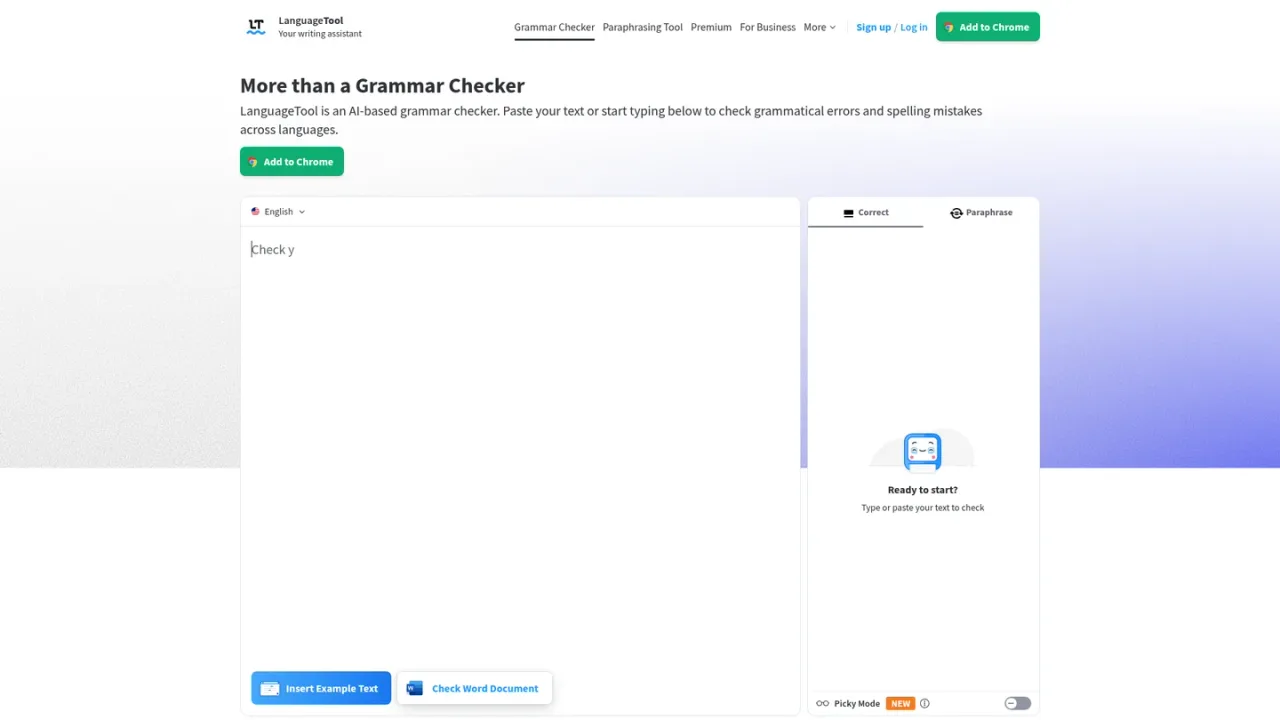
Open the LanguageTool editor, paste or type your text, and review the automatic grammar, spelling, punctuation, and style suggestions as you write.
Add the LanguageTool extension to Chrome, Edge, Firefox, Opera, or Safari to receive writing suggestions while typing in emails, blog posts, or social media.
Connect LanguageTool to Google Docs, Microsoft Word, Apple Pages, LibreOffice, Gmail, Apple Mail, Thunderbird, or Outlook to check text directly in those applications.
Turn on Picky Mode for additional style and tonality suggestions, detection of long or complex sentences, and synonym suggestions for overused words.
Use the AI-based paraphrasing tool to rewrite sentences so they are simpler, shorter, or more formal.
Proofreading emails, blog posts, and social media updates while typing in the browser
Checking academic texts such as term papers, bachelor theses, and master theses for errors
Improving style and tonality in professional communication
Paraphrasing sentences to make them simpler, shorter, or more formal
Ensuring consistent brand voice across teams with LanguageTool for Business
Yes, LanguageTool goes beyond spelling to offer grammar checks, word choice suggestions, and style recommendations.
Its punctuation checker differentiates between optional and required commas and handles complex sentence structures.
Error display and suggestion cards appear automatically while typing, and double-clicking a word shows synonyms.
LanguageTool supports more than 30 languages and dialects, including English, Spanish, German, French, Dutch, and Portuguese. English offers six standard varieties.
A free version corrects spelling, simple punctuation, and some style mistakes. Premium shows all errors and includes unlimited paraphrasing, and team accounts are available.
LanguageTool offers browser extensions, desktop apps for iOS, macOS, and Windows, and integrations for common office and email programs, all accessible with one user account.
Yes, an AI-based paraphraser can rewrite entire sentences to make them simpler, shorter, or more formal.
LanguageTool can help ensure term papers, bachelor theses, and master theses are free of errors, and its style check is useful for academic texts. Students get a discount.
Official pricing rechecked 2026-11-10. US/USD confirmed in the official page currency attributes. These are individual subscription totals, not the monthly-equivalent display. The page says VAT included; team pricing is separate.
COMMUNITY REVIEWS
No reviews yet.

AI writing assistant that fixes grammar and punctuation, suggests word and sentence alternatives, and adapts style and tone.

AI writing partner that proofreads, rewrites, adjusts tone, detects AI text and plagiarism, and offers AI agents and a document editor.

Writing and editing toolkit for planning, drafting, and polishing stories with grammar checks, style reports, and story critique.