
Pro
$7.50USD / monthly equivalent, billed yearly
AI Photo Editing Tools
PRODUCT OVERVIEW
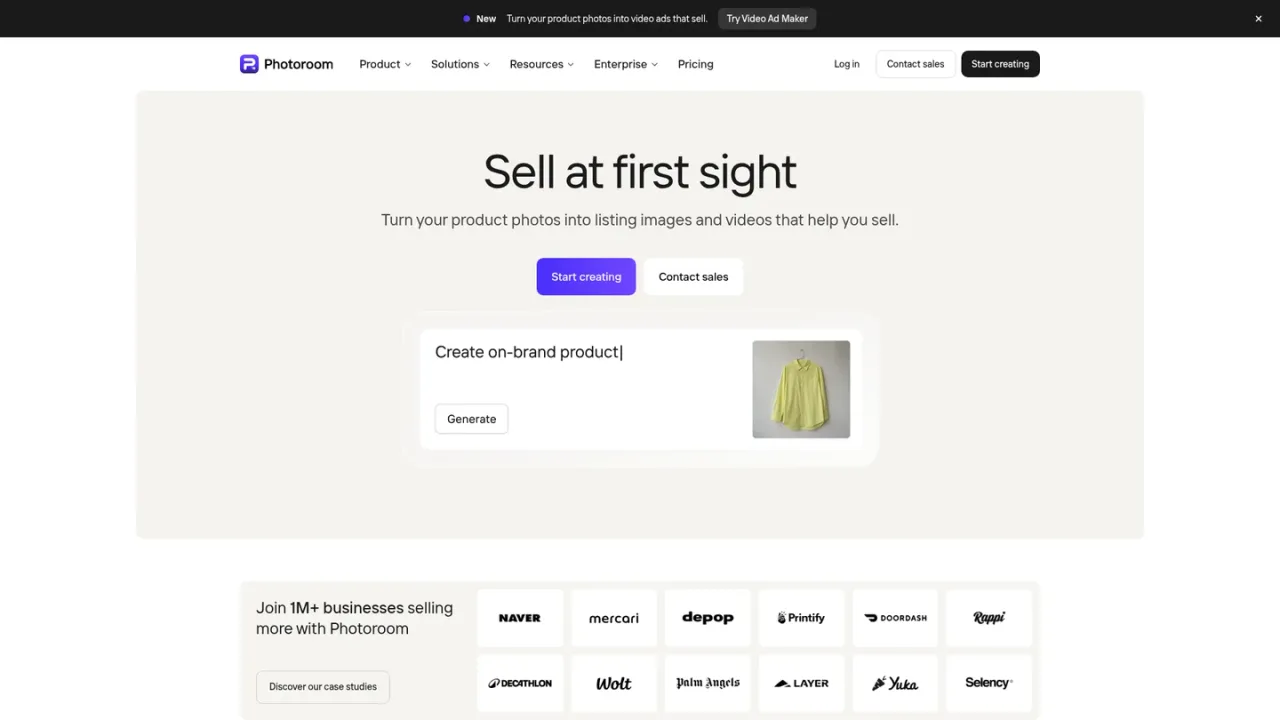
Photoroom is an AI photo and video platform built for e-commerce sellers, from solo entrepreneurs to enterprise teams. It removes backgrounds, generates studio-quality product photography, stages products in lifestyle scenes, adds AI shadows, recolors items, and creates video ads with actors, music and voiceover for Meta, TikTok and YouTube. A Brand Library keeps colors, logos and layouts consistent, while batch editing and a REST API automate image production across thousands of SKUs. Users can start with a free trial, then choose Pro, Max or Ultra subscriptions, or contact sales for Enterprise plans with custom models and SLAs.
Open the Photoroom web app, upload a product photo, and use core tools such as Background Remover, Retouch, AI Shadows and AI Expand to prepare listing-ready visuals.
Upload a product image and let Photoroom generate studio-quality shots, lifestyle scenes or seasonal contexts without a physical studio.
Use the Video Ad Maker to turn product photos into video ads with actors, music and voiceover, formatted for Meta, TikTok and YouTube.
Run AI edits across thousands of images in one pass via the web app or API, applying brand rules and exporting marketplace-ready visuals.
Use the REST API or MCP server to integrate background removal and image editing into your own workflows, with separate API pricing.
Create listing-ready product images for e-commerce
Generate lifestyle and seasonal product scenes
Produce video ads for Meta, TikTok and YouTube
Batch-edit and resize catalog images at scale
Automate image production via API
AI credits power advanced tools like video ads, product videos, model shots, AI backgrounds and edits with AI. The monthly credit pool is shared across your Space and renewed each billing cycle.
Every image you save from Photoroom counts as one export, whether from the editor, Batch or a Shopify sync. Export limits apply to visual assets up to 2K resolution.
Video for ads and product pages is included in Max and Ultra plans, and uses your plan's credits. A video ad uses more credits than a product video.
Yes, a free trial is available for Pro, Max and Ultra plans. The API also offers a sandbox with 1,000 monthly calls and 10 free production calls on the Remove Background API.
Core tools like Background Remover, Shadows (Presets), Product Fixer, Retouch, AI Fill, AI Expand/Resize and Image Enhancer are included on every paid plan with no credit cost. Credit AI tools draw from your AI credit pool.
Go to account settings in the app and click 'Manage Subscriptions' to cancel your Pro, Max, Ultra or API subscription with one click.
On desktop, payments are made by credit card. On mobile, payments are processed through the Apple App Store or Google Play Store.
Yes, Photoroom offers a REST API and an MCP server for tools like Claude. API plans are billed separately from consumer subscriptions.
Official pricing checked 2026-11-10. Annual consumer subscriptions, with plan-specific AI credits/export limits. API pricing is separate and not included here.
COMMUNITY REVIEWS
No reviews yet.

Generative media platform for image and video creation, editing, and agent-driven visual workflows.

Canva AI 2.0 is a conversational creative partner inside Canva that helps you generate, edit, and refine designs from first idea to final output.