
Plus
$2.49USD / per month, monthly billing
AI Photo Editing Tools
PRODUCT OVERVIEW
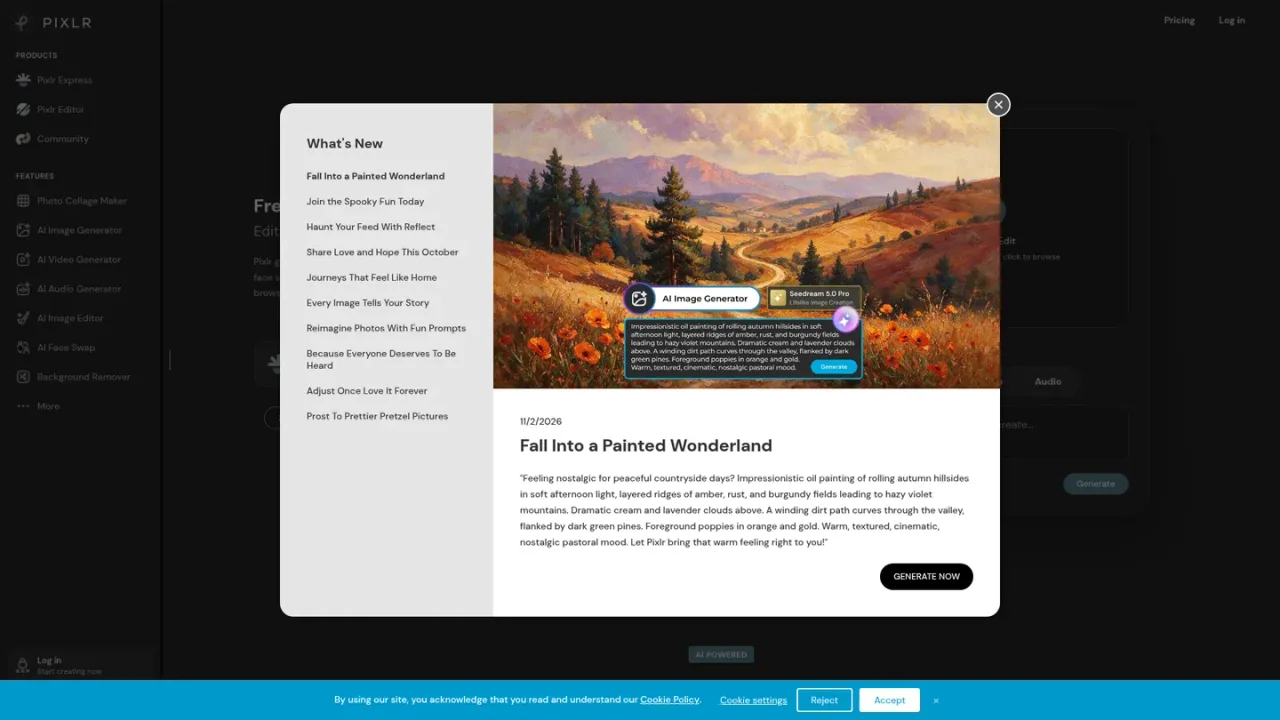
Pixlr is a browser-based suite of photo editors, design tools and AI media generators. Its core is an AI photo editor for enhancing, retouching and transforming images, supported by generative fill, expand, transform, background and object removal, super scale upscaling, face swap and an AI assistant that applies natural-language edits. Pixlr also generates images from text prompts, creates and animates video, and produces audio and speech, drawing on models such as Flux, Kling, Recraft and Veo. It suits beginners and experienced editors creating social media visuals, product photos, marketing graphics and quick image touch-ups without downloads. A free version is available, with Plus, Premium and Enterprise plans adding AI credits, ad-free editing, private mode and priority queues.
Go to Pixlr Express in your browser to edit, enhance and transform photos, or drop an image onto the homepage to start.
Use the AI Image Generator to create images from text prompts, then refine them in the editor.
Select an area and use Generative Fill, Expand or Transform to add, replace, extend or reposition content.
Use one-click background removal or draw around unwanted objects to erase them.
Apply Super Scale upscaling up to 25 megapixels, remove noise or sharpen details.
Generate video from text or images, swap faces in video, and produce speech or music from text.
Enhancing and retouching product photos for online stores
Creating social media graphics from text prompts
Removing backgrounds for clean subject isolation
Extending image boundaries with generative expand
Upscaling low-resolution images for print or web
Generating short video clips from still images
Producing voiceovers or music for media projects
Quick image touch-ups without installing software
Yes, Pixlr offers a free version with a robust set of features that does not require an account or charges. Paid Plus, Premium and Enterprise plans add advanced features, AI credits and an ad-free experience.
Pixlr offers an AI image generator, AI video generator, AI face swap, generative fill, generative expand, background removal, object removal, super scale upscaling, super sharp, denoise, generative transform and an AI instruct editor.
Pixlr states its tools are powered by models including Flux, Kling, Recraft, Veo, Qwen, Stable Diffusion, SDXL, ElevenLabs and others.
Yes, Pixlr is accessible through a web browser, and it also offers mobile and desktop versions.
Pixlr's Super Scale tool can upscale images up to 25 megapixels while preserving detail.
Yes, Pixlr offers paid Plus and Premium plans, plus an Enterprise plan for larger organizations covering users across an entire domain.
Pixlr states that it is free for Education. Education inquiries can be sent to education@pixlr.com.
Yes, Pixlr includes a video generator for text-to-video and image-to-video, face swap for video, and audio tools for text to speech, speech to text and text to music.
Official pricing checked 2026-11-10. Monthly subscription rates; yearly billing offers different monthly equivalents. AI credit limits apply.
COMMUNITY REVIEWS
No reviews yet.

AI image generator and editor that turns text prompts or uploaded images into new visuals, with free daily fast creations and slower unlimited standard mode.

All-in-one desktop photo editor with RAW development, layers, portrait retouching, and built-in generative AI tools.