Cross-Platform Quarterly
$29.99USD / per quarter, displayed offer
AI Video Editing Tools
PRODUCT OVERVIEW
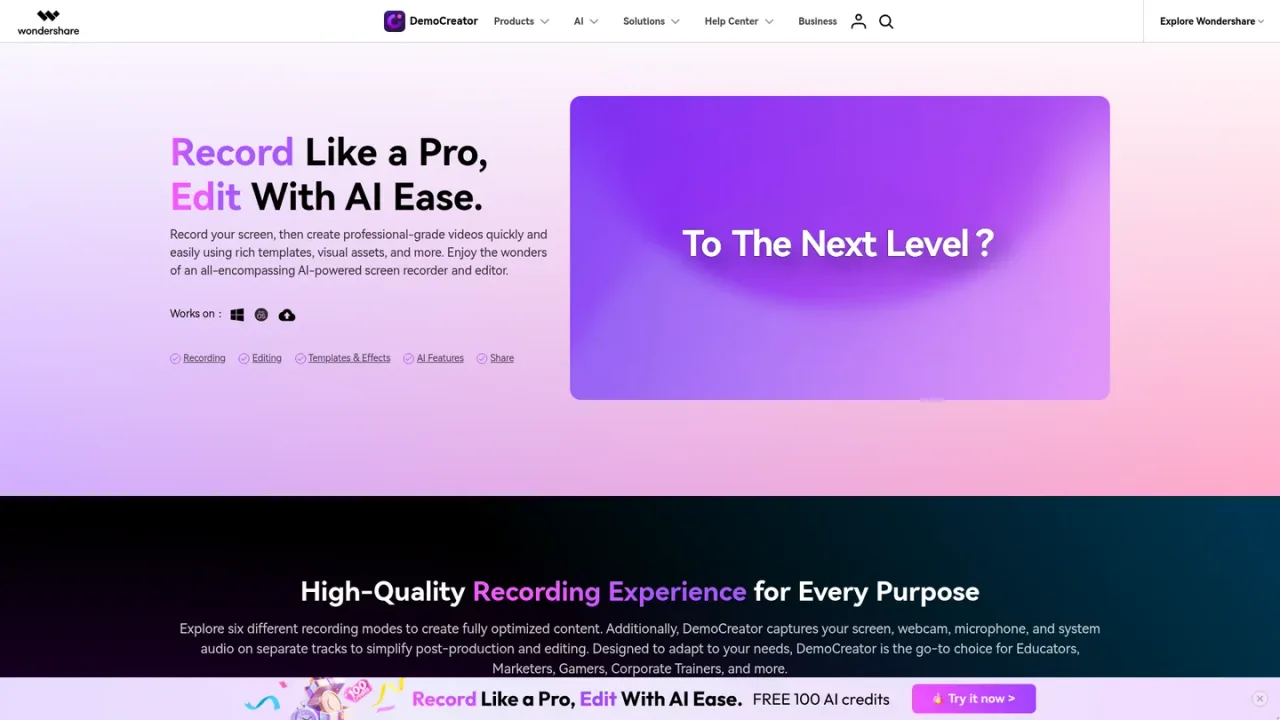
Wondershare DemoCreator is an AI-powered screen recorder and video editor for Windows and Mac, with an online recorder and Chrome extension. It captures screen, webcam, microphone and system audio on separate tracks across six recording modes, including game, virtual avatar, video presentation, camera and audio. Editing tools cover cutting, merging, resizing, speed changes and audio editing, while AI features add subtitles, voice generation, music generation, object removal, denoise, beauty filters, teleprompter, background removal and text-based editing. It suits educators, marketers, gamers, trainers and teams producing tutorials, demos and presentations. A free download is offered, with paid individual and business options.
Get the Windows or Mac version from the official site, or use the online recorder in a browser.
Select screen, game, virtual avatar, video presentation, camera or audio recording depending on your content.
Record screen, webcam, microphone and system audio on separate tracks for easier post-production.
Trim and arrange clips, then apply AI subtitles, voice generation, object removal, denoise and other effects.
Finalize the video with templates and visual assets, then export for your audience or platform.
Creating software tutorials and product demos
Recording lectures and online courses
Producing video presentations for meetings
Capturing and editing gameplay footage
Recording webcam commentary with virtual backgrounds
Generating AI subtitles and transcripts for videos
Creating avatar-led videos without appearing on camera
Editing audio with noise reduction and speech enhancement
It offers screen, game, virtual avatar, video presentation, camera and audio recording modes.
Yes, DemoCreator captures screen, webcam, microphone and system audio on separate tracks to simplify editing.
Yes, it provides access to 30 AI avatars with natural facial expressions and motions for virtual avatar recording.
AI features include subtitle generation, voice generation, music generation, object removal, denoise, beauty filters, teleprompter, background removal and text-based editing.
Yes, DemoCreator Online is a browser-based screen recording tool, and a Chrome extension is also available.
DemoCreator is available for Windows and Mac, with an online recorder and Chrome extension.
Yes, a free download is offered, and paid individual and business options are available.
Game recording supports up to 4K/8K resolution at 120fps, regardless of monitor resolution.
Official pricing checked 2026-11-10. Displayed promotional prices checked on the Windows individual store. Subscriptions auto-renew. Perpetual access applies to V8.x, not all future major versions. Optional Visual Assets trial renews at USD 15.99/month after 7 days and is separate from software.
COMMUNITY REVIEWS
No reviews yet.

AI video platform that turns PDFs, decks, documents, URLs and scripts into presenter-led training videos and courses with AI avatars, voiceovers, interactivity and translation.

Browser-based AI video editor for generating, editing, subtitling, translating and dubbing videos from prompts, images and voice.

AI video editor with an agentic editor, generative clips, auto captions, and a pro timeline for creators.