guides
How to Evaluate Workplace AI Copilots Before You Roll Them Out
A documentation-based workplace Copilot rollout guide: follow the work-data graph, check permissions, citations, stop controls, and licensing without guessing seat prices. No tenant tested.
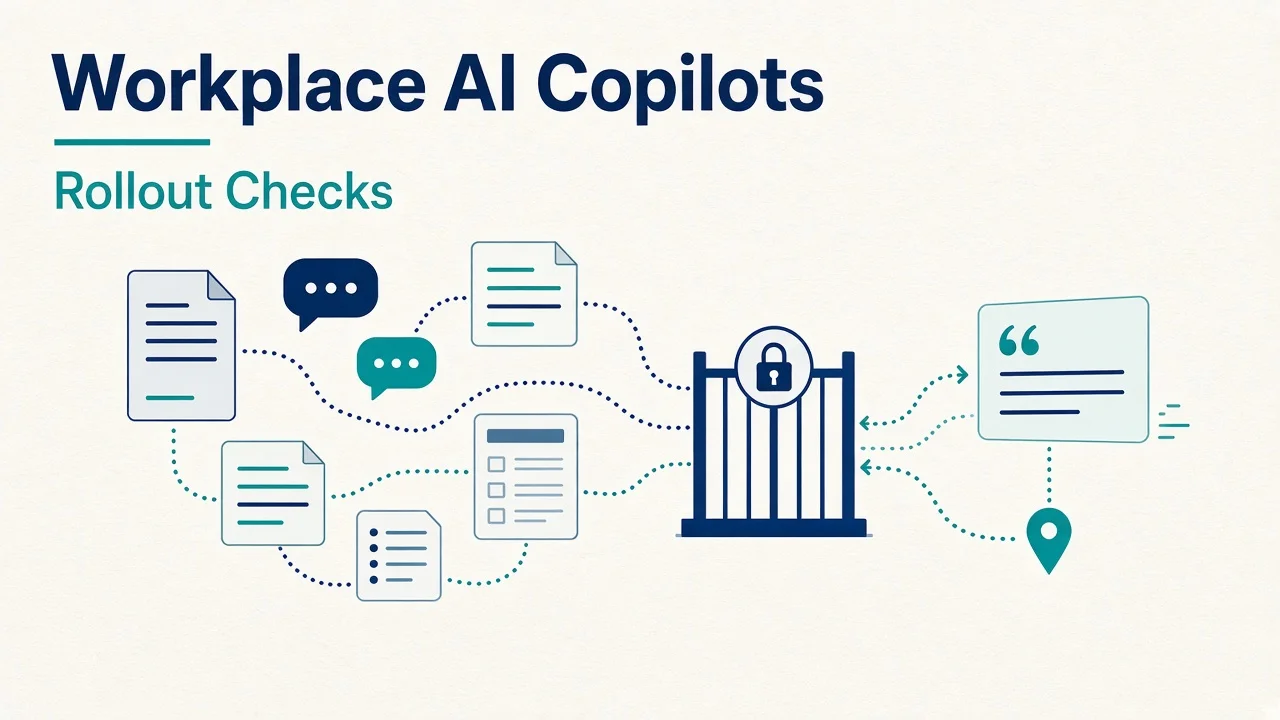
Start with where employees' work data lives. A team operating in Microsoft 365 needs a different evaluation path from one whose decisions sit in Slack threads or whose delivery process runs through Jira and Confluence. When files and answers span several services, connector coverage and permission mapping become central to the rollout decision.
Choose a narrow employee workflow, identify its authoritative sources, and specify the content a low-permission employee must never receive. Then inspect citations, administration, data handling, and the ability to stop the proposed experience. This guide is documentation-based, using official public sources checked on November 9, 2026. No tenant, employee account, connector, or workplace-data query was tested. Exact regional pricing and organization-specific SKU entitlements are not verified.
Follow the work-data graph
Microsoft 365 work
Microsoft 365 Copilot is relevant when employees' documents, email, and collaboration data are concentrated in Microsoft 365. Microsoft's documentation describes grounding through Microsoft Graph content that the user has permission to access. That supports investigating its fit for the existing environment. Your organization's sharing settings and the behavior of each proposed experience still need inspection. Microsoft data, privacy, and security documentation
Write down the exact app and task being considered. Finding a policy, summarizing an accessible document, and taking an agent action can require different controls and commercial scope. Microsoft's admin guidance explicitly says settings can vary with tenant, location, license, and plan. Require a control map for the experience employees will receive. Microsoft Copilot admin settings
Conversation-centered work
Slack AI is relevant when teams need help finding or understanding decisions in conversations. Slack's security documentation says native AI features use content members can access and describes citations that can take readers to source messages. Evaluate whether the cited message actually supports the answer and whether a thread contains a later correction. Slack AI security documentation
Keep native Slack AI features separate from third-party applications installed in a workspace. Request a feature-by-feature package and administration check. An integration appearing in an app catalog leaves its own access, processing terms, and operational behavior to review.
Atlassian work items and knowledge
Atlassian Rovo is relevant when Jira, Confluence, and connected work systems hold the information employees need. Atlassian describes Rovo through search, chat, agents, and its Teamwork Graph. Its public product positioning supports an evaluation around connected work context. Useful answers, action correctness, and rollout controls for your environment remain untested. Official Rovo overview
Atlassian's data guidelines describe synchronization with permissions in Atlassian and connected third-party apps. Review each connector's authorization model and account-mapping requirements. Include the case where a person loses access at the source, and ask how that change affects indexed content and subsequent answers. Rovo data and usage guidelines
Files spread across services
Dropbox Dash marks the cross-application search boundary in this shortlist. Its public site describes searching across work apps and producing sourced answers. Investigate it when finding dispersed information is the bottleneck. A search-and-answer demonstration leaves document editing, meeting capture, and operational actions as separate requirements. Official Dropbox Dash overview
Dropbox's admin onboarding guide describes connected-app, member, and settings management. Use it to identify the control owner and the configuration questions for a later evaluation. The presence of an app on a public page does not verify your connector type, plan access, indexing scope, or permission-update behavior. Dropbox Dash admin guide
Prepare a buying record
Record the identity provider, tenant boundaries, source applications, current subscriptions, proposed user groups, and data owners. List restricted categories such as personnel records, compensation discussions, confidential legal files, and unreleased financial material. Use fictional examples when describing those categories during procurement.
Select three typical employee questions. Each should have a known authoritative source and an owner who can explain the expected answer. Include a source that has been superseded so reviewers can inspect whether the proposed workflow distinguishes old information from the current policy.
Define acceptance before watching a demonstration. An answer should provide inspectable support, state when evidence is insufficient, and respect the intended access boundary. A useful result must also fit the employee's actual work process. Record unresolved behavior explicitly when public documentation cannot establish it.
Propose a synthetic acceptance exercise
Create a fictional workspace containing a public travel policy, an accessible project decision, an outdated draft, and a restricted compensation-planning document. Use invented project names and content. Prepare an ordinary employee role with access to the first three items and a separate reviewer role authorized for the restricted item.
Ask the same questions across proposed systems. “What is the current travel approval process?” examines policy retrieval. “Why did Project Cedar change its launch date?” examines decision context. “Where is the approved onboarding checklist?” examines navigation to an authoritative resource.
Add a negative-access question about the fictional compensation plan. The expected low-permission response must avoid disclosing its content. Ask how citations, previews, summaries, and follow-up suggestions are covered by the same boundary. Nothing in this guide reports an executed permission test or a measured pass rate.
Check the controls that govern rollout
Permissions and oversharing
Document inheritance of source permissions and the behavior of group membership, shared links, guests, and external collaborators. Existing broad access can make sensitive material discoverable even when a system follows its documented access model. Have source owners inspect those permissions before expanding discovery.
Require a future authorized check of permission changes and connector removal. Define who observes the result and how long the vendor says propagation can take. Leave the actual propagation interval unverified until it has supporting evidence for the proposed setup.
Citations and answer boundaries
Open every source attached to a proposed answer during a later authorized pilot. Check whether the source supports the specific claim, whether it is current, and whether the employee can reach it independently. A citation to a related document leaves the answer's central assertion unresolved.
Specify what the tool should do when sources disagree or a user lacks access. Ask whether an answer can combine internal material with public web results and how employees distinguish those sources. Keep source discovery, synthesis, and actions as distinct acceptance categories.
Administrative stop controls
Ask which settings apply to a user, group, workspace, app, site, connector, or individual feature. Record the administrator role required and any documented delay. Microsoft's settings guidance provides several control categories and notes that some changes belong in another service. Avoid assuming a single setting covers every experience. Microsoft admin-control guidance
Slack documents feature-access controls and additional user/group scoping on Enterprise plans. Atlassian makes a different distinction. Its trust guidance says Rovo platform apps are not removable, while AI-powered features can be managed at the app level and core features remain available. Confirm the precise stop condition before proposing a pilot cohort or rollback. Slack feature controls, Atlassian AI trust guidance
Retention, training, and abuse handling
Request separate answers for prompts, generated responses, indexed content, saved summaries, telemetry, and abuse-related processing. Ask who can retrieve each category, which policy applies, and what deletion or disconnecting a source actually does. A training statement leaves retention and administrative access as separate questions.
Microsoft states that prompts, responses, and Graph-accessed data are not used to train foundation LLMs and describes retained interaction history. Slack distinguishes ephemeral search answers from summaries saved through workflows. Atlassian states restrictions on third-party LLM training use. Treat these as scoped vendor statements, with contract, feature, and organization-specific handling still requiring review. Microsoft privacy documentation, Slack security documentation, Atlassian trust guidance
Establish licensing without guessing
Use each official commercial page to identify the proposed product and dependencies. Microsoft's checked page is an English U.S. business-pricing surface with multiple configurations. Slack's page has plan comparisons and billing-period choices. The retrieved comparison text does not reliably preserve every inclusion marker, so confirm each requested AI feature's plan access separately. No numeric seat comparison is supplied here. Microsoft business pricing, Slack pricing
Atlassian's licensing page describes Rovo availability through eligible paid Cloud plans and pooled usage credits. Record the actual app or collection, cloud deployment, enabled features, and any usage charges. The organization's current entitlement, regional commercial terms, and total rollout cost remain not verified. Dash's exact proposed price and package also remain not verified. Official Rovo licensing
Keep the evaluation focused
A general chat assistant can help with supplied text, while a workplace rollout also needs a verified route to organizational sources and governance. For everyday writing and general assistants outside a governed work-data graph, see ChatGPT vs Claude vs Gemini for Everyday Work. A meeting-summary requirement needs its own capture and retention assessment. A broad enterprise-search procurement needs deeper connector and index coverage work—use How to Evaluate Enterprise AI Knowledge Search Before You Buy when the purchase is a horizontal index rather than a native Microsoft 365, Slack, Atlassian, or Dropbox Dash path. Keep each requirement attached to the workflow being purchased.
Expand a future authorized pilot only after reviewers resolve source access, citation quality, stop controls, and commercial scope. Assign an owner for withdrawing access and documenting residual history or indexed content. A successful answer demonstration alone leaves those rollout conditions open.
FAQ
Can these tools repair existing oversharing?
Inspect the available controls and source permissions. No tenant remediation was performed or verified in this review.
Can an administrator disable everything immediately?
Control scope and timing differ by product and feature. Require a documented stop plan and verify it in an authorized environment.
Does this guide rank model intelligence?
No model benchmark was performed. The evaluation concerns work-data fit, inspectable answers, permissions, and operational controls.