reviews
Gamma vs Beautiful.ai vs Plus AI for Pitch and Sales Decks
Same five pitch/sales-deck tasks across Gamma, Beautiful.ai, and Plus AI: pick Gamma for story-first decks, Beautiful.ai for on-brand Smart Slides, and Plus AI when you must stay in PowerPoint or Google Slides—judge editability, brand lock, and export, not “most AI.”
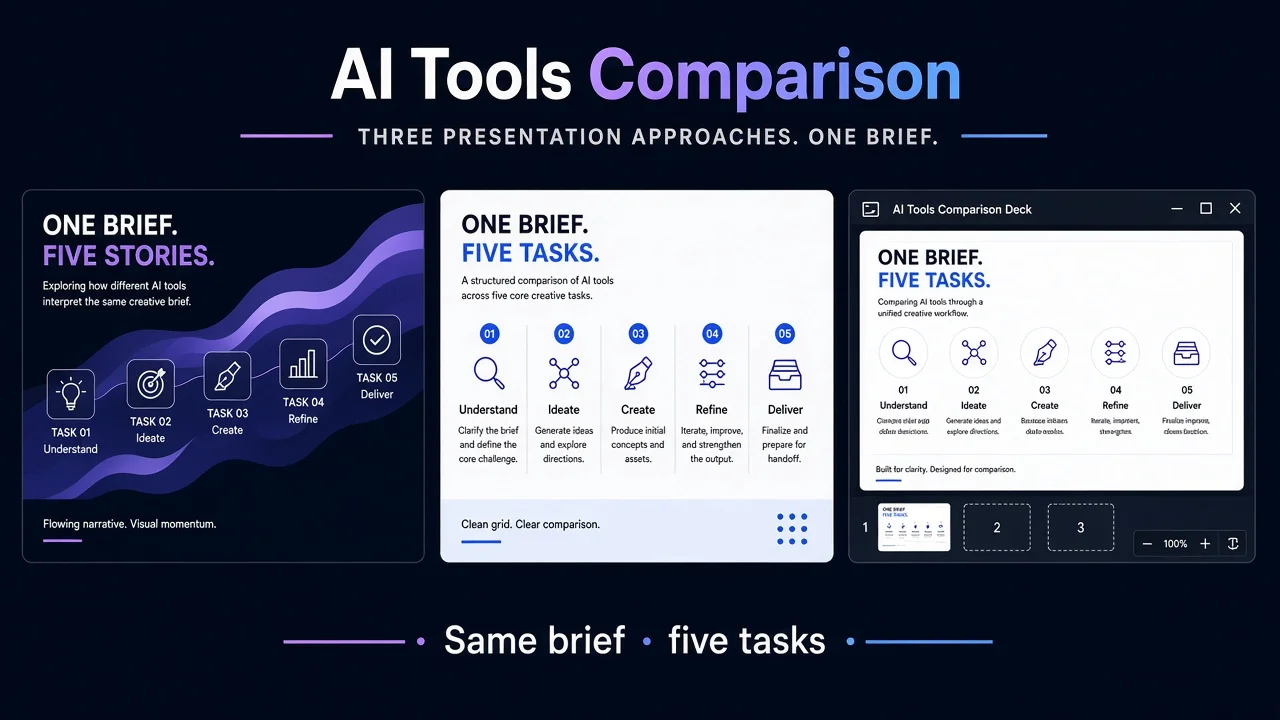
Buying the wrong deck tool costs more than a bad first draft: a week rewriting invented metrics, fighting brand drift, or learning the export is useless for your sales template. Primary: Gamma, Beautiful.ai, Plus AI. Optional adjacency only—Canva AI, AIPPT, ChatPPT, Copilot in PowerPoint—do not expand into a listicle.
Bottom line:
- Choose Gamma for narrative-first investor or internal decks (and doc↔deck flexibility) when speed beats slide-master fidelity.
- Choose Beautiful.ai when sales/marketing must ship decks that look designed under themes, Smart Slides, and shared libraries.
- Choose Plus AI when you cannot leave PowerPoint / Google Slides—corporate masters, client templates, remix-in-place.
Do not rank by “most AI.” Split by editability, brand lock, export path, and seat fit.
Findings: public docs + limited hands-on (verification 2026-11-05, Asia/Shanghai). No invented scores, accuracy %, MAU, or locked dollar prices. For the cross-vendor checklist, see How to Evaluate AI Presentation Tools Before You Subscribe.
What each product is optimized for
| Product | AINav | Public positioning (shape) | Best first fit |
|---|---|---|---|
| Gamma | /tool/gamma | Presentations, docs, websites, social from prompt/outline/file; import PPTX/PDF; export PPTX/PDF/PNG | Early pitch / story-first alignment |
| Beautiful.ai | /tool/beautiful-ai | Create-with-AI (outline → Smart Slides), 300+ auto-align layouts, themes/brand controls, PPT import/export | On-brand sales/marketing standard decks |
| Plus AI | /tool/plus-ai | Native add-on in PowerPoint & Google Slides; native PPTX; rewrite/remix; Team branding; Enterprise masters | Teams locked to PPTX/Slides workflows |
How we tested (identical five tasks)
One shared investor/sales brief. Same five checks on each tool.
| # | Shared task | What “good” looks like |
|---|---|---|
| 1 | Investor brief → ~10 editable pages + title | Editable structure; no fake metrics as fact |
| 2 | Sales one-pager + pricing page | Numbers/disclaimers survive “polish” |
| 3 | Brand: primary color + logo on 3 slides | Theme/logo hold; no palette drift |
| 4 | Export round-trip, then edit one title | Keep working; note breakage honestly |
| 5 | Public pricing / seats page | Map trial vs seat path; no invented prices |
Task 1 — Investor brief → editable outline + title
| Product | Fit | Watch-out |
|---|---|---|
| Gamma | Strong story-first draft from prompt, outline, or import; AI agent + hand edit. | Limited hands-on: scrub invented traction before send; credit caps throttle regenerations. |
| Beautiful.ai | Outline-first Create with AI, then Smart Slides—designed deck without a blank canvas. | Guardrails over freeform art; still delete hallucinated proof points. |
| Plus AI | Prompt/preset or doc→slides inside PPT/Slides you already edit. | Long prompts / document upload sit on higher public tiers—confirm plan. |
Task 2 — Sales one-pager + pricing page
| Product | Fit | Watch-out |
|---|---|---|
| Gamma | Fast one-pager/pricing cards; deck or visual-doc share. | AI copy overclaims—pin real SKUs; kill fake logos. |
| Beautiful.ai | Chart/data Smart Slides + themes keep sales decks polished. | Polish ≠ accuracy; lock legal disclaimer text. |
| Plus AI | Rewrite/Remix on an approved master without leaving PPTX/Slides. | Remix reshapes layouts—version-control the pricing slide first. |
Takeaway: Contract-tied pricing favors edit-in-place (Plus AI or locked Beautiful.ai themes) over regenerating from chat every time.
Task 3 — Brand constraints across three slides
| Product | Fit | Watch-out |
|---|---|---|
| Gamma | Brand controls / workspace templates on higher plans; fine for early pitch. | Custom branding is plan-gated; re-check after export (Task 4). |
| Beautiful.ai | Best brand-lock fit—themes, locked themes, shared asset/template libraries. | Guardrails frustrate one-off creative decks (expected trade). |
| Plus AI | Team: logo/colors/fonts on Plus templates; Enterprise: real org masters. | Basic/Pro ≠ full corporate-template fidelity—map features to the seat you buy. |
Task 4 — Export round-trip
| Product | Fit | Watch-out |
|---|---|---|
| Gamma | Help center: PDF / PNG / PPTX export; notes in PPTX; fonts often embedded. | Official caveats: no PowerPoint slide master in export; some effects fallback. Limited hands-on—edit a title post-export and inspect. |
| Beautiful.ai | Public FAQ: PPT import/export + PDF as first-class. | In-app Smart Slides ≠ identical PPT objects—spot-check charts/animations. |
| Plus AI | Usually wins: you never left PowerPoint/Slides; native PPTX is the product. | If buyers only want live Gamma/Beautiful links, keep a parallel share path. |
Task 5 — Pricing & seats (public pages only)
Re-open before annual commit; no dollar locks here.
- Gamma — gamma.app/pricing, teams: Free starter credits (no refill) → paid individual tiers (credits, branding removal, custom branding, analytics, domains, higher models) → Business/Enterprise (SSO, data controls). Map personal credits → paid seat → SSO.
- Beautiful.ai — beautiful.ai/pricing: 14-day Pro/Team trial (card required per FAQ) → individual Pro vs Team seat band vs Enterprise (SSO/SCIM/audit). Confirm AI + Smart Slides + PPT I/O on the live matrix.
- Plus AI — plusai.com/pricing: 7-day trial with fixed trial credits → Basic/Pro/Team/Max credit pools (Team branding/presets; Max for heavy daily agent use) → Enterprise template conversion. One sub covers both PPT and Slides add-ons per FAQ.
Metering note: Gamma and Plus AI burn credits on regenerate-heavy loops; Beautiful.ai’s public Pro/Team story emphasizes unlimited AI generation inside the seat—trade that against Smart Slide guardrails.
Scenario picks (not a leaderboard)
- Founder shipping a narrative raise deck this month → Gamma
- Sales/marketing needing every deck on-brand and “designed” → Beautiful.ai
- Consulting/enterprise locked to PPTX or Slides masters → Plus AI
- Already on Microsoft slide Copilot → keep Copilot in PowerPoint in scope; this bake-off is for an extra deck AI
- Canva-heavy design org → Canva AI as adjacency only
- Lighter PPT helpers after the canvas-vs-in-PPTX fork → AIPPT / ChatPPT
FAQ
When is Gamma the wrong buy?
When you need unbroken corporate slide masters, strict multi-editor brand locks, or pixel-identical PPTX round-trips. Export is a bridge, not a master guarantee.
When is Beautiful.ai the wrong buy?
When you want freeform artboards or must stay inside an existing PPTX-only pipeline—use Plus AI for the latter.
When is Plus AI the wrong buy?
When the team wants a web-native multi-format pitch surface and nobody opens PowerPoint/Slides.
What did we not measure?
Live investor meetings, win-rate lift, full SSO rollouts, or pixel diffs under every theme. Generation/brand/export notes are limited hands-on.
How to re-check pricing before annual commit?
Open the three pricing URLs side by side on purchase day; record trial length, credit/seat metering, branding gates, and export rights for your tier. Do not paste blog dollar figures into a SOW.
Related on AINav
- Gamma · Beautiful.ai · Plus AI · Canva AI · AIPPT · ChatPPT · Copilot in PowerPoint
- How to Evaluate AI Presentation Tools Before You Subscribe
List your AI tool → /submit