
Business with Brain²
$17USD / per user/month, billed yearly, displayed offer
AI Task Management Tools
PRODUCT OVERVIEW
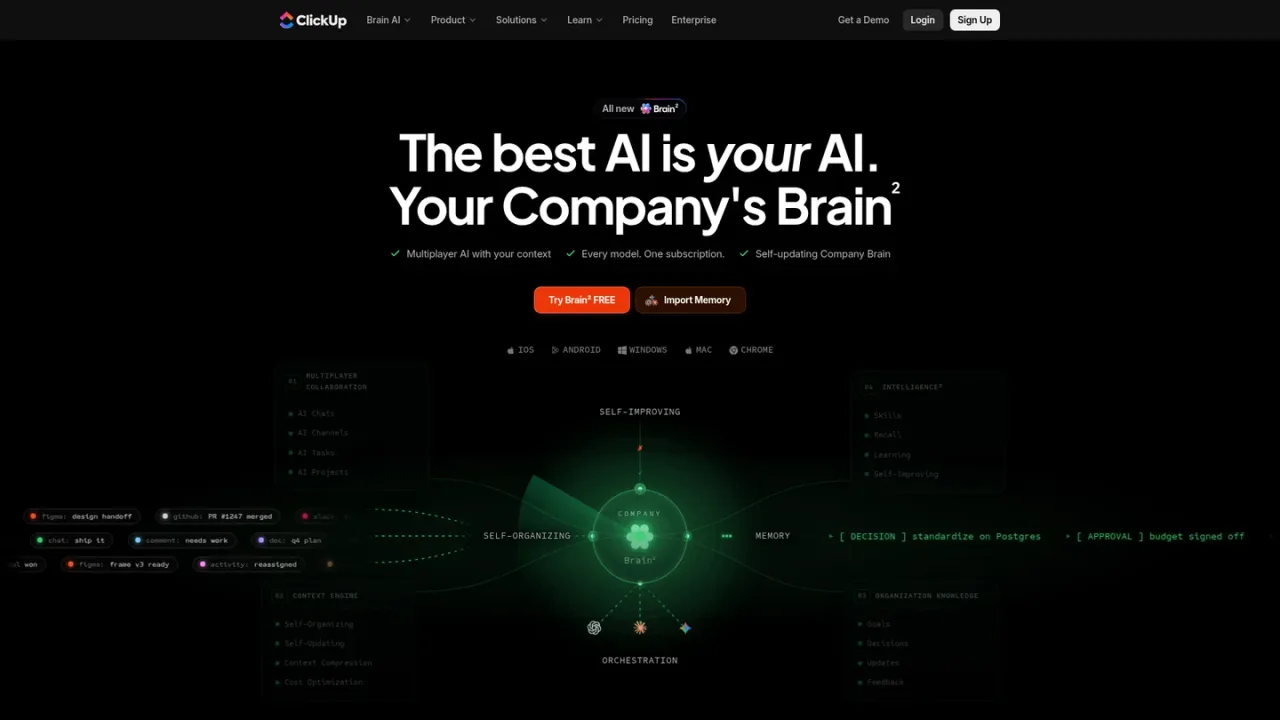
ClickUp Brain is an AI layer built into the ClickUp work platform. It draws on your tasks, docs, and conversations to answer questions, draft content, plan projects, and produce finished deliverables such as slide decks, dashboards, pages, and prototypes. Brain² routes each job to a suitable frontier model and supports multiplayer AI chats, channels, and tasks with persistent context. Teams can teach it skills and workflows, and it can join calls to take notes. It is aimed at project managers, engineering leads, marketers, founders, and operations teams that want AI grounded in their existing work. Access is available through the web app, desktop, mobile, and a Chrome extension, with a free trial and paid plans.
Open ClickUp Brain in the web app or desktop client and start a threaded AI chat with shared, persistent context.
Ask questions or request deliverables; Brain draws on tasks, docs, and conversations already in your workspace.
Define a repeatable workflow as a skill so Brain can run it on command without re-prompting.
Request a slide deck, dashboard, page, or prototype and review the finished output before sharing.
Install the iOS, Android, or Chrome app to access Brain outside the main web workspace.
Project managers planning and rebalancing the week
Engineering leads triaging and running engineering work
Marketing managers shipping campaigns end to end
Founders and CEOs using an always-on chief of staff
Operations leads keeping teams in sync
Agencies managing every client account
It is an AI layer inside ClickUp that uses your workspace context to chat, plan work, and produce deliverables such as decks, dashboards, and pages.
Yes. The page says Brain sees your tasks, docs, and conversations and builds context from workspace activity.
The page says Brain² routes each job to a suitable frontier model, naming GPT, Claude Opus, and Gemini among the models shown.
Yes. Skills let you define repeatable workflows that Brain runs on command without re-prompting.
The page lists slide decks, dashboards, pages, tools, prototypes, and rendered charts from workspace data.
Yes. The Brain page offers a free trial of Brain² with no card required.
The page states unlimited starts at $9; full plan details are on the ClickUp pricing page.
It is available through the web app, desktop, iOS and Android apps, and a Chrome extension.
Official pricing checked 2026-11-10. Current displayed yearly offers; regular displayed rates are USD 25 and USD 120/user/month respectively. AI allowances apply; extra 10,000 credits cost USD 10. Free/Core include a Brain trial, so they are not listed as full ongoing Brain plans. Workspace-wide upgrade required.
COMMUNITY REVIEWS
No reviews yet.
Notion AI is a built-in AI teammate inside Notion that chats, searches, writes, and automates work across your pages, databases, and connected apps.