
Junie Lite
$0USD / month
A free model available in every JetBrains account, with no trial and no card required.
- Free model always on
- Works with any AI model via BYOK
- Supports locally running models
- AI usage billed separately
AI Coding Assistant
PRODUCT OVERVIEW
JetBrains Junie is an AI coding agent from JetBrains that works inside JetBrains IDEs, from the terminal via Junie CLI, and headless in CI/CD pipelines through GitHub Actions and GitLab CI/CD. It supports advanced plan mode, live prompting, human-in-the-loop approvals, agentic debugging, remote monitoring, custom guidelines and subagents, and MCP integration. Junie works with 10+ models via bring-your-own-key, including locally running models. Access options include Junie Lite, a free model in every JetBrains account, and JetBrains AI Pro or AI Ultimate subscriptions with monthly AI credits and top-ups.
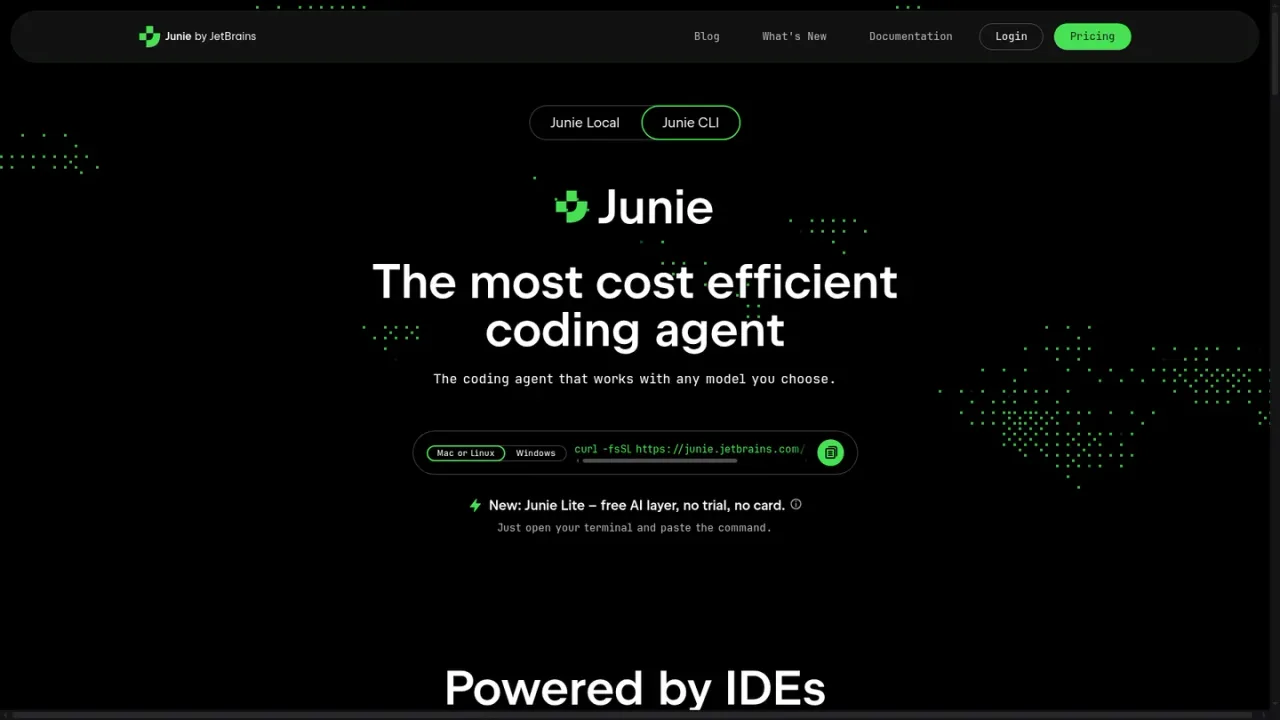
Run the install script for Mac or Linux, or use the Windows installer, then start Junie from your terminal.
Open the AI chat in a JetBrains IDE and invoke the Junie agent to work across your project.
Choose from supported models via bring-your-own-key, or use the free Junie Lite model included with a JetBrains account.
Use Plan Mode to write structured requirements, design, and delivery stages in .junie/plans before Junie touches code.
Use the Junie GitHub Action or GitLab CI/CD integration to run AI tasks from issues and pull requests.
Planning and implementing code changes across a project
Running migrations such as Spring Boot upgrades
Debugging JVM applications with real breakpoints
Automating tasks from GitHub issues and pull requests
Adding test coverage with agent assistance
Coordinating parallel subtasks with custom subagents
Junie runs in JetBrains IDEs, in the terminal via Junie CLI, and headless in CI/CD environments through GitHub Actions and GitLab CI/CD.
Yes. Junie supports 10+ models via bring-your-own-key, including locally running models.
Junie Lite is a free model available in every JetBrains account, with no trial and no card required. AI usage is billed separately.
Plan Mode writes structured plan requirements, design, and delivery stages in .junie/plans before touching code, and you can approve or redirect the plan.
Yes. Live Prompting lets you change direction mid-task without starting over, and human-in-the-loop approvals let you review key actions.
Junie can start a real debugger, set breakpoints in .class files and JARs, inspect runtime state, and step through code in autonomous, user-assisted, or semi-auto modes.
AI Pro includes 10 AI Credits per 30 days and AI Ultimate includes 35 AI Credits per 30 days, with anytime top-ups available.
Yes. MCP integration lets you extend Junie with custom tools, databases, and APIs, and a configuration assistant is included.
Prices shown are annual billing rates per user per month. AI usage is billed separately for Junie Lite and BYOK. Top-ups are available for AI Pro and AI Ultimate.
A free model available in every JetBrains account, with no trial and no card required.
AI-assisted coding and extensive AI chat usage, plus the option to try Junie.
A higher cloud credit limit for more frequent use of coding agents, recommended for regular Junie work.
COMMUNITY REVIEWS
No reviews yet.