
Free
$0USD / free tier
AI Video Editing Tools
PRODUCT OVERVIEW
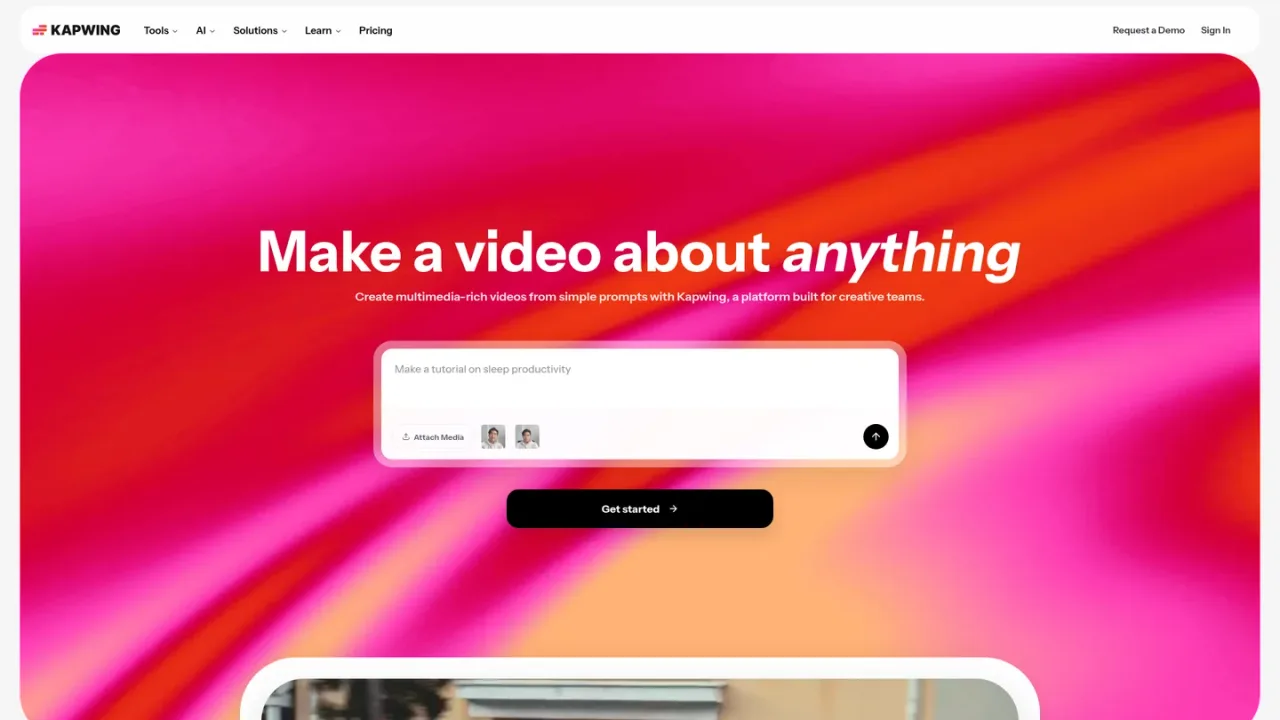
Kapwing is a browser-based video creation platform built for creative teams, marketers, educators, and content creators. It combines a drag-and-drop timeline editor with AI-powered tools that generate videos from text prompts, create scripts and B-roll, auto-subtitle and translate captions, dub dialogue into 40+ languages, remove silences, clean audio, and repurpose long videos into social-ready clips. Teams can collaborate in shared workspaces, maintain brand kits and custom fonts, and export in up to 4K. Kapwing is accessible through a free plan with watermarked exports and limited credits, plus paid Pro, Business, and Enterprise tiers that add watermark-free exports, longer videos, more storage, and advanced AI features. It also connects to AI agents via the Model Context Protocol.
Sign in at kapwing.com and open the studio editor to begin a new video project without installing software.
Upload your own clips or use the AI Video Generator to create a video from a text prompt with voiceover, visuals, subtitles, and music.
Trim, combine, and arrange clips on the drag-and-drop timeline, then add overlays, transitions, and effects.
Use auto-subtitling to caption your video and dubbing to translate dialogue into other languages.
Invite teammates to comment or edit in the shared workspace, then export as MP4, GIF, MP3, or images.
Marketers producing consistent social media and ad videos
Educators creating subtitled instructional videos
Content creators repurposing long videos into short clips
Internal comms teams localizing video updates across offices
Podcasters cleaning audio and generating transcripts
Small teams collaborating on video projects in a shared workspace
Yes, Kapwing offers a free plan with 10 credits, watermarked exports, videos up to 4 minutes, 720p quality, and 5 GB of storage. Paid plans remove the watermark and add more credits and features.
No, Kapwing does not currently offer a free trial for its paid plans. Its tools are available for free so you can try them before upgrading.
Yes, paid plans are recurring subscriptions. Annual billing is available and saves 33% compared to monthly billing.
Credits are used for AI features such as auto-subtitling, text to speech, dubbing, and other premium generative tools. Each plan includes a monthly credit allowance.
Yes, Pro, Business, and Enterprise plans allow watermark-free exports for all projects. The Free plan includes unlimited exports with a watermark.
The Free plan exports up to 720p and 4 minutes long. Paid plans export in 4K resolution and up to 120 minutes long.
Yes, paid plans include a collaborative shared workspace with commenting, project link sharing, real-time collaboration, and team member invitations.
Yes, Kapwing can be connected to AI agents via the Model Context Protocol (MCP) using the URL https://www.kapwing.com/mcp, with integrations for Claude and ChatGPT.
Official annual-plan display and currency FAQ checked 2026-11-09. Prices are USD; paid credits are limited and extra credits may cost more. Free exports carry a watermark; paid-plan trial is not offered.
COMMUNITY REVIEWS
No reviews yet.

Browser-based AI video editor for generating, editing, subtitling, translating and dubbing videos from prompts, images and voice.

Browser-based AI photo and video editor with templates, auto captions, text-to-speech, background removal, and AI generation tools.

AI video and audio editor that lets you edit by editing text, with an AI co-editor, transcription, recording, and AI tools.